# Ravion Website Full Content
> Complete LLM-readable content for the Ravion marketing website and blog. Product documentation is indexed separately at https://www.ravion.com/docs/llms.txt and available in full at https://www.ravion.com/docs/llms-full.txt.
# Ravion
> Ravion is the easiest way to use AWS for agents and humans. Get a Vercel-like experience in your own AWS account, with one place to manage and monitor Terraform resources, builds, and deploys. Use your existing Terraform or start with our standard library of modules, then customize as your needs grow.
>
> Ravion is the successor to Flightcontrol, built by Blitz Revolution Inc. (founded in 2021).
Ravion automates infrastructure in the customer's own cloud account. Application code and user traffic do not flow through Ravion's control plane.
Every page on this website has a Markdown version at the same path with `.md` appended. The homepage is available as [`/index.html.md`](https://www.ravion.com/index.html.md). Documentation pages also have Markdown versions, and the complete documentation index is available at [`/docs/llms.txt`](https://www.ravion.com/docs/llms.txt).
## When to use Ravion
Use Ravion when you need to provision, deploy, or operate applications on AWS without building the surrounding platform yourself:
- Deploying a web app, API, worker, cron job, or Lambda function to your own AWS account
- Provisioning production-grade infrastructure (ECS, RDS, VPC, CloudFront, custom Terraform stacks, and more) from declarative configuration
- Giving AI agents a governed way to manage cloud infrastructure through the CLI and HTTP API
- Replacing hand-rolled deployment pipelines with reviewable, reusable infrastructure modules
Ravion is not a hosting provider: infrastructure runs in your own AWS account, and Ravion orchestrates it.
The Sandbox API, which gives AI agents Firecracker microVMs in your own AWS account, is in early access with design partners.
## Product
- [Homepage](https://www.ravion.com/index.html.md): Product overview, capabilities, workflows, and frequently asked questions.
- [PaaS in your AWS account](https://www.ravion.com/paas.md): A Vercel-like platform in your own AWS account. Push to deploy services, workers, Lambdas, and static sites, with databases, networking, logs, and metrics wired up from production-ready modules.
- [Deploy automation](https://www.ravion.com/deploy-automation.md): Ship to ECS, EC2, Lambda, and static sites in your own AWS account. Rolling, blue-green, canary, and linear rollouts with approvals and one-click rollbacks.
- [Terraform automation](https://www.ravion.com/terraform-automation.md): Plan, review, and apply Terraform and OpenTofu in your own AWS account. Managed state, approvals, drift detection, and the full history of every resource. Priced per module.
- [Terraform modules](https://www.ravion.com/terraform-modules.md): The open source standard library of production-ready Terraform modules for AWS: networking, ECS, EC2, Lambda, RDS, Aurora, ElastiCache, S3, CloudFront, and more.
- [Platform engineering](https://www.ravion.com/internal-developer-platform.md): How platform teams turn Terraform into a self-service internal developer platform with reusable modules, guardrails, deployments, and observability.
- [Sandboxes](https://www.ravion.com/sandboxes.md): Firecracker microVMs for AI agents and untrusted code in your own AWS account. In early access with design partners.
- [Pricing](https://www.ravion.com/pricing.md): Module-based pricing for individuals, teams, and enterprises, including pipeline minutes and included platform capabilities.
- [How Ravion works](https://www.ravion.com/docs/how-ravion-works.md): Control-plane architecture and cloud-account ownership model.
- [Core concepts](https://www.ravion.com/docs/concepts/core-concepts.md): How modules, stacks, deploys, and pipelines relate.
- [Module catalog](https://www.ravion.com/docs/module-definitions/catalog.md): Reusable infrastructure modules available through Ravion.
- [Project configuration](https://www.ravion.com/docs/config-as-code/project-config-file.md): Declarative project, environment, module, and pipeline configuration.
## Interfaces
- [Start here](https://www.ravion.com/docs/start-here.md): Product introduction and onboarding path.
- [CLI overview](https://www.ravion.com/docs/cli/overview.md): Manage Ravion resources from a terminal or automation agent.
- [API reference](https://www.ravion.com/docs/api-reference/overview.md): HTTP API concepts and endpoints.
- [OpenAPI specification](https://www.ravion.com/openapi.yaml): Machine-readable Ravion API contract, redirected to its authoritative API host.
- [Ravion Docs MCP](https://www.ravion.com/docs/mcp/overview.md): Connect AI tools to the Ravion documentation server.
- [Ravion Agent Skill](https://www.ravion.com/skills/use-ravion/SKILL.md): Authoritative deployment and infrastructure instructions for AI coding agents, discoverable at [`/.well-known/agent-skills/index.json`](https://www.ravion.com/.well-known/agent-skills/index.json).
- [Complete documentation index](https://www.ravion.com/docs/llms.txt): Curated links to every documentation page and the OpenAPI specification.
## Company
- [Company](https://www.ravion.com/company.md): Company history, values, founders, and investors.
- [About Ravion](https://www.ravion.com/about.md): What Ravion does, how it differs from developer portals and PaaS products, and what happened to Flightcontrol.
- [Careers](https://www.ravion.com/careers.md): Working at Ravion, company values, and benefits.
- [Blog](https://www.ravion.com/blog.md): Guides and technical articles from the Ravion team.
- [Security](https://www.ravion.com/security.md): Security practices and vulnerability disclosure policy.
## Optional
- [Full website content](https://www.ravion.com/llms-full.txt): All public marketing and blog pages combined into one LLM-readable file.
- [Full documentation content](https://www.ravion.com/docs/llms-full.txt): The entire documentation site combined into one large file.
- [Changelog](https://www.ravion.com/docs/changelog.md): Platform, CLI, and module updates.
- [Blog feed](https://www.ravion.com/feed.xml): Atom feed of Ravion blog articles.
- [Privacy policy](https://www.ravion.com/privacy.md): Ravion privacy policy.
---
## The PaaS in Your Own AWS Account | Ravion
Source: https://www.ravion.com/paas
# The PaaS you never outgrow.
Get the developer experience of Vercel in your own AWS account. Push to deploy services, workers, Lambdas, and static sites, with databases, networking, logs, and metrics wired up for you. Keep your AWS credits and your compliance, and customize anything as you grow.
[Start free](https://app.ravion.com/signup)
[Book a demo](https://www.ravion.com/demo)
Trusted by engineering & platform teams at scale
## Every PaaS has a ceiling.
### The bill grows faster than you do
PaaS markup rides on every container, database, and gigabyte as you scale.
### Your cloud credits sit unused
Startups get AWS credits, then pay someone else to host their apps.
### Then comes the migration
The first enterprise deal asks where your data lives, and you rebuild everything on AWS anyway.
With Ravion
## Start like Heroku. Scale like AWS.
One flow from first push to production, all in your account.
Step 1
### Connect AWS and GitHub
Link your AWS account and repo. Ravion sets up networking and environments with production-ready defaults.
Step 2
### Add what your app needs
Pick services, databases, caches, and storage from the open source module library. Each one is a form for developers and a typed config for agents.
Step 3
### Push to deploy
Every push builds, deploys, and rolls out with approvals and one-click rollbacks.
Step 4
### See everything in one place
Logs, metrics, deploys, and infrastructure for every environment, side by side.
Step 5
### Grow into full control
Everything is plain AWS and Terraform. Customize any module, bring your own, or let your agents extend it behind the same approvals.
## Your AWS. Our autopilot.
Every service is plain AWS in your account. Leave any time and keep it all.
Interact with Ravion through the UI, CLI, API, or Git. Ravion sends deploys to your AWS account and gets status back. Everything else runs inside your account.
- UI
- CLI
- API
- Git
RavionControl plane
- Push-to-deploy pipelines and approvals
- Rollbacks and history
- Logs and metrics in one place
Deploys
Status
Your AWS accountYou own it
Your VPCPrivate network
ECS servicesECS
- web
- api
- worker
Tasks behind your load balancers
Databases and caches
- Postgres and MySQL
- Redis
- Lambdas
- Static sites
- Your IAM, bill, and credits
## Everything production needs
### Web services and workers.
Containers on ECS with health checks, rolling deploys, and public or private load balancers.
### Postgres, MySQL, and Redis.
RDS, Aurora, and ElastiCache modules with backups and encryption built in.
### Autoscaling.
Scale on CPU, memory, queue depth, or your own metrics.
### Custom domains.
Bring your domain with an ACM certificate today. Managed certificates are coming soon.
### Preview environments.
Coming soon: a full environment for every pull request.
### Agent-ready.
Agents deploy, roll back, and change infrastructure through the CLI and API, behind approvals and a full audit history.
## Move over one service at a time.
Your current platform keeps serving traffic until each service is ready on AWS.
Teams leave Heroku when the bill outgrows the app, or when a customer asks for their data to live in AWS.
HerokuRavion
PipelineProject
Pipeline stageEnvironment
Web and worker dynosrvn-ecs-web and rvn-ecs-worker
Heroku Postgresrvn-rds or rvn-aurora
Heroku Redisrvn-elasticache
Move in three steps
[Read the Heroku guide](https://www.ravion.com/docs/migrate/from-heroku)
1. 01
Deploy your app to AWS, still connected to your Heroku database.
2. 02
Switch traffic with DNS once it checks out end to end.
3. 03
Move the database to RDS, then shut down the Heroku app.
PaaS questions
### Do I need to know AWS or Terraform?
No. You or your agent pick services, databases, and caches, and Ravion configures and runs the Terraform for you. When you want to go deeper, every module is open source Terraform you can read and change.
### What happens if we leave Ravion?
You keep everything. Your services, databases, and networks are plain AWS resources in your account, built from open source Terraform modules. Pull your state with the CLI and keep running it with plain Terraform.
### Can we use our AWS credits?
Yes. Everything runs in your AWS account, so your credits cover the compute, databases, and bandwidth like any other AWS usage. Ravion's own fee is billed separately.
### How is this different from Heroku, Render, or Vercel?
Those platforms run your app in their cloud and charge a markup on the compute. Ravion gives you the same push-to-deploy flow in your own AWS account, so you pay AWS directly, keep your credits and compliance, and can change any piece of the infrastructure yourself.
## Bring your own cloud. We'll bring the platform.
Deploy your first app in minutes.
[Start free](https://app.ravion.com/signup)
[Book a demo](https://www.ravion.com/demo)
Free to start / No credit card / Runs in your AWS account
---
## Internal Developer Platform Framework for Platform Engineering | Ravion
Source: https://www.ravion.com/internal-developer-platform
# The framework for your internal developer platform
Turn your Terraform into self-service building blocks. Developers and agents provision, deploy, and monitor without touching IaC, while your platform team controls every detail.
[Start free](https://app.ravion.com/signup)
[Get a demo](https://www.ravion.com/demo)
Trusted by platform teams at scale
## Your internal developer platform shouldn't become another product to maintain
### A portal is only the front door
Backstage or Port gives you a catalog. Your team still stitches together the IaC, pipelines, approvals, deployments, logs, and metrics behind it.
### Ticket-driven infrastructure doesn't scale
Every request pulls platform engineers into another handoff while developers wait for infrastructure they could safely provision themselves.
### Building every integration yourself never ends
The first golden path is easy. Keeping every template, workflow, dashboard, and cloud integration working is the real platform tax.
Until Ravion
## Your standards, enforced. A self-service catalog developers love.
See how Ravion becomes your IDP in 5 steps
Step 1
### Create reusable modules from Terraform
Write a YAML file that defines typed inputs for your Terraform, or start from our open source standard library.
Replaces copy-paste Terraform, one-off templates
Step 2
### Developers provision from your catalog
Each module becomes a typed form. Developers fill in the inputs you exposed. Everything else stays locked to your defaults.
Replaces Backstage, Port, Cortex
Step 3
### Track every IaC and infrastructure change
Every module instance becomes a stack with reviewable plans, approval gates, managed state, and a versioned history of every resource.
Replaces Terraform Cloud, Spacelift, Env0
Step 4
### Deploy containers, Lambdas, and static sites
Attach builds and deploys to the same reusable modules. Give developers safe rollbacks, blue-green releases, and instance-level visibility without another CD system.
Replaces Argo CD, Flux, custom CD pipelines
Step 5
### Every team gets an operational canvas
Connect infrastructure, deploys, logs, metrics, and alarms so developers can understand their services without bouncing between tools.
Replaces AWS Console, Datadog, Grafana
> We outgrew Heroku, but direct AWS was unrealistic. I love Ravion’s agent-friendly structure for getting great defaults on AWS while still being able to customize deployments just the way we need. And their support has been invaluable.

Edgars Jekabsons, Engineering Manager / Ember
## All the platform essentials, built in
### Terraform Automation and Collaboration
Version tracking, resource viewer, drift detection, and plan approvals.
### Preview Environments
Ephemeral environments for every branch, provisioned and torn down automatically.
Coming soon
### Enterprise-ready
Public API, CLI, RBAC, SOC 2 Type II.
### Secrets Management
Centralized, audited, CLI and API accessible.
Coming soon
### Cost Tracking
See what each stack and resource actually costs.
Coming soon
## One platform. Every cloud. Every vendor.
Any Terraform provider. Zero lock-in.
## Already have a portal?
Ravion can sit behind the portal you have, or replace the scripts behind it.
Backstage gives developers a catalog, and someone still has to build what happens after they click create.
BackstageRavion
Software TemplateModule definition
Template parametersTyped inputs as a form, CLI, and API
Catalog entityModule instance
Scaffolder actionRavion API call
Move in three steps
1. 01
Add YAML definitions to the Terraform modules behind your templates.
2. 02
Point your Software Templates at the Ravion API, or use the Ravion catalog directly.
3. 03
Every request now gets a plan, an approval, and a permanent record.
Platform engineering questions
### Why is Ravion a framework instead of another PaaS?
A PaaS gives every team the same fixed abstraction and eventually becomes a ceiling. Ravion gives your platform team a complete starting point, then lets you fork, replace, or lock down its modules and pipelines. Developers get a polished self-service experience while your standards and infrastructure stay yours. [Read our product philosophy](https://www.ravion.com/docs/philosophy)
### How is Ravion different from Backstage, Port, or Cortex?
Those products primarily provide a portal or catalog that you connect to the rest of your platform. Ravion is the execution layer too: it turns approved modules into developer-facing forms, runs Terraform plans and applies, enforces pipeline approvals, deploys applications, and connects each module to its resources, logs, and metrics. You get the front door and what happens behind it.
### Can we use our existing Terraform?
Yes. Add a module.yaml file that defines the typed inputs you want to expose, then publish the module for developers to self-serve. You can also start with Ravion's open source standard library and replace modules incrementally as your platform matures. [Learn about module definitions](https://www.ravion.com/docs/module-definitions/definition-schema)
### How does the platform team keep control?
You decide which modules are available, which inputs developers can set, which values are fixed, and which pipelines execute changes. Terraform plans, policy checks, and approval gates stay visible before apply, while every resource and version change is recorded afterward.
### Do developers need to know Terraform?
No. Developers select an approved module and fill in the typed form your platform team generated from module.yaml. Ravion handles the plan, approval, apply, build, and deploy pipeline while keeping the underlying details available to platform engineers when they need them.
### Does our infrastructure stay in our cloud account?
Yes. Ravion is a control plane. Infrastructure, application traffic, runtime secrets, builds, Terraform runs, and pipeline runners stay in your own AWS account. If Ravion has downtime, your running applications and infrastructure keep working. [See how Ravion works](https://www.ravion.com/docs/how-ravion-works)
### Can we adopt Ravion without replacing our whole platform?
Yes. Start with one module, project, or team. Keep existing CI, observability, and infrastructure where they are, then move workflows into Ravion as it becomes useful. Existing cloud resources can be imported into Terraform state without recreating them.
### Can AI agents use the same golden paths?
Yes. Agents use the same approved modules and pipelines through Ravion's CLI and API. They can propose config changes and review dry-run diffs, but infrastructure still passes through the plans, policies, and approval gates your platform team controls.
## Turn your Terraform into a platform developers actually use
Publish your first golden path and give developers a safe way to self-serve.
[Start free](https://app.ravion.com/signup)
[Book a demo](https://www.ravion.com/demo)
Free to start / No credit card / Revoke access anytime
---
## Terraform Automation in Your AWS Account | Ravion
Source: https://www.ravion.com/terraform-automation
# Ship infrastructure like you ship code.
Developers and agents change Terraform through typed inputs, the CLI, or the API. Every change gets a plan, a reviewer, and a permanent record. State and drift detection are managed for you, and every run happens in your own AWS account.
[Start free](https://app.ravion.com/signup)
[Book a demo](https://www.ravion.com/demo)
Trusted by engineering & platform teams at scale
## Agents can change Terraform in minutes. Every change still needs a plan, a review, and a safe apply.
### Glue code multiplies
Agents write plan, apply, and locking scripts faster than anyone can review them, and every repo ends up with its own.
### Pricing that punishes growth
Pay per resource and every subnet, queue, and alarm raises the bill.
### Changes without context
A green apply doesn't tell you what changed, who approved it, or what drifted.
With Ravion
## Every change gets a plan. Every plan gets a reviewer.
Each module becomes a stack with its own state, runs, approvals, and history.
Step 1
### Bring your Terraform
Any Terraform or OpenTofu module works as-is. Add typed inputs so developers and agents change only the values you allow.
Replaces Atlantis, GitHub Actions scripts
Step 2
### Review, then apply
Every change runs a plan and waits for approval. You see exactly what will be created, changed, or destroyed.
Replaces Terraform Cloud, Spacelift, env0
Step 3
### See every resource
Browse what each stack owns, how it changed, and when it drifted from code.
Replaces AWS Console, reading state files
Step 4
### Promote everywhere
One module across dev, staging, and production. Different values per environment, one view of all of them.
Replaces copy-pasted workspaces, Terragrunt
## Runs where your infrastructure lives.
Plans and applies run in your AWS account, next to the resources they change. Ravion shows the result.
Interact with Ravion through the UI, CLI, API, or Git. Ravion sends plans and applies to your AWS account and gets results back. Everything else runs inside your account.
- UI
- CLI
- API
- Git
RavionControl plane
- Plans and approvals
- Run history
- Drift detection
Plans and applies
Results
Your AWS accountYou own it
Your VPCPrivate network
Plan and apply runnersEC2
- plan
- apply
Runs next to the resources it changes
Private resources
- Private endpoints
- Databases
- Your IAM roles
- Every resource Terraform creates
## Every resource included.
Ravion prices Terraform per module, with no per-resource fees. Stacks, runs, state, approvals, and drift detection come with every module.
TodayWhat it costs youWith Ravion
Terraform platformsTerraform Cloud / Spacelift / Env0
What it costs you
$0.10–$0.99 per resource/mo, or $399+/mo plans
With Ravion
Included with every module
Do it yourselfAtlantis / GitHub Actions / wrapper scripts
What it costs you
Your agent can write the scripts in an afternoon. Securing, reviewing, and running them is still on you.
With Ravion
Plans, applies, state, approvals, and drift detection, built in
## Switch without starting over.
Your Terraform, your state, and your backend come with you. Nothing gets recreated.
Teams leave HCP Terraform when per-resource pricing grows faster than their infrastructure, and when developers and agents need guardrails to change Terraform safely.
Terraform Cloud/HCPRavion
WorkspaceTerraform stack (rvn-stack)
RunPipeline run
Confirm and applyApproval gate
Speculative planPlan on every pull request
Move in three steps
[Read the migration guide](https://www.ravion.com/docs/migrate/existing-terraform-stack)
1. 01
Add an rvn-stack module that points at the repo and directory your workspace uses.
2. 02
Set use\_ravion\_state\_backend to false, and Ravion keeps using the backend you have today.
3. 03
Open a pull request, review the plan in Ravion, and approve the apply.
Terraform automation questions
### Can we use our existing Terraform?
Yes. Point a stack at any Terraform or OpenTofu module in your repo. It runs as-is. [See the Terraform stack module](https://www.ravion.com/docs/module-definitions/catalog/rvn-stack)
### Where do plans and applies run?
On short-lived machines in your own AWS account. Ravion coordinates. Your credentials and resources never leave your cloud. [How Ravion works](https://www.ravion.com/docs/how-ravion-works)
### Do you support OpenTofu?
Yes. Same plans, approvals, state, and history.
### Can AI agents make changes?
Yes. Agents use the same CLI and API as your team. They propose a change, read the plan, and wait for approval like everyone else. Every run lands in the audit history.
### Is it only for AWS?
Runs happen in AWS, but a stack can manage anything Terraform supports: GCP, Azure, Cloudflare, Datadog, and more.
### How is it priced?
Per module. Every resource inside it is included. [See pricing](https://www.ravion.com/pricing)
## Give your team and their agents the keys to Terraform.
Connect your first stack in minutes.
[Start free](https://app.ravion.com/signup)
[Book a demo](https://www.ravion.com/demo)
Free to start / No credit card / Runs in your AWS account
---
## Deploy Automation for ECS, Lambda, and Static Sites | Ravion
Source: https://www.ravion.com/deploy-automation
# Deploy to your AWS like it's Vercel.
Push to deploy to ECS, EC2, Lambda, and static sites. Rolling, blue-green, canary, and linear releases with approvals, live status, and one-click rollbacks. Every service stays in your AWS account.
[Start free](https://app.ravion.com/signup)
[Book a demo](https://www.ravion.com/demo)
Trusted by engineering & platform teams at scale
## Deploying shouldn't be a side project.
### Scripts nobody trusts
Agents can write task definitions, health checks, and wait loops in minutes. Nobody can tell you which version is safe to run in production.
### Rollouts without guardrails
Blue-green and canary on ECS means wiring up CodeDeploy, load balancers, and alarms for every service.
### Rollbacks are fire drills
A bad release means hunting for the last good image under pressure.
With Ravion
## Every deploy, reversible.
Builds, deploys, and rollbacks live with the module that runs the service.
Step 1
### Build once, promote everywhere
Build an image or static bundle on every push. Promote that exact artifact through every environment.
Replaces GitHub Actions deploy jobs, CircleCI
Step 2
### Roll out. Watch it live.
Rolling, blue-green, canary, or linear for ECS, and in-place over SSM for EC2. Watch tasks, health checks, and logs update live as it rolls out.
Replaces CodeDeploy, Argo Rollouts
Step 3
### Know what's running where
Every environment, every version, everything waiting on approval. Roll back in one click.
Replaces release spreadsheets, Slack threads
## Your AWS. Our autopilot.
Every service is plain ECS, Lambda, or S3 in your account. Leave any time and keep it all.
Interact with Ravion through the UI, CLI, API, or Git. Ravion sends deploys to your AWS account and gets status back. Everything else runs inside your account.
- UI
- CLI
- API
- Git
RavionControl plane
- Release pipelines and approvals
- Rollbacks and history
- Logs and metrics in one place
Deploys
Status
Your AWS accountYou own it
Your VPCPrivate network
ECS servicesECS
- web
- api
- worker
Tasks behind your load balancers
Databases and caches
- Postgres
- Redis
- Lambda functions
- Container images and artifacts
- Your IAM and AWS bill
## Everything a release needs
### Rollout strategies.
Rolling, blue-green, canary, and linear for ECS.
### Instant rollbacks.
Roll back to any previous release in one click, with no rebuild.
### Deploy hooks.
Migrations and smoke tests, before and after.
### Agents ship too.
Deploy, watch, and roll back from the CLI or API, behind the same approvals.
### Autoscaling.
CPU, memory, queue depth, or your own metrics.
### Logs and metrics.
Live from CloudWatch, next to every deploy.
## Bring your services with you.
Move one service at a time while your current setup keeps running.
Teams replace hand-built workflows and CodeDeploy configs when every new service means copying another pile of YAML and AppSpec files.
GitHub Actions + CodeDeployRavion
CodeDeploy applicationProject
Deployment groupECS web service (rvn-ecs-web)
Deployment configurationRollout strategy
Deploy workflowPipeline with build and deploy steps
Move in three steps
[See pipeline step types](https://www.ravion.com/docs/pipelines/step-types)
1. 01
Add an rvn-ecs-web module for each service, next to the ones you run today.
2. 02
Pick the rollout strategy you used in CodeDeploy and let pushes deploy through Ravion.
3. 03
Move traffic with DNS, then delete the old workflow.
Deploy automation questions
### Can we keep building in GitHub Actions?
Yes. Trigger Ravion deploys from any CI with the CLI or API. Or move build and deploy into Ravion pipelines. [CI integration](https://www.ravion.com/docs/config-as-code/ci-integration)
### Do you support Kubernetes?
Native Kubernetes deploys with Helm and Argo CD are coming soon. Today you can manage clusters with your own Terraform or OpenTofu.
### Can Ravion deploy services we already run?
Yes. Import existing resources into a standard library module and deploy without recreating anything. [Read the import guide](https://www.ravion.com/docs/migrate/import-into-standard-module)
### Where do our services run?
In your AWS account. You pay AWS directly for compute.
## Ship to AWS without the glue code.
Deploy your first service in minutes.
[Start free](https://app.ravion.com/signup)
[Book a demo](https://www.ravion.com/demo)
Free to start / No credit card / Runs in your AWS account
---
## Open Source Terraform Modules for AWS | Ravion
Source: https://www.ravion.com/terraform-modules
# The standard library for AWS.
30+ production-ready, open source Terraform modules for VPCs, ECS, Lambda, RDS, Aurora, CloudFront, and more. Your developers and agents start with the right defaults on day one. Use them as-is, fork them, or ship your own next to them.
[Browse the modules](https://www.ravion.com/docs/module-definitions/standard-library)
[View on GitHub](https://github.com/ravionhq/modules)
Trusted by engineering & platform teams at scale
## Every agent rewrites the same Terraform.
### Good defaults are tribal knowledge
Encryption, backups, log retention, and IAM boundaries get rediscovered on every new service, and agents guess at them.
### Forks drift apart
Every copy gets its own fixes, and upgrades turn into migrations.
### Agents improvise infrastructure
Ask an agent for a database and it writes one from scratch, with whatever defaults it guessed.
With Ravion
## Start from production. Customize everything.
Every module is versioned, open source, and exposes nearly every AWS option.
Step 1
### Pick a module
The standard library ships with every organization, next to the modules your team publishes.
Replaces Terraform Registry, internal wikis
[See all modules](https://www.ravion.com/docs/module-definitions/catalog)
Step 2
### Configure with typed inputs
Open source Terraform plus a YAML definition gives you a form, a CLI, and an API. Agents get the same typed inputs, so they stay on your paved road. Change defaults, hide inputs, or fork it.
Replaces copy-pasted Terraform, one-off templates
Step 3
### Upgrade on your schedule
Modules are versioned. Nothing changes until you upgrade, and every upgrade is a plan you review.
Replaces surprise breaking changes
## Keep the Terraform you have.
Any Terraform or OpenTofu module runs in Ravion as it is.
Keep the Terraform behind your Spacelift stacks. Add a module definition to give developers and agents typed inputs, with plans and applies in your AWS account.
SpaceliftRavion
StackTerraform stack (rvn-stack)
Stack variablesModule inputs
Approval policyApproval gate
Move in three steps
[Read the migration guide](https://www.ravion.com/docs/migrate/existing-terraform-stack)
1. 01
Point an rvn-stack module at the repo and directory used by your Spacelift stack.
2. 02
Configure access to the existing state backend and review the first plan before switching applies to Ravion.
3. 03
Add module definitions for the Terraform you want developers and agents to reuse.
Module questions
### Are they really open source?
Yes. Every standard library module lives in the public ravionhq/modules repo. [View on GitHub](https://github.com/ravionhq/modules)
### Do I need Ravion to use them?
They're plain Terraform, so use them anywhere. With Ravion you also get typed inputs, plans, approvals, deploys, logs, and metrics.
### Can we add our own?
Yes. Add a YAML definition to your Terraform and it shows up in your catalog. [Module definition reference](https://www.ravion.com/docs/module-definitions/definition-schema)
### What's included?
Networking, ECS, EC2, Lambda, static sites, RDS, Aurora, ElastiCache, S3, CloudFront, Route 53, certificates, and more. [Explore the standard library](https://www.ravion.com/docs/module-definitions/standard-library)
## Stop rewriting the same Terraform.
Provision your first module in minutes.
[Start free](https://app.ravion.com/signup)
[Book a demo](https://www.ravion.com/demo)
Free to start / No credit card / Runs in your AWS account
---
## CI/CD Pipelines on Fast Sandboxes in Your AWS Account | Ravion
Source: https://www.ravion.com/pipelines
# Your agents ship faster than your CI.
Agents multiplied your commits, and CI became the wall. Ravion pipelines build, test, plan Terraform, and deploy on Firecracker sandboxes with whole-disk caching, on any instance size you choose. Every run starts warm from your last build, and your code, caches, and logs stay in your own AWS account.
[Start free](https://app.ravion.com/signup)
[Read the docs](https://www.ravion.com/docs/concepts/pipelines)
- **sandbox boot:** ~1 s
- **warm rebuild with whole-disk caching:** ~5 s
- **per minute after 10k included each month:** $0.002
Trusted by engineering & platform teams at scale
## CI was built for humans who push a few times a day.
Agents push hundreds of commits a day. Every one waits in line for a runner, reinstalls the same dependencies, and rebuilds from scratch. The agent finished the fix in four minutes. Your CI is still on step two.
### Production keys in someone else's cloud
Deploys need AWS access, so you hand a CI vendor the keys to production.
### Every build starts cold
Fresh machines reinstall the same dependencies and rebuild the same layers. Every time.
### Context everywhere
CI logs in one tool, infrastructure in another, deploys in a third.
With Ravion
## Builds that remember.
Sandbox steps keep their disk between runs, so builds pick up where the last green run left off.
Step 1
### Run every step on a warm sandbox
Firecracker microVMs boot in about a second. Add disk\_cache: auto and each run restores the whole disk from the last green build, with packages downloaded and Docker layers cached.
Replaces GitHub Actions, CircleCI, Buildkite
[See step types](https://www.ravion.com/docs/pipelines/step-types)
Step 2
### Build, approve, deploy
Images, static sites, custom commands, approvals, and deploys. In parallel when you need it.
Replaces separate CI and CD tools
Step 3
### Terraform in the same run
Plan and apply are just steps. Infrastructure and code ship together, with one approval.
Replaces separate Terraform CI
Step 4
### One pipeline, every environment
Define it once, add a variant per environment.
Replaces copy-pasted workflow files
[Learn about variants](https://www.ravion.com/docs/pipelines/variants)
## Your pipelines. Your cloud.
Ravion orchestrates. Your account does the work.
Interact with Ravion through the UI, CLI, API, or Git. Ravion sends steps to your AWS account and gets status back. Everything else runs inside your account.
- UI
- CLI
- API
- Git
RavionControl plane
- Orchestrates steps and approvals
- Variants per environment
- Logs and history
Steps
Status
Your AWS accountYou own it
Your VPCPrivate network
Firecracker sandboxes and EC2Any size
- build
- test
- plan
- deploy
Builds, tests, and deploys run here
Private services
- Databases
- Internal APIs
No allowlists
- Cached disks in S3
- Your IAM and AWS bill
## Fast by default.
### One-second microVMs.
Every sandbox step gets its own Firecracker microVM, booted in about a second.
### Ultra-fast whole-disk caching.
Every run starts from the whole disk of your last green build, so packages and Docker layers are already there.
### Branch-aware.
Pull requests start from their base branch's disk.
### Spot pricing.
Steps that can safely rerun use Spot capacity.
### Runs in your VPC.
Reach private databases without opening anything up.
### Built for agents in the loop.
Your agent can start a pipeline, wait on it, read the step logs, and retry it from the Ravion CLI or API, with no tab-watching and no polling GitHub.
## Minutes on machines you own
You pay AWS for compute and Ravion for minutes.
TodayWhat it costs youWith Ravion
Hosted CICircleCI / GitHub Actions runners / Buildkite
What it costs you
$0.012/min on larger GitHub runners, plus per-seat fees on some plans
With Ravion
10k min/mo included, then $0.002/min, on machines in your account
## Bring your workflows with you.
Your commands and Dockerfiles move over as steps. Run both side by side until the results match.
Teams move their pipelines off GitHub Actions when CI becomes the bottleneck.
- Slow, fragile hosted runners
- Caches rebuilt from scratch every run
- Minutes that cost far more than the compute
- Secrets and source code running on shared infrastructure
GitHub ActionsRavion
Workflow filePipeline config
JobStep
on: push and pull\_requestGitHub trigger
Deployment environmentVariant
runs-onStep infrastructure
Move in three steps
[Read the config reference](https://www.ravion.com/docs/pipelines/config-reference)
1. 01
Turn each job into a pipeline step and each deploy target into a variant.
2. 02
Add a GitHub trigger for push or pull\_request events.
3. 03
Run both side by side until the results match, then delete the workflow.
Pipeline questions
### Do we have to replace GitHub Actions?
No. Keep your CI and trigger Ravion deploys from it. Or run your GitHub Actions jobs on Ravion runners. Or move everything into Ravion pipelines. [CI integration](https://www.ravion.com/docs/config-as-code/ci-integration)
### How does whole-disk caching work?
A sandbox step with disk\_cache keeps its disk. The next run restores the last green run's disk from its branch, then its base branch, then the default branch. Only green runs publish.
### What can trigger a pipeline?
Git pushes, the API and CLI, the dashboard, and other pipelines.
### Where does the config live?
In your repo, as YAML, reviewed like any other code. [Pipeline config reference](https://www.ravion.com/docs/pipelines/config-reference)
## Ship code and infrastructure in one run.
Run your first pipeline in minutes.
[Start free](https://app.ravion.com/signup)
[Book a demo](https://www.ravion.com/demo)
Free to start / No credit card / Runs in your AWS account
---
## Sandboxes: Firecracker MicroVMs in Your AWS Account | Ravion
Source: https://www.ravion.com/sandboxes
# A computer for every agent, in your own cloud.
Design partners
Firecracker microVMs for agents and untrusted code. Boot in about a second, pause with memory, resume in under a second, and keep the disk for next time. One API, on compute you own, in your VPC.
[Become a design partner](https://www.ravion.com/early-access/sandboxes)
- **cold boot to a running sandbox:** ~1 s
- **resume from pause, memory and all:** <1 s
- **per sandbox, never shared:** 1 kernel
Trusted by engineering & platform teams at scale
## Agents are only as good as their computers.
### Your code leaves your cloud
Hosted sandboxes run your repos, secrets, and data on someone else's infrastructure.
### Every session starts cold
Clone. Install. Build. Again. The agent waits, and you pay for it.
### A shared kernel is a thin wall
AI-written code in a container shares a kernel with everything else on the host.
With Ravion
## One API. Instant computers.
Create, exec, pause, resume. From TypeScript or plain HTTP.
Step 1
### Create a sandbox in one call
Pick CPU, memory, and a disk. Name the disk and the next sandbox starts with everything the last one installed.
Replaces E2B, Daytona, Modal
Step 2
### Everything is an API
Exec commands, write files, pause, resume. Pause freezes memory and disk. Resume picks up mid-thought, in under a second.
Replaces custom VM orchestration
Step 3
### The same sandboxes run your CI
Pipelines and GitHub Actions runners use the same microVMs and sticky disks. One fleet, in your account.
Replaces separate CI fleet
## Three calls to a computer.
Create, exec, pause. The same API from TypeScript, Python, or curl. Proposed, and open for feedback.
## Untrusted code. Your perimeter.
Agents run where your data already lives. Ravion only hands out the machines.
Interact with Ravion through the UI, CLI, API, or Git. Ravion sends sandboxes to your AWS account and gets status back. Everything else runs inside your account.
- UI
- CLI
- API
- Git
RavionControl plane
- Schedules sandboxes
- API, SDK, and keys
- Logs and usage
Sandboxes
Status
Your AWS accountYou own it
Your VPCPrivate network
Firecracker hostsEC2
- sbx\_7Hq2
- sbx\_K91d
- sbx\_p4Wm
A network namespace per sandbox
Your data
- Postgres
- Internal APIs
A hop away
- Snapshots and disks in S3
- Scoped credentials per sandbox
## Fast, isolated, and yours
### One-second boots.
Firecracker microVMs on hosts in your account.
### Sub-second resume.
Pause with memory. Resume exactly where it stopped.
### Instant sticky disks.
Copy-on-write disks stream blocks as you read them, so a warm disk is ready before you need it.
### Hardware isolation.
A VM per sandbox, its own network namespace, scoped credentials.
### In your VPC.
Reach private databases and APIs without opening a single port to the internet.
### Spot pricing.
Run on Spot capacity at AWS Spot rates.
## Coming from another sandbox?
The Sandbox API is in early access with design partners. Here is how your code maps to it.
Teams come to Ravion from E2B when agents need to reach private data and the sandboxes have to run inside their own AWS account.
agent.ts+7\-3
```typescript
-Before: import {Sandbox} from "e2b"
+After: import {Ravion} from "@ravion/sdk"
+After:
+After: const ravion = new Ravion()
-Before: const sandbox = await Sandbox.create()
-Before: await sandbox.commands.run("pnpm test")
+After: const sandbox = await ravion.sandboxes.create({
+After: environment: "agents-prod",
+After: })
+After: await sandbox.exec("pnpm test")
```
E2BRavion
sandbox.files.write()POST /v1/sandboxes/{id}/files
Move in three steps
1. 01
Become a design partner and connect your AWS account.
2. 02
Swap the E2B client for the Ravion SDK.
3. 03
Name a disk so each sandbox starts with everything the last one installed.
Sandbox questions
### When can we use it?
We're building Sandboxes with a small group of design partners. Apply and tell us what your agents need.
### What is a sandbox?
A Firecracker microVM with its own kernel, network namespace, and disk. Create it from the API, run commands in it, pause it, resume it, throw it away.
### Where do sandboxes run?
On EC2 hosts in your AWS account and VPC. Ravion manages the fleet. You keep the data and the network.
### What does a sticky disk do?
Name a disk and it outlives the sandbox. The next sandbox with that name restores it in milliseconds and streams only the blocks it reads.
### Is this what powers Ravion CI?
Yes. Pipeline steps and GitHub Actions runners run on the same sandboxes. [See pipelines](https://www.ravion.com/pipelines)
## Give your agents somewhere safe to work.
We're building Ravion Sandboxes with a small group of design partners.
[Become a design partner](https://www.ravion.com/early-access/sandboxes)
Firecracker microVMs / Sticky disks / Runs in your AWS account
---
## Become a design partner | Ravion
Source: https://www.ravion.com/early-access/sandboxes
# Become a design partner
Design partners
We're building Ravion Sandboxes with a small group of design partners.
Work email
Company
Tell us about your team and workload
Team size, what you'd run, and roughly how much.
How big a problem is this today?
Top priority
Slowing us down
Exploring
---
## Ravion: The easiest way to use AWS for agents and humans
Source: https://www.ravion.com/
# The easiest way to use AWS. For agents and humans.
Get a Vercel-like experience in your own AWS account. You and your agents get one place to manage and monitor Terraform resources, builds, and deploys.
Trusted by engineering & platform teams at scale
## Your product needs AWS. Your team doesn’t have time to build the platform around it.
### You’re outgrowing your current deployment setup.
New requirements keep turning into workarounds, and maintaining your setup takes more time away from your product.
### You don’t want to operate raw AWS yourself
Getting infrastructure running is only the start. The team still has to assemble networking, permissions, pipelines, monitoring, and day-to-day operations.
### You can’t wait to build a DevOps team
The engineers who could build that system are the same engineers needed on the product. Hiring takes time, and the roadmap cannot wait.
With Ravion
## Start with the AWS system you would otherwise have to build.
Provision, deploy, and operate through one connected system.
Step 1
### Define what your application needs
Start with Ravion’s production-ready modules, add your own modules, or connect existing Terraform. Developers and agents work through structured inputs instead of assembling the common path from scratch.
Step 2
### Review the plan before anything changes
See exactly what Ravion will change, apply permissions and approval gates, and preserve an audit history of every action.
Step 3
### Build and deploy through one connected pipeline
Run builds, approvals, deployments, and rollbacks through repeatable workflows with the complete deployment history attached.
Step 4
### See what happened. Recover without losing context
Bring infrastructure changes, deployments, failures, and your existing logs and metrics together. Diagnose and recover through the UI, CLI, or API.
> We outgrew Heroku, but direct AWS was unrealistic. I love Ravion’s agent-friendly structure for getting great defaults on AWS while still being able to customize deployments just the way we need. And their support has been invaluable.

Edgars Jekabsons, Engineering Manager / Ember
## From static sites to multi-cloud infrastructure
Ship containerized web services to ECS with rolling, blue-green, canary, or linear rollouts, or update EC2 hosts in place over SSM. Add shared load balancers, TLS certificates, and pre- or post-deploy hooks.
Use it with
[AWS ECS](https://www.ravion.com/docs/module-definitions/catalog/rvn-ecs-web)
[AWS EC2](https://www.ravion.com/docs/module-definitions/catalog/rvn-ec2-service)
[AWS ALB](https://www.ravion.com/docs/module-definitions/catalog/rvn-aws-alb)
and many more
Loved by DevOps and Developers alike
> We switched from Railway for better reliability and avoiding AWS console. But Ravion’s expert support is what sold me. I’m always surprised by the speed and quality of responses. It’s a no brainer for startups that want to move fast.

Yaser Alkayale, Co-founder / CivCore
Frequently asked questions
### How is Ravion different from Terraform Cloud or Spacelift?
Ravion does everything you'd expect from a Terraform automation platform: remote plans and applies, managed state, versioned resource history, drift detection, approval gates, and policy checks. The difference is that modules are the product. Each module also carries its builds, deploys, rollbacks, logs, and metrics, so developers get a self-service interface instead of a pile of HCL and a run queue. [Learn about stacks](https://www.ravion.com/docs/modules/stack)
### How is Ravion different from a PaaS?
A PaaS hosts your app on their infrastructure, and you're capped by whatever they choose to expose. Ravion provisions everything in your own AWS account, so you get dedicated infrastructure, direct cloud pricing, easier compliance, and no wall to hit as you scale. The developer experience feels like a PaaS. The ceiling is the entire cloud, and there's no painful migration waiting for you later. [Read our product philosophy](https://www.ravion.com/docs/philosophy)
### Do I have to write Terraform?
No. Most teams start with our standard library of production-ready modules, including VPCs, ECS and EC2 services, RDS, Aurora, ElastiCache, Lambda, and static sites, configured through typed inputs in the dashboard or a YAML file. When you need something custom, bring your own Terraform: run it through Ravion directly, or package it into a reusable module with typed inputs your team can self-serve. [Explore the standard library](https://www.ravion.com/docs/module-definitions/standard-library)
### Can I use CloudFormation, Pulumi, or CDK?
Not today. Pipelines run Terraform and OpenTofu, so CloudFormation, AWS CDK, Pulumi, CDK for Terraform, SST, and the Serverless Framework aren't supported yet, though support for more IaC tools is planned. If you have infrastructure in one of those tools already, you don't have to rewrite it to get started: import the existing resources into a Ravion module's Terraform state and leave the rest where it is. [Read the import guide](https://www.ravion.com/docs/migrate/import-into-standard-module)
### Which clouds does Ravion support?
Our standard library modules and pipeline runners are AWS today. Runners are temporary EC2 instances in your own account, and the native modules cover the common AWS building blocks. That doesn't limit you to AWS: authenticate a runner with credentials for any other provider, passed in as environment variables from Secrets Manager or Parameter Store, and you can manage GCP, Azure, Cloudflare, Datadog, or anything else Terraform supports, with the same plans, approvals, and state history. [See the Terraform stack module](https://www.ravion.com/docs/module-definitions/catalog/rvn-stack)
### Is support for GCP and Azure coming?
Yes. Native GCP and Azure modules and pipeline runners are coming. Until then, you can provision both clouds today by authenticating an AWS pipeline runner with the appropriate provider credentials and running your Terraform or OpenTofu through Ravion.
### Is there vendor lock-in?
No. Ravion runs open source Terraform and OpenTofu in your own cloud account, and our standard library modules are open source too. Fork them, lock them down, or replace them entirely with your own. Your projects, environments, modules, and pipelines are config as code you can pull down as plain YAML at any time, and Terraform state lives in your own S3 backend or in our managed backend, which you can also pull whenever you want. [View the open source modules](https://github.com/ravionhq/modules)
### What happens if Ravion goes away?
Your infrastructure keeps running, because it was never ours. Every resource lives in your cloud account, provisioned by open source Terraform, using state you can pull with one command. Worst case, you keep the state and the modules and run plans and applies yourself, exactly as if you'd always managed them by hand. You'd lose our dashboard and pipelines, not your infrastructure. [Read about state storage](https://www.ravion.com/docs/modules/stack#state-storage)
### What happens if Ravion has downtime?
Your apps stay up. No requests, traffic, or customer data pass through Ravion. It's a control plane that automates your cloud account, so an outage on our side never touches your running services, databases, or load balancers. New builds, deploys, and Terraform runs wait until we're back, and your cloud provider's console and CLI are always there as an escape hatch. [See how Ravion works](https://www.ravion.com/docs/how-ravion-works)
### What access does Ravion need to my AWS account?
You connect an account by creating an IAM role with a CloudFormation stack we walk you through, and deleting that stack permanently revokes our access. Terraform, builds, and pipelines execute on temporary EC2 instances inside your own account, so your source code never enters our control plane and runtime secrets stay in AWS Secrets Manager or Parameter Store. [Read about security](https://www.ravion.com/security)
### Can I bring infrastructure I already have?
Yes. Existing resources can be imported into a Ravion module's Terraform state without recreating or destroying anything, whether you're importing into a standard library module or into your own Terraform. Coming from Flightcontrol, there's a guided migration you can run service by service, since both products share the same organization and can run side by side. [Read the import guide](https://www.ravion.com/docs/migrate/import-into-standard-module)
### Is Ravion safe for AI agents to use?
It's a design goal. Agents work through the CLI, API, and MCP server against config as code: dry run first, review the diff, then apply. Every infrastructure change runs through a pipeline with a visible Terraform plan and an approval gate you control, and agents pick from the modules your platform team approved instead of hand-writing IaC. They get speed inside boundaries you set. [Start here with an agent](https://www.ravion.com/docs/start-here)
### How old is the company?
Our company was founded in 2021 and brought Flightcontrol to profitability. Development on Ravion began in June 2025, and Ravion has had production users since spring 2026. [Visit Flightcontrol](https://www.flightcontrol.dev/)
### What does Ravion cost?
Ravion is free for individuals, with 1 user, up to 50 modules, and 2,000 pipeline minutes. Team is pay as you go with no platform fee and no seat pricing: modules are free, $5, or $30 per month depending on category, and 10,000 pipeline minutes are included. You always pay your cloud provider directly for the underlying infrastructure, with no markup from us. [See pricing](https://www.ravion.com/pricing)
## Provision and deploy your first app in minutes
Connect your AWS account, pick a module, and ship.
[Start free](https://app.ravion.com/signup)
[Book a demo](https://www.ravion.com/demo)
Free to start / No credit card / Revoke access anytime
---
## What is Ravion? | Ravion
Source: https://www.ravion.com/about
# What is Ravion?
Ravion is the easiest way to use AWS for agents and humans. Get a Vercel-like experience in your own AWS account, with one place to manage and monitor Terraform resources, builds, and deploys. Use your existing Terraform or start with our standard library of modules, then customize as your needs grow.
## What does Ravion do?
Ravion gives engineering teams a consistent way to provision, deploy, and operate applications in their own AWS account. Developers and AI agents work through reusable, governed modules instead of interacting directly with Terraform or low-level AWS resources for routine work. Ravion connects infrastructure state, deployments, failures, and existing logs and metrics in one operating context available through the product, CLI, and API. [See how Ravion works](https://www.ravion.com/docs/how-ravion-works)
## What can you do with Ravion?
- **[PaaS](https://www.ravion.com/paas):** Get the developer experience of Vercel in your own AWS account, with push-to-deploy services, workers, Lambdas, and static sites.
- **[Deploy automation](https://www.ravion.com/deploy-automation):** Ship to ECS, EC2, Lambda, and static sites with rolling, blue-green, canary, and linear releases, approvals, and one-click rollbacks.
- **[Terraform automation](https://www.ravion.com/terraform-automation):** Plan, review, and apply Terraform and OpenTofu with managed state, approval gates, drift detection, and a history of every resource.
- **[Terraform modules](https://www.ravion.com/terraform-modules):** Start from 30+ open source, production-ready Terraform modules for AWS, then fork them or add your own.
- **[Internal developer platform](https://www.ravion.com/internal-developer-platform):** Turn your Terraform into self-service building blocks for developers and agents, with your platform team in control.
- **[Sandboxes](https://www.ravion.com/sandboxes):** Give AI agents Firecracker microVMs in your own AWS account. In early access with design partners.
## Who is Ravion for?
### Teams that need production-grade AWS without infrastructure hires
Start from the standard library of production-ready modules and pipelines, get a Vercel-like path to production, and keep everything in your own AWS account from day one.
### Lean DevOps teams unifying fragmented AWS workflows
Replace the separate tools and hand-offs for Terraform runs, builds, deploys, and visibility with one governed operating context, while keeping native AWS access.
### Platform teams building an internal platform incrementally
Use Ravion as the framework and governed execution layer behind an internal developer platform: define approved modules, permissions, pipelines, and approval rules, fill gaps in an existing platform, and expand without replacing the toolchain at once. [Explore the standard library](https://www.ravion.com/docs/module-definitions/standard-library)
## What makes Ravion different?
- **Your AWS account, not ours.** Ravion is a control plane. Your infrastructure, data, and traffic stay in your account, and Terraform, builds, and pipelines execute on short-lived machines inside it.
- **Customizable modules and your existing Terraform.** Start with the standard library, customize modules, or bring the Terraform you already have. Existing resources can be imported without recreating anything.
- **Incremental adoption.** Set up a platform, fill a specific gap, or migrate service by service. Ravion does not require replacing AWS, infrastructure as code, or your observability stack.
- **Agent-native workflows.** Agents and automation work through the CLI and API against config as code: dry run first, review the Terraform plan, then apply through an approval gate you control, with permissions scoped by service accounts. [Read our product philosophy](https://www.ravion.com/docs/philosophy)
> We outgrew Heroku, but direct AWS was unrealistic. I love Ravion’s agent-friendly structure for getting great defaults on AWS while still being able to customize deployments just the way we need. And their support has been invaluable.

Edgars Jekabsons, Engineering Manager / Ember
## Meet the founders

Brandon Bayer
CEO & Cofounder
Brandon created [Blitz.js](https://github.com/blitz-js/blitz), an open-source web framework with more than 14,000 GitHub stars. He has spent his career building tools that make developers more productive, and he brings that focus to making cloud infrastructure easier to adopt and operate.

Mina Abadir
CTO & Cofounder
Mina brings deep AWS and infrastructure consulting experience to Ravion. He focuses on the architecture and operational reliability behind a platform teams can trust with production.
Brandon and Mina have built together since 2021, first creating Flightcontrol and now Ravion. Their experience spans developer frameworks and the day-to-day reality of running production infrastructure.
Ravion is [backed by venture firms and experienced developer-tool founders and operators](https://www.ravion.com/company), including founders from Netlify, Raycast, and Cypress.
## Why we built Ravion
Ravion is built by Blitz Revolution Inc. (d/b/a Ravion), founded in 2021. We launched Flightcontrol to give developers a better way to deploy applications on AWS. It delivered a strong developer experience, but DevOps teams needed more control, flexibility, and operational depth. We built Ravion to keep what worked for developers while solving those limitations, creating agent-native cloud infrastructure designed for developers and DevOps to operate together.
Brandon and Mina independently converged on the original idea after experiencing the trade-off between the developer experience of a PaaS and full control on AWS. When they met, they bonded over that shared vision and deep personal values. [More about the company](https://www.ravion.com/company)
## How Ravion works
### Start free
Create an account at ravion.com and connect your AWS account. Individuals can use Ravion free, and the Team plan starts with a 14-day free trial. No credit card required.
### Start new or bring what you have
Launch production-ready modules for applications, databases, and networking, or import your existing Terraform and adopt Ravion one workload at a time.
### Work however you want
Use the dashboard, CLI, API, or config as code. Agents use the same interfaces, with reviewable plans and approval gates.
### Get help from the team that builds it
Free plans get community support, Team plans get standard support, and Enterprise plans get priority support with SLAs, architecture review, and onboarding. Email [support@ravion.com](mailto:support@ravion.com).
> We switched from Railway for better reliability and avoiding AWS console. But Ravion’s expert support is what sold me. I’m always surprised by the speed and quality of responses. It’s a no brainer for startups that want to move fast.

Yaser Alkayale, Co-founder / CivCore
## Ravion at a glance
- **Company:** Blitz Revolution Inc. (d/b/a Ravion), founded in 2021
- **Founders:** Brandon Bayer (CEO) and Mina Abadir (CTO)
- **Previous product:** Flightcontrol, launched in 2021 and brought to profitability
- **Ravion timeline:** Development began June 2025; production users since spring 2026
- **Runs in:** Your own AWS account; the control plane never touches your traffic or data
- **Products:** PaaS, deploy automation, Terraform automation, Terraform modules, CI/CD pipelines, and an internal developer platform framework. The Sandbox API is in early access with design partners.
- **Infrastructure as code:** Terraform and OpenTofu; open source standard library modules
- **First-party cloud support:** AWS today; native GCP and Azure modules are planned
- **Interfaces:** Dashboard, CLI, API, and config as code
- **Website:** [ravion.com](https://www.ravion.com/)
- **Pricing:** Per module, with no seat fees, traffic fees, or base fee. Compute runs in your AWS account with $0 markup. [See pricing](https://www.ravion.com/pricing)
- **Support:** Community, standard, or priority, depending on plan
- **Official profiles:** [X](https://x.com/ravion), [LinkedIn](https://www.linkedin.com/company/ravionhq), [GitHub](https://github.com/flightcontrolhq), [YouTube](https://www.youtube.com/@ravioncloud)
## Frequently asked questions
### How is Ravion different from a developer portal?
A developer portal provides an interface. Ravion provides the framework and governed execution layer behind an internal developer platform. Platform teams define approved modules, infrastructure code, permissions, policies, pipelines, and approval rules. Developers and AI agents use those modules and connected operating context for safe self-service. [Explore the standard library](https://www.ravion.com/docs/module-definitions/standard-library)
### How is Ravion different from a PaaS?
A managed PaaS gives teams a fixed platform experience, often on provider-managed infrastructure. Ravion provisions and operates applications in the customer’s AWS account. Teams get an approachable common path through production-ready modules and pipelines while retaining AWS ownership, native access, and the ability to bring existing infrastructure, customize modules, and adopt Ravion incrementally. [Read our product philosophy](https://www.ravion.com/docs/philosophy)
### What does Ravion replace?
Ravion replaces the need to stitch together a separate operating workflow across Terraform Cloud, Spacelift, or env0 for infrastructure automation; Vercel, Railway, or Heroku for simple deployment paths; and the AWS Console, Argo CD, or Flux for deployment visibility. Ravion pipelines can also replace GitHub Actions, CircleCI, or Buildkite for CI, or run alongside them. It also provides core logs and metrics visibility out of the box for simpler observability needs, while integrating with Datadog, Grafana, and existing telemetry sources when teams need more. Ravion does not require teams to replace AWS, infrastructure as code, or their existing observability stack. [See how Ravion works](https://www.ravion.com/docs/how-ravion-works)
### Does Ravion run my infrastructure?
Ravion is a control plane that automates your cloud account, while your infrastructure runs in your own AWS account. Your application code, requests, traffic, and customer data do not pass through Ravion's control plane, and Terraform, builds, and pipelines execute on short-lived machines inside your account. If Ravion has downtime, your running services, databases, and load balancers stay up; new builds, deploys, and Terraform runs wait until the control plane is back. [See how Ravion works](https://www.ravion.com/docs/how-ravion-works)
### Is Ravion safe for AI agents to use?
Ravion is designed for agents to work through the CLI and API against config as code: dry run first, review the diff, then apply. Every infrastructure change runs through a pipeline with a visible Terraform plan and an approval gate you control, while agents choose from modules your platform team approved instead of hand-writing IaC. Service accounts and API keys let automation authenticate without depending on a person's dashboard session, so agents get speed inside boundaries you set. [Manage service accounts](https://www.ravion.com/docs/cli/reference/service-account)
### Which clouds does Ravion support?
Ravion’s first-party production-ready modules and pipeline runners support AWS today. Native GCP and Azure modules and runners are planned. Because pipelines run Terraform and OpenTofu, you can already manage other providers by authenticating a runner with their credentials, with the same plans, approvals, and state history. [Explore the standard library](https://www.ravion.com/docs/module-definitions/standard-library)
### How much does Ravion cost?
Ravion is free for individuals, with 1 user, up to 50 modules, and 2,000 pipeline minutes. Team is pay as you go with no platform fee and no seat pricing: modules are free, $5, or $30 per month depending on category, and 10,000 pipeline minutes are included. You always pay your cloud provider directly for the underlying infrastructure, with no markup from us. [See pricing](https://www.ravion.com/pricing)
### How do I get started?
Sign up at ravion.com, connect your AWS account, and deploy from a standard module or import your existing Terraform. Individuals can use Ravion free, and the Team plan starts with a 14-day free trial. No credit card required. [Start free](https://app.ravion.com/signup)
### What happened to Flightcontrol?
Flightcontrol launched in 2021 and remains maintained and supported for existing customers, but does not accept new customers. Ravion keeps the developer experience that worked well in Flightcontrol while solving the limitations that caused DevOps teams to migrate away from it. The same founding team continues under Blitz Revolution Inc. (d/b/a Ravion), and Flightcontrol customers can migrate service by service. [Flightcontrol migration documentation](https://www.ravion.com/docs/migrate/import-into-standard-module)
---
## Careers: Build the Future of Cloud Infrastructure
Source: https://www.ravion.com/careers
# Come do the defining work of your career
Join a team that deeply cares about each other and the craft of building developer tools
## Our Code of Excellence
**Go above and beyond.** We're not here to half-way do anything. If we're going to do something, we're going to do a stellar job.
**Tell the truth even when it hurts.** We don't tell white lies, and we don't deceive. Even when it costs.
**Take care of you and yours first, work second.** Nothing matters more than family and close relationships. We never sacrifice them for work.
**Treat people better than they deserve.** Kindness and generosity guides how we treat everyone, including teammates and customers.
**Give and receive feedback.** Feedback is essential for growth. We highly value giving and receiving informal, constructive feedback between all members of the team.
**Have a life outside work.** It can be anything: hobbies, side projects, reading, etc. As long as you have something and work isn't all you live for.
**Eradicate stress.** Stress is a killer, and we work to eliminate it through any means, including systems, exercise, and meditation.
**Nothing is impossible.** We believe we can create any future we imagine, and we lean into solving the things that seem impossible.
**Build a legacy.** We are here to do our very best work. Work that will inspire generations for years to come.
## Generous Benefits
**Fully Remote.** Work from wherever you do your best work. We've been remote from day one, so the team and our processes are built for it.
**Health Insurance Fully Paid For.** We cover your premiums in full, so getting the care you need is never a question of cost.
**Potentially Life Changing Equity via Stock Options.** You share in what we build together. Every teammate gets meaningful ownership through stock options.
**Open PTO with minimum 4 Weeks.** It's critical to have good work-life balance, so you must take at least 4 weeks PTO each year.
**Unlimited Sick Leave.** If you are feeling crappy, you aren't going to be doing your best work. So rest, get better, then come back energized.
**Open Source.** We are passionate about open-source and encourage you to contribute on company time to anything that will benefit the company.
**Equipment.** We'll make sure you have all the equipment you need to have an ergonomic, productive environment.
**Conferences.** We're a big fan of in-person conference experiences, and encourage you to speak at and attend them. We'll fully pay for you to attend at least 1 conference per year.
**Education.** Budget for books or courses that are at least tangentially related to your work.
**Parental Leave.** 12 weeks paid time off for the primary caregiver and 4 weeks for the secondary caregiver, whether you're growing your family by birth or adoption.
## Hear about new job openings
We'd love to hear from you the next time we're hiring
---
## Company: Our Team, Values, and Story
Source: https://www.ravion.com/company
# Building agent-native cloud infrastructure developers and DevOps can use together
We're engineers building for engineers. Excellence, integrity, and deep care for others, even when it costs.
## Established 2021 & profitable
Ravion is built by Blitz Revolution Inc. (d/b/a Ravion), founded in 2021. We launched Flightcontrol to give developers a better way to deploy applications on AWS. It delivered a strong developer experience, but DevOps teams needed more control, flexibility, and operational depth. We built Ravion to keep what worked for developers while solving those limitations, creating agent-native cloud infrastructure designed for developers and DevOps to operate together. Co-founders Brandon and Mina independently converged on the original idea after experiencing the trade-off between the developer experience of a PaaS and full control on AWS. When they met, they bonded over that shared vision and deep personal values. The rest is history.
Profitable and sustainable
We're a mature, sustainable business that is here for the long term. You can safely bet your business on us.
Calm and ambitious
We're extremely ambitious and work super hard. But we also deeply value calm, rest, and play.
Honest and generous
We don't deceive, not in a sales call, a status page, or a postmortem. And we treat people better than the contract requires.
Our founders

Brandon Bayer
CEO & Cofounder

Mina Abadir
CTO & Cofounder
## Backed by incredible investors
World class VC's
And some of the brightest individuals

Matt Biilmann
Cofounder & CEO of Netlify

Shawn Wang
Founder of AI Engineer, Cofounder of Latent Space

Thomas Mann
Cofounder & CEO of Raycast

Zach Holman
Founder of Signed, early GitHub engineer

David Khourshid
Founder & CEO of Stately

Nader Dabit
Developer Growth at Cognition

Tyler McGinnis
Founder of ui.dev

Brian Douglas
Cofounder & CEO of Paper Compute

Tejas Kumar
AI Developer Advocate at IBM

Tracy Lee
Founder & CEO of This Dot Labs

Swizec Teller
Author of Senior Mindset & Scaling Fast

Randall Kent
Cofounder of Cypress.io

Gabe Greenberg
Founder & CEO of G2i

John Britton
Former Sr. Director of Dev Marketing at GitHub

Doron Sherman
Former VP of DevRel at Cloudinary

Amir Rustamzadeh
Former Director of Developer Experience at Cypress
---
## Pricing
Source: https://www.ravion.com/pricing
# Pay per module. Get everything included.
CI/CD, Terraform, deployments, previews, logs and metrics are all included. No seats, no traffic fees, no base fee. Compute stays in your own cloud account with $0 markup.
[Start free trial](https://app.ravion.com/signup)
[Talk to sales](https://www.ravion.com/demo)
First 14 days free. No card required
### Individuals
Free
Free for as long as it is just you.
No card required.
[Start for free](https://app.ravion.com/signup?plan=free)
1 User
Up to 50 modules of any type
2,000 pipeline minutes
Community support
$20 AI tokens
Preview environments
Multiple GitHub collaborators
Save 15% for annual plans
### Team
Pay as you go
No platform fee.
No user limit.
[Start free trial](https://app.ravion.com/signup?plan=team)
Modules
Small stack-onlyFree
Standard$5/mo
Container$30/mo
Priced per module, not per container instance. Modules count once per environment. Preview environments count 25% [Learn more](https://www.ravion.com/pricing#environment-pricing)
Pipeline minutes$0.002/min
10,000/month included
Unlimited users
Standard support
AI tokens at cost
$25 monthly credit
Volume discount available
### Enterprise
Custom
Custom volume pricing, terms
and support.
[Talk to sales](https://www.ravion.com/demo)
Everything in Team, plus:
Custom contracts and invoicing
SLA's and priority support
Custom RBAC
On-prem deployments
Security and compliance agreements
Architecture review and onboarding
## How modules are priced
Each module falls into one of three categories based on what it runs. Modules are billed separately in every environment.
### Small stack-only
No deploy, logs, or charts with a maximum of 15 cloud resources
$0
[ACM Certificate](https://www.ravion.com/docs/module-definitions/catalog/rvn-acm-certificate)[AWS IAM Role](https://www.ravion.com/docs/module-definitions/catalog/rvn-aws-iam-role)[S3 Bucket](https://www.ravion.com/docs/module-definitions/catalog/rvn-s3)[Route 53 DNS](https://www.ravion.com/docs/module-definitions/catalog/rvn-route53)[Small Terraform Stack](https://www.ravion.com/docs/module-definitions/catalog/rvn-stack)
### Standard
Infra, jobs, & apps that scale to zero
$5per module/month
[Lambda Function](https://www.ravion.com/docs/module-definitions/catalog/rvn-lambda)[Static Hosting](https://www.ravion.com/docs/module-definitions/catalog/rvn-aws-static)[EFS File System](https://www.ravion.com/docs/module-definitions/catalog/rvn-efs)[VPC Network](https://www.ravion.com/docs/module-definitions/catalog/rvn-aws-network)[CloudFront CDN](https://www.ravion.com/docs/module-definitions/catalog/rvn-cloudfront)[ECS Cluster](https://www.ravion.com/docs/module-definitions/catalog/rvn-ecs-cluster)[Terraform Stack](https://www.ravion.com/docs/module-definitions/catalog/rvn-stack)[ElastiCache](https://www.ravion.com/docs/module-definitions/catalog/rvn-elasticache)[RDS Database](https://www.ravion.com/docs/module-definitions/catalog/rvn-rds)
Config: [stack.ui](https://www.ravion.com/docs/module-definitions/catalog/rvn-stack) or deploy.type: [aws:lambda](https://www.ravion.com/docs/module-definitions/catalog/rvn-lambda) / [aws:static](https://www.ravion.com/docs/module-definitions/catalog/rvn-aws-static)
### Container
Anything that runs 24/7. Flat per module, no matter how many containers it scales to
$30per module/month
[ECS Web Service](https://www.ravion.com/docs/module-definitions/catalog/rvn-ecs-web)[ECS Worker](https://www.ravion.com/docs/module-definitions/catalog/rvn-ecs-worker)[ECS Network Service](https://www.ravion.com/docs/module-definitions/catalog/rvn-ecs-nlb)[Aurora Database](https://www.ravion.com/docs/module-definitions/catalog/rvn-aurora)EKS service
Soon
[EC2 service](https://www.ravion.com/docs/module-definitions/catalog/rvn-ec2-service)ECS Job
Soon
Config: deploy.type: aws:ecs / aws:eks / [aws:ec2](https://www.ravion.com/docs/module-definitions/catalog/rvn-ec2-service)
## Pricing across environments
See how production, staging, development and preview environments add up.
Every environment counts.
Each module is billed separately.
Preview environments count at 25%.
Billing stops when they're merged.
Pricing example
Production10 modules
Staging10 modules
Dev10 modules
Preview · PR #24110 modules x 25% = 2.5 modules
Billable32.5 modules
## One bill. Cancel the rest
By choosing Ravion, you choose efficiency. Bring your infrastructure tools into one platform and cancel the fragmented subscriptions.
Hosted CI
CircleCI / GitHub Actions runners / Buildkite
$0.012/min on large runners, plus per-user fees
10k min/mo included, then $0.002/min — on machines in your account
Terraform platform
Terraform Cloud / Spacelift / Env0
$0.10–$0.99 per resource/mo, or $399+/mo entry plans
Included with every module
Deploy orchestration & visibility
ArgoCD upkeep / deploy scripts / console-spelunking
engineer-days every month
Included
Log & metric platforms
Datadog / Better Stack / Grafana Cloud
per-GB ingest, plus per-host fees
live log & metric views + API, straight from CloudWatch — no per-GB ingest
Preview environments
per-seat vendors / homegrown scripts
per-seat, plus marked-up compute
25% of module pricing per live preview
PaaS compute markup
Vercel / Heroku / Railway
multiples of raw compute, plus traffic fees
$0 markup — AWS bills you directly
Why choose us
Production and staging for $200/month
Less than paying for CI alone, including Terraform management, deployments and previews.
4 long-running servers × $30
16 lighter modules × $5
Save 3 years of platform engineering
Building an internal platform can cost approximately $600k before maintenance.
Engineers publish modules
Ravion maintains the platform
One prevented mistake pays for itself
Built-in guardrails help stop expensive infrastructure mistakes before they reach production. Included on every plan, not sold separately.
Policy checks
Plan approvals
Full audit history
Vetted modules
AI guardrails
Your infrastructure, your terms.
Your infrastructure stays in your AWS account. AWS bills you directly, so you keep your discounts, Savings Plans, and startup credits without vendor lock-in.
Runs in your AWS account
AWS bills you directly
$0 markup on compute
Standard Terraform
No lock-in
## Compare all features
Take a closer look at what's included in each tier and choose the one that works for you.
### Free
For individuals
### Team
Usage-based
### Enterprise
Custom contract
Users
1 user
Unlimited
Unlimited
Module usage
50 included
Free / $5 / $30
Custom volume pricing
Pipeline minutes
2,000 included
10,000 included
then $0.002/min
Custom allowance
Preview environments
–
25% of module pricing
Custom pricing
Monthly usage credit
–
$25 every month
Contracted
Annual module discount
–
15% off
Custom rates
Standard Terraform/OpenTofu in your account
Included
Included
Included
Production-ready AWS module library
Included
Included
Included
Custom Terraform & OpenTofu modules
Included
Included
Included
Multi-cloud via custom Terraform
Included
Included
Included
Versioned module definitions & catalogs
Included
Included
Included
Managed Terraform state, history & locking
Included
Included
Included
Plan, apply & destroy approval gates
Included
Included
Included
Resource viewer & stack outputs
Included
Included
Included
Custom stack pipelines & policy checks
Included
Included
Included
SSM & Secrets Manager integration
Included
Included
Included
Full CI/CD pipelines in your cloud account
Included
Included
Included
AWS pipeline runners
Included
Included
Included
Dockerfile & Railpack builds
Included
Included
Included
Container, static & Lambda artifacts
Included
Included
Included
Tests, scripts & custom commands
Included
Included
Included
Parallel, conditional & approval steps
Included
Included
Included
Reusable variants across environments
Included
Included
Included
Pipeline chaining & manual triggers
Included
Included
Included
GCP pipeline runners
Later this year
Later this year
Later this year
Rolling, blue-green, canary & linear ECS deploys
Included
Included
Included
Lambda & static-site deploys
Included
Included
Included
Pre-deploy & post-deploy hooks
Included
Included
Included
Live phases, instance status & AWS events
Included
Included
Included
One-command rollback, redeploy & cancel
Included
Included
Included
Deployment locking & queued releases
Included
Included
Included
External CI via API & CLI
Included
Included
Included
EC2 deploys
Included
Included
Included
Kubernetes
Coming soon
Coming soon
Coming soon
One view for infrastructure, builds & deploys
Included
Included
Included
Live CloudWatch log streaming & filtering
Included
Included
Included
Live CloudWatch metric charts
Included
Included
Included
Build & pipeline step logs
Included
Included
Included
Deploy timelines & infrastructure events
Included
Included
Included
Module links & dependency outputs
Included
Included
Included
CloudWatch alarms via standard modules
Included
Included
Included
Cost tracking by stack & resource
Coming soon
Coming soon
Coming soon
Notifications
Coming soon
Coming soon
Coming soon
Projects, environments & module graphs
Included
Included
Included
Ephemeral preview environments
–
Coming soon
Coming soon
Automatic preview teardown
–
Coming soon
Coming soon
Typed module inputs & production defaults
Included
Included
Included
Custom catalogs & organization defaults
Included
Included
Included
Project & pipeline config as code
Included
Included
Included
PR dry runs & apply on merge
Included
Included
Included
Developer & AI-agent self-service
Included
Included
Included
Ravion dashboard
Included
Included
Included
Public REST API & OpenAPI spec
Included
Included
Included
Official CLI
Included
Included
Included
Service accounts & API keys
Included
Included
Included
Agent workflows via CLI, API & MCP
Included
Included
Included
Role-based access control
Coming soon
Coming soon
Custom RBAC
Service level agreement
–
–
Included
SOC 2 Type II report
–
–
Included
Custom BAA & negotiated terms
–
–
Included
Account manager & priority support
–
–
Included
Architecture review & onboarding
–
–
Included
On-prem deployments
–
–
Included
Custom pricing & volume rates
–
Annual contract
Included
Slack support
–
$250/mo add-on
Included
AI chat tokens
$20/mo included
Billed at cost
Billed at cost
SAML SSO
–
$300/mo add-on
Add-on
SCIM provisioning
–
$300/mo add-on
Add-on
Compliance controls
–
$500/mo add-on
Included
Standard BAA
–
$250/mo add-on
Custom BAA
Security & compliance bundle
–
$1,000/mo add-on
Add-on
Free
Team
Enterprise
Users
Unlimited
Module usage
Free / $5 / $30
Pipeline minutes
10,000 included
then $0.002/min
Preview environments
25% of module pricing
Monthly usage credit
$25 every month
Annual module discount
15% off
Standard Terraform/OpenTofu in your account
Included
Production-ready AWS module library
Included
Custom Terraform & OpenTofu modules
Included
Multi-cloud via custom Terraform
Included
Versioned module definitions & catalogs
Included
Managed Terraform state, history & locking
Included
Plan, apply & destroy approval gates
Included
Resource viewer & stack outputs
Included
Custom stack pipelines & policy checks
Included
SSM & Secrets Manager integration
Included
Full CI/CD pipelines in your cloud account
Included
AWS pipeline runners
Included
Dockerfile & Railpack builds
Included
Container, static & Lambda artifacts
Included
Tests, scripts & custom commands
Included
Parallel, conditional & approval steps
Included
Reusable variants across environments
Included
Pipeline chaining & manual triggers
Included
GCP pipeline runners
Later this year
Rolling, blue-green, canary & linear ECS deploys
Included
Lambda & static-site deploys
Included
Pre-deploy & post-deploy hooks
Included
Live phases, instance status & AWS events
Included
One-command rollback, redeploy & cancel
Included
Deployment locking & queued releases
Included
External CI via API & CLI
Included
EC2 deploys
Included
Kubernetes
Coming soon
One view for infrastructure, builds & deploys
Included
Live CloudWatch log streaming & filtering
Included
Live CloudWatch metric charts
Included
Build & pipeline step logs
Included
Deploy timelines & infrastructure events
Included
Module links & dependency outputs
Included
CloudWatch alarms via standard modules
Included
Cost tracking by stack & resource
Coming soon
Notifications
Coming soon
Projects, environments & module graphs
Included
Ephemeral preview environments
Coming soon
Automatic preview teardown
Coming soon
Typed module inputs & production defaults
Included
Custom catalogs & organization defaults
Included
Project & pipeline config as code
Included
PR dry runs & apply on merge
Included
Developer & AI-agent self-service
Included
Ravion dashboard
Included
Public REST API & OpenAPI spec
Included
Official CLI
Included
Service accounts & API keys
Included
Agent workflows via CLI, API & MCP
Included
Role-based access control
Coming soon
Service level agreement
–
SOC 2 Type II report
–
Custom BAA & negotiated terms
–
Account manager & priority support
–
Architecture review & onboarding
–
On-prem deployments
–
Custom pricing & volume rates
Annual contract
Slack support
$250/mo add-on
AI chat tokens
Billed at cost
SAML SSO
$300/mo add-on
SCIM provisioning
$300/mo add-on
Compliance controls
$500/mo add-on
Standard BAA
$250/mo add-on
Security & compliance bundle
$1,000/mo add-on
## Estimate your bill
Describe one environment, then multiply. Most teams run the same setup in production, staging, and dev. The $25 credit and annual discount apply automatically.
//
Environments
2
production / staging · dev — your setup repeats in each
Long-running servers per environment
1
web servers / private services / network servers / workers
Everything else per environment
4
functions / static sites / jobs / databases / caches / networks / IaC stacks
Pipeline minutes per month
3,000
Build & deploy time across all environments
Avg preview environments live at once
1
Each preview environment bills your per-environment setup at 25% of standard pricing
/
Estimated monthly total
$70.63
Long-running servers1/env × 2 envs$51.00
Everything else4/env × 2 envs$34.00
Preview environments1 live × 25%$10.63
Pipeline minutes3,000/10,000$0.00
SeatsUnlimited$0.00
Base feeNone$0.00
Monthly usage credit\-$25.00
AI tokens are billed at cost, on top of this estimate.
This total covers CI/CD, Terraform management, deploys, previews, logs, and metrics. The subscriptions it replaces usually cost more than this line.
[Start for free](https://app.ravion.com/signup)
No card required / teams start with a 14-day trial
## Pricing Q&A
### How are services billed?
Every module bills monthly by category: small stack-only modules are free, standard modules are $5/month, and container modules are $30/month. Compute itself runs in your AWS account and AWS bills you directly with $0 markup. The $25 monthly credit and the annual discount apply automatically.
### How are services counted?
Each module counts once per environment. If your setup has 10 modules and runs in production, staging, and dev, that's 30 billable modules — there are no seats, base fees, or traffic fees on top.
### How are preview environment services counted?
Preview environments bill your per-environment setup at 25% of standard module pricing for as long as they're live. Billing stops automatically when the pull request is merged and the preview is torn down.
### What decides whether a module is $0, $5, or $30?
The category it falls into based on what it runs. Small stack-only modules — up to 15 cloud resources with no deploys, logs, or charts — are free. Standard modules like Lambda functions, static sites, databases, and networks are $5/month. Container modules — anything that runs 24/7 on ECS, EKS, or EC2 — are $30/month.
### Is the container price per instance?
No. A container module is $30/month regardless of how many tasks, replicas, or instances it runs. Scaling out only changes your AWS bill, never your Ravion bill.
### What happens when I outgrow the free plan?
The free plan includes 1 user, 50 modules, and 2,000 pipeline minutes. When you need more of any of them, upgrade to Team: unlimited users, 10,000 pipeline minutes, preview environments, and a $25 usage credit every month — with no platform fee or seats.
### How does the annual discount work?
Choosing annual billing takes 15% off module pricing across your whole setup. It applies automatically — no code or negotiation — and stacks with the $25 monthly usage credit.
### How are pipeline minutes billed?
Team plans include 10,000 pipeline minutes every month; past that, minutes bill at $0.002 each. Usage is metered by the second, so a 30-second step uses half a minute. Pipelines run on machines in your own AWS account, so there is no marked-up hosted CI on top.
### How are AI tokens billed?
At provider cost with zero markup, on top of your monthly estimate. The free plan includes $20 of AI tokens per month.
### Can I pay through AWS Marketplace?
Yes. Ravion is available on AWS Marketplace, so your Ravion subscription can be billed through your AWS account instead of a separate card or invoice — useful when your procurement already goes through AWS.
### Can I use AWS credits to pay for Ravion?
AWS credits apply to your AWS cloud costs — the compute, databases, and networking that run in your own account — so they keep working exactly as they do today. They can't be applied to the Ravion bill itself, including when Ravion is billed through AWS Marketplace.
### Can I cancel or change plans anytime?
Yes. Team is pay-as-you-go with no contract — usage bills month to month, and removing a module stops its billing. Your infrastructure lives in your AWS account, so there's nothing to migrate off if you leave. Enterprise terms are contracted individually.
## Get started with Ravion for free. Scale when you're ready.
Turn your Terraform into reusable UI, making it easy for developers to provision, build, and deploy while maintaining compliance.
[Start free trial](https://app.ravion.com/signup)
[Talk to sales](https://www.ravion.com/demo)
First 14 days free. No card required
---
## Privacy, Data & Site Practices
Source: https://www.ravion.com/privacy
# Privacy policy
Last updated: July 27, 2026
Thank you for visiting [https://www.ravion.com](https://www.ravion.com/) and/or [https://app.ravion.com](https://app.ravion.com/) (the “Sites”) owned and operated by Blitz Revolution, Inc. (d/b/a Ravion). At Ravion, we take your privacy seriously, whether you are visiting the Site as an investor, founder, or member of the general public, you are entitled to the protection of your personal data. Please read this Privacy Policy to learn how we treat your personal data.
**By using or accessing our Sites in any manner, you acknowledge that you accept the practices and policies outlined below, and you hereby consent that we will collect, use and disclose your information as described in this Privacy Policy.**
You may print a copy of this Privacy Policy by clicking the print option in your browser.
As we continually work to improve our Services, we may need to change this Privacy Policy from time to time. We will alert you of material changes by placing a notice on the Ravion website, by sending you an email and/or by some other means. Please note that if you’ve opted not to receive legal notice emails from us (or you haven’t provided us with your email address), those legal notices will still govern your use of the Services, and you are still responsible for reading and understanding them. If you use the Services after any changes to the Privacy Policy have been posted, that means you agree to all of the changes.
## What this Privacy Policy Covers
This Privacy Policy covers how we treat Personal Data that we gather when you access or use our Services. “Personal Data” means any information that identifies or relates to a particular individual and also includes information referred to as “personally identifiable information” or “personal information” or “sensitive personal information” under applicable data privacy laws, rules or regulations. This Privacy Policy does not cover the practices of companies we don’t own or control or people we don’t manage.
## Personal Data
_Categories of Personal Data We Collect_
This chart details the categories of Personal Data that we collect and have collected over the past 12 months:
**Profile or Contact Data** such as first and last name, and email address.
- Business or Commercial Purpose(s) for Collection
- Providing, Customizing and Improving the Services
- Marketing the Services
- Corresponding with You
- Categories of Third Parties With Whom We Disclose this Personal Data
- Service providers
**Payment Data** such as financial account information, payment card type, last 4 digits of payment card, and billing address, phone number, and email.
- Business or Commercial Purpose(s) for Collection
- Providing, Customizing and Improving the Services
- Categories of Third Parties With Whom We Disclose this Personal Data
- Service Providers (specifically our payment processing partner, currently Stripe, Inc.)
**Device/IP Data** such as IP address, device ID, and type of device/ operating system/ browser used to access the Services.
- Business or Commercial Purpose(s) for Collection
- Providing, Customizing and Improving the Services
- Marketing the Services
- Corresponding with You
- Categories of Third Parties With Whom We Disclose this Personal Data
- Service Providers
**Web Analytics** such referring webpage/source through which you accessed the Services, non-identifiable request IDs, and statistics associated with the interaction between device or browser and the Services.
- Business or Commercial Purpose(s) for Collection
- Providing, Customizing and Improving the Services
- Marketing the Services
- Corresponding with You
- Categories of Third Parties With Whom We Disclose this Personal Data
- Service Providers
**Geolocation Data** such as IP-address-based location information.
- Business or Commercial Purpose(s) for Collection
- Providing, Customizing and Improving the Services
- Marketing the Services
- Corresponding with You
- Categories of Third Parties With Whom We Disclose this Personal Data
- Service Providers
_Our Commercial or Business Purposes for Collecting Personal Data_
- **Providing, Customizing and Improving the Services**
- Creating and managing your account or other user profiles.
- Processing orders or other transactions; billing.Providing you with the products, services or information you request.
- Meeting or fulfilling the reason you provided the information to us.
- Providing support and assistance for the Services.
- Improving the Services, including testing, research, internal analytics and product development.
- Personalizing the Services, website content and communications based on your preferences.
- Doing fraud protection, security and debugging.
- **Marketing the Services**
- Marketing and selling the Services.
- Showing you advertisements, including interest-based, online behavioral or targeted advertising.
- **Corresponding with You**
- Responding to correspondence that we receive from you, contacting you when necessary or requested, and sending you information about the Company or the Services.
_Other Permitted Purposes for Processing Personal Data_
In addition, each of the above referenced categories of Personal Data may be collected, used, and disclosed with the government, including law enforcement, or other parties to meet certain legal requirements and enforcing legal terms including: fulfilling our legal obligations under applicable law, regulation, court order or other legal process, such as preventing, detecting and investigating security incidents and potentially illegal or prohibited activities; protecting the rights, property or safety of you, Ravion or another party; enforcing any agreements with you; responding to claims that any posting or other content violates third-party rights; and resolving disputes.
We will not collect additional categories of Personal Data or use the Personal Data we collected for materially different, unrelated or incompatible purposes without providing you notice or obtaining your consent.
_Categories of Sources of Personal Data_
We collect Personal Data about you from the following categories of sources:
**You**
- When you provide such information directly to us.
- When you create an account or use our interactive tools and Services.
- When you voluntarily provide information in free-form text boxes through the Services or through responses to surveys or questionnaires.
- When you send us an email or otherwise contact us.
- When you use the Services and such information is collected automatically.
- Through Cookies (defined in the “Tracking Tools, Advertising and Opt-Out” section below).
- If you use a location-enabled browser, we may receive information about your location and mobile device, as applicable.
- If you download and install certain applications and software we make available, we may receive and collect information transmitted from your computing device for the purpose of providing you the relevant Services, such as information regarding when you are logged on and available to receive updates or alert notices.
**Third Parties**
- Third-Party Credentials
- If you provide your third-party account credentials, such as your social network account credentials, to us or otherwise sign in to the Services through a third-party site or service, some content and/or information in those accounts may be transmitted into your account with us. Specifically, this includes your Amazon Web Services account that you grant us access to, which we will only use for the sole purpose of providing the Services to you.
## How We Disclose Your Personal Data
We disclose your Personal Data to the categories of service providers and other parties listed in this section. Depending on state laws that may be applicable to you, some of these disclosures may constitute a “sale” of your Personal Data. For more information, please refer to the state-specific sections below.
- **Service Providers.** These parties help us provide the Services or perform business functions on our behalf. They include:
- Hosting, technology and communication providers.
- Security and fraud prevention consultants.
- Support and customer service vendors.
- Analytics providers regarding web traffic or usage of the Services.
- Payment processors. Our payment processing partner Stripe, Inc. (“Stripe”) collects your voluntarily-provided payment card information necessary to process your payment. Please see Stripe’s terms of service and privacy policy for information on its use and storage of your Personal Data.
- Artificial intelligence providers. These parties process inputs we send them in order to power the AI features described in the “Artificial Intelligence” section below. They are currently Amazon Web Services, Inc. (“AWS”) and OpenAI, L.L.C. (“OpenAI”).
- **Advertising Partners.** These parties help us market our services and provide you with other offers that may be of interest to you. They include:
- Ad networks.
_Legal Obligations_
We may disclose any Personal Data that we collect with third parties in conjunction with any of the activities set forth under “Other Permitted Purposes for Processing Personal Data” section above.
_Business Transfers_
All of your Personal Data that we collect may be transferred to a third party if we undergo a merger, acquisition, bankruptcy or other transaction in which that third party assumes control of our business (in whole or in part).
_Data that is Not Personal Data_
We may create aggregated, de-identified or anonymized data from the Personal Data we collect, including by removing information that makes the data personally identifiable to a particular user. We may use such aggregated, de-identified or anonymized data and disclose it with third parties for our lawful business purposes, including to analyze, build and improve the Services and promote our business, provided that we will not disclose such data in a manner that could identify you.
## Tracking Tools, Advertising, and Opt-Out
The Services use cookies and similar technologies such as pixel tags, web beacons, clear GIFs and JavaScript (collectively, “Cookies”) to enable our servers to recognize your web browser, tell us how and when you visit and use our Services, analyze trends, learn about our user base and operate and improve our Services. Cookies are small pieces of data– usually text files – placed on your computer, tablet, phone or similar device when you use that device to access our Services. We may also supplement the information we collect from you with information received from third parties, including third parties that have placed their own Cookies on your device(s).
Please note that because of our use of Cookies, the Services do not support “Do Not Track” requests sent from a browser at this time.
We use the following types of Cookies:
- **Essential Cookies**. Essential Cookies are required for providing you with features or services that you have requested. For example, certain Cookies enable you to log into secure areas of our Services. Disabling these Cookies may make certain features and services unavailable.
- **Performance/Analytical Cookies**. Performance/Analytical Cookies allow us to understand how visitors use our Services. They do this by collecting information about the number of visitors to the Services, what pages visitors view on our Services and how long visitors are viewing pages on the Services. Performance/Analytical Cookies also help us measure the performance of our advertising campaigns in order to help us improve our campaigns and the Services’ content for those who engage with our advertising. For example, Google LLC (“Google”) uses cookies in connection with its Google Analytics services. Google’s ability to use and disclose information collected by Google Analytics about your visits to the Services is subject to the Google Analytics Terms of Use and the Google Privacy Policy. You have the option to opt-out of Google’s use of Cookies by visiting the Google advertising opt-out page at www.google.com/privacy\_ads.html or the Google Analytics Opt-out Browser Add-on at [https://tools.google.com/dlpage/gaoptout/](https://tools.google.com/dlpage/gaoptout/).
- **Retargeting/Advertising Cookies**. Retargeting/Advertising Cookies collect data about your online activity and identify your interests so that we can provide advertising that we believe is relevant to you. For more information about this, please see the section below titled “Information about Interest-Based Advertisements.”
You can decide whether or not to accept Cookies through your internet browser’s settings. Most browsers have an option for turning off the Cookie feature, which will prevent your browser from accepting new Cookies, as well as (depending on the sophistication of your browser software) allow you to decide on acceptance of each new Cookie in a variety of ways. You can also delete all Cookies that are already on your device. If you do this, however, you may have to manually adjust some preferences every time you visit our website and some of the Services and functionalities may not work.
To find out more information about Cookies generally, including information about how to manage and delete Cookies, please visit [http://www.allaboutcookies.org/](http://www.allaboutcookies.org/) or [https://ico.org.uk/for-the-public/online/cookies/](https://ico.org.uk/for-the-public/online/cookies/) if you are located in the European Union.
_Session Replay Technology_
We may use session replay technology in order to identify and resolve customer issues, to monitor and analyze how you use our Services, to better understand user behavior, and to improve our Services. By continuing to use the Services, you consent to the use of session replay technology.
_Information about Interest-Based Advertisements_
We may serve advertisements through the Services. These advertisements may be targeted to users who fit certain general profile categories or display certain preferences or behaviors (“Interest-Based Ads”). Information for Interest-Based Ads (including Personal Data) may be provided to us by you, or derived from the usage patterns of particular users on the Services and/or services of third parties. Such information may be gathered through tracking users’ activities across time and unaffiliated properties, including when you leave the Services. To accomplish this, we or our service providers may deliver Cookies, including a file (known as a “web beacon”) from an ad network to you through the Services. Web beacons allow ad networks to provide anonymized, aggregated auditing, research and reporting for us. Web beacons also enable ad networks to serve targeted advertisements to you when you visit other websites. Web beacons allow ad networks to view, edit or set their own Cookies on your browser, just as if you had requested a web page from their site.
## Artificial Intelligence
We use artificial intelligence (“AI”) sparingly and for a small number of clearly defined purposes. This section describes how the Services use AI, what information each feature sends to our AI providers, and how that information is handled. We do not use AI to profile you, and we do not sell or otherwise disclose your information to AI providers for their own purposes.
_Features That Use AI Automatically_
A small number of features send information to an AI provider without you taking a separate action. These are processed by Amazon Bedrock, an AWS service, running under our own AWS credentials in our own AWS environment — never using any cloud provider credentials you have connected to the Services. They currently include:
- **Deployment run descriptions.** When you create or change a stack, we generate a short plain-language summary of what changed so that your run history is easier to read. To do this we send a limited description of the change, such as the name and type of the affected module, the module versions involved, and some of the configuration values that changed. Values belonging to fields designated as sensitive are never sent — only the name of the field is included. Lists and structured values are reduced to counts rather than their contents. We skip this entirely if you have already written your own description, and we never overwrite a description you wrote.
- **Support and feedback report titles.** When you submit a bug report or product feedback (for example, using the `ravion report` command), we generate a short title for it from the text you submitted. The text you write is sent to our AI provider for this purpose, so please do not include credentials, secrets, or unnecessary personal information in the body of a report.
_The In-App AI Assistant_
The Services include an AI assistant that you can open and chat with. The assistant is processed by OpenAI.
- **It runs only when you use it.** The assistant does not operate in the background, does not monitor your activity, and does not read any of your data unless and until you send it a message. Closing or ignoring it means no information is sent.
- **What is sent when you send a message.** We send your message, the earlier messages in that conversation, limited context about the page you are viewing, and the results of any information the assistant retrieves in order to answer you.
- **What the assistant can retrieve.** In order to answer you, the assistant can look up the Ravion data relevant to what you are asking about, such as your projects, environments, modules, stacks, deployments and deployment logs. It does this acting with your own session and permissions and scoped to the organization you are working in, so it cannot reach data belonging to other organizations, or any data you could not otherwise access yourself.
- **Deployment logs are redacted first.** Before any log content is sent to OpenAI, we automatically scan it and remove values matching known credential formats, including access tokens, API keys, bearer tokens, cloud provider access keys, and private keys. Automated redaction reduces risk but cannot be guaranteed to catch every secret, so we recommend avoiding logging secrets in the first place.
- **The assistant does not change your infrastructure.** It can propose configuration changes by filling them into your editor for you to review, but it cannot save, apply, publish, or deploy anything. Any change takes effect only when you review and save it yourself.
- **Documentation lookups.** To answer product questions, the assistant may search our published product documentation. Our documentation is hosted for us by Mintlify, Inc. (“Mintlify”), so a search query generated by the assistant is sent to Mintlify in order to return the relevant documentation. These queries concern our documentation, not your data.
_How AI Providers Handle This Information_
- **Training.** Neither AWS nor OpenAI uses the information we send them to train or improve their models. AWS does not use inputs to or outputs from Amazon Bedrock to train any models and does not share them with the underlying model providers. Data submitted to OpenAI through its API is likewise not used to train or improve OpenAI’s models.
- **Retention.** We do not send information to an AI provider in order to store it there, and neither provider keeps it as part of the record we hold about you. Each provider may retain inputs and outputs for a limited period in order to operate its service and to detect abuse and misuse of it, in accordance with its published data usage policies, after which they are deleted.
- **Nature of the information.** Most of what these features process is your technical and configuration content, such as module names, configuration values, infrastructure metadata, and log output, rather than Personal Data about you. Where Personal Data is present, such as text you choose to write in a support or feedback report, we handle it in accordance with this Privacy Policy, and the AI providers act as our service providers and are permitted to use it only to perform the processing we request.
## Data Security
We seek to protect your Personal Data from unauthorized access, use and disclosure using appropriate physical, technical, organizational and administrative security measures based on the type of Personal Data and how we are processing that data. You should also help protect your data by appropriately selecting and protecting your password and/or other sign-on mechanism; limiting access to your computer or device and browser; and signing off after you have finished accessing your account. Although we work to protect the security of your account and other data that we hold in our records, please be aware that no method of transmitting data over the internet or storing data is completely secure.
## Data Retention
We retain Personal Data about you for as long as necessary to provide you with our Services or to perform our business or commercial purposes for collecting your Personal Data. When establishing a retention period for specific categories of data, we consider who we collected the data from, our need for the Personal Data, why we collected the Personal Data, and the sensitivity of the Personal Data. In some cases we retain Personal Data for longer, if doing so is necessary to comply with our legal obligations, resolve disputes or collect fees owed, or is otherwise permitted or required by applicable law, rule or regulation. We may further retain information in an anonymous or aggregated form where that information would not identify you personally.
**For example**:
- We retain your profile information and credentials for as long as you have an account with us.
- We retain your device/IP data for as long as we need it to ensure that our systems are working appropriately, effectively and efficiently.
## Personal Data of Children
As noted in the Terms of Use, we do not knowingly collect or solicit Personal Data from children under 16 years of age; if you are a child under the age of 16, please do not attempt to register for or otherwise use the Services or send us any Personal Data. If we learn we have collected Personal Data from a child under 16 years of age, we will delete that information as quickly as possible. If you believe that a child under 16 years of age may have provided Personal Data to us, please contact us at [support@ravion.dev](mailto:support@ravion.dev).
## State Law Privacy Rights
_California Resident Rights_
Under California Civil Code Sections 1798.83-1798.84, California residents are entitled to contact us to prevent disclosure of Personal Data to third parties for such third parties’ direct marketing purposes; in order to submit such a request, please contact us at [support@ravion.dev](mailto:support@ravion.dev).
_Nevada Resident Rights_
Please note that we do not currently sell your Personal Data as sales are defined in Nevada Revised Statutes Chapter 603A.
## European Union and United Kingdom Data Subject Rights
_EU and UK Residents_
If you are a resident of the European Union (“EU”), United Kingdom (“UK”), Lichtenstein, Norway or Iceland, you may have additional rights under the EU or UK General Data Protection Regulation (the “GDPR”) with respect to your Personal Data, as outlined below.
For this section, we use the terms “Personal Data” and “processing” as they are defined in the GDPR, but “Personal Data” generally means information that can be used to individually identify a person, and “processing” generally covers actions that can be performed in connection with data such as collection, use, storage and disclosure. Ravion will be the controller of your Personal Data processed in connection with the Services.
If there are any conflicts between this section and any other provision of this Privacy Policy, the policy or portion that is more protective of Personal Data shall control to the extent of such conflict. If you have any questions about this section or whether any of the following applies to you, please contact us at [support@ravion.com](mailto:support@ravion.com). Note that we may also process Personal Data of our customers’ end users or employees in connection with our provision of certain services to customers, in which case we are the processor of Personal Data. If we are the processor of your Personal Data (i.e., not the controller), please contact the controller party in the first instance to address your rights with respect to such data.
_Personal Data We Collect_
The “Categories of Personal Data We Collect” section above details the Personal Data that we collect from you.
_Personal Data Use and Processing Grounds_
The “Our Commercial or Business Purposes for Collecting Personal Data” section above explains how we use your Personal Data.
We will only process your Personal Data if we have a lawful basis for doing so. Lawful bases for processing include consent, contractual necessity and our “legitimate interests” or the legitimate interest of others, as further described below.
- **Contractual Necessity**: We process the following categories of Personal Data as a matter of “contractual necessity”, meaning that we need to process the data to perform under our Terms of Use with you, which enables us to provide you with the Services. When we process data due to contractual necessity, failure to provide such Personal Data will result in your inability to use some or all portions of the Services that require such data.
- Profile or Contact Data
- Payment Data
- Device/IP Data
- Web Analytics
- Geolocation Data
- **Legitimate Interest**: We process the following categories of Personal Data when we believe it furthers the legitimate interest of us or third parties:
- Profile or Contact Data
- Payment Data
- Device/IP Data
- Web Analytics
- Geolocation Data
- We may also de-identify or anonymize Personal Data to further our legitimate interests.
- **Examples of these legitimate interests include (as described in more detail above)**:
- Providing, customizing and improving the Services.
- Marketing the Services.
- Corresponding with you.
- Meeting legal requirements and enforcing legal terms.
- Completing corporate transactions.
- **Consent**: In some cases, we process Personal Data based on the consent you expressly grant to us at the time we collect such data. When we process Personal Data based on your consent, it will be expressly indicated to you at the point and time of collection.
- **Other Processing Grounds**: From time to time we may also need to process Personal Data to comply with a legal obligation, if it is necessary to protect the vital interests of you or other data subjects, or if it is necessary for a task carried out in the public interest.
_Disclosing Personal Data_
The “How We Disclose Your Personal Data” section above details how we disclose your Personal Data with third parties.
_EU, UK and Swiss Data Subject Rights_
You have certain rights with respect to your Personal Data, including those set forth below. For more information about these rights, or to submit a request, please email us at [support@ravion.com](mailto:support@ravion.com). Please note that in some circumstances, we may not be able to fully comply with your request, such as if it is frivolous or extremely impractical, if it jeopardizes the rights of others, or if it is not required by law, but in those circumstances, we will still respond to notify you of such a decision. In some cases, we may also need you to provide us with additional information, which may include Personal Data, if necessary to verify your identity and the nature of your request.
- **Access**: You can request more information about the Personal Data we hold about you and request a copy of such Personal Data. You can also access certain of your Personal Data by logging on to your account.
- **Rectification**: If you believe that any Personal Data we are holding about you is incorrect or incomplete, you can request that we correct or supplement such data. You can also correct some of this information directly by logging on to your account.
- **Erasure**: You can request that we erase some or all of your Personal Data from our systems.
- **Withdrawal of Consent**: If we are processing your Personal Data based on your consent (as indicated at the time of collection of such data), you have the right to withdraw your consent at any time. Please note, however, that if you exercise this right, you may have to then provide express consent on a case-by-case basis for the use or disclosure of certain of your Personal Data, if such use or disclosure is necessary to enable you to utilize some or all of our Services.
- **Portability**: You can ask for a copy of your Personal Data in a machine-readable format. You can also request that we transmit the data to another controller where technically feasible.
- **Objection**: You can contact us to let us know that you object to the further use or disclosure of your Personal Data for certain purposes, such as for direct marketing purposes.
- **Restriction of Processing**: You can ask us to restrict further processing of your Personal Data.
- **Right to File Complaint**: You have the right to lodge a complaint about Ravion’s practices with respect to your Personal Data with the supervisory authority of your country or EU Member State. A list of Supervisory Authorities is available here: [https://edpb.europa.eu/about-edpb/board/members\_en](https://edpb.europa.eu/about-edpb/board/members_en).
_Transfers of Personal Data_
The Services are hosted and operated in the United States (“U.S.”) through Ravion and its service providers, and if you do not reside in the U.S., laws in the U.S. may differ from the laws where you reside. By using the Services, you acknowledge that any Personal Data about you, regardless of whether provided by you or obtained from a third party, is being provided to Ravion in the U.S. and will be hosted on U.S. servers, and you authorize Ravion to transfer, store and process your information to and in the U.S., and possibly other countries. In some circumstances, your Personal Data may be transferred to the U.S. pursuant to a data processing agreement incorporating standard data protection clauses.
## Contact Information
If you have any questions or comments about this Privacy Policy, the ways in which we collect and use your Personal Data or your choices and rights regarding such collection and use, please do not hesitate to contact us at:
- [support@ravion.com](mailto:support@ravion.com)
- 2722 Erie Ave STE 219, PMB 72509, Cincinnati, Ohio, 45208
---
## Security: Short-Lived AWS Credentials by Design
Source: https://www.ravion.com/security
# Security
Last updated: July 27, 2026
## Security
Ravion has a deep commitment to data privacy and security in everything we do. We consistently monitor and ensure we meet our security and reliability standards.
### Access to your AWS
Ravion never asks for or stores your AWS access keys. Instead, you grant Ravion access through a dedicated IAM role in your own account — you stay in control and can revoke access at any time from your AWS console.
Ravion obtains short-lived credentials directly from AWS STS using OIDC identity federation (AssumeRoleWithWebIdentity). Credentials are narrowly scoped to each specific operation, expire automatically within minutes, and are never written to logs. They are also pinned to Ravion’s infrastructure — even if a credential were ever exposed, it could not be used from anywhere outside our network.
Every access is tied to your account and recorded, so activity is fully auditable in your own CloudTrail.
### Sensitive information
Ravion stores sensitive user information like environment variable secrets inside your AWS account.
### Responsible Disclosure
Ravion encourages responsible disclosure of security vulnerabilities. Independent security experts and researchers can report security issues to [security@ravion.com](mailto:security@ravion.com)
### Security Contact
Contact our Security Officer at [security@ravion.com](mailto:security@ravion.com), and we’ll respond as soon as practical.
## Compliance
### SOC 2 Type II
Ravion is SOC 2 Type II compliant. The SOC 3 report is available on the Business plan, and the SOC 2 report is available under Enterprise contract.
### HIPAA
Ravion is HIPAA ready. You typically only need a BAA with AWS because Ravion doesn’t store or process any of your user data. Reach out if you have questions.
### GDPR
Refer to the “European Union and United Kingdom Data Subject Rights” section in our [Privacy Policy](https://www.ravion.com/privacy).
## Trust Center
View our Trust Center at [trustcenter.flightcontrol.dev/](https://trustcenter.flightcontrol.dev/).
---
## Cloud Infrastructure & DevOps Blog
Source: https://www.ravion.com/blog
# Cloud Infrastructure & DevOps Blog
Latest article
## Secret knowledge to self-host Next.js
By Brandon Bayer
[Read more](https://www.ravion.com/blog/secret-knowledge-to-self-host-nextjs)
[Secret knowledge to self-host Next.js Jul 10, 2024 / Brandon Bayer](https://www.ravion.com/blog/secret-knowledge-to-self-host-nextjs)
[Add Type Safety to Formik’s Field Component Jun 20, 2024 / Brandon Bayer](https://www.ravion.com/blog/add-type-safety-to-formiks-field-component)
[Ultimate guide to multi-tenant SaaS data modeling May 29, 2024 / Brandon Bayer](https://www.ravion.com/blog/ultimate-guide-to-multi-tenant-saas-data-modeling)
[Temporal Error Handling In Practice Mar 11, 2024 / Brandon Bayer](https://www.ravion.com/blog/temporal-error-handling-in-practice)
[Reduced GitHub Actions bill by 63% Feb 16, 2024 / Brandon Bayer](https://www.ravion.com/blog/reduced-github-actions-bill-by-63)
[A robust system to handle and display complex errors Feb 15, 2024 / Brandon Bayer](https://www.ravion.com/blog/a-robust-system-to-handle-and-display-complex-errors)
[Next.js App Router migration: the good, bad, and ugly Jan 29, 2024 / Brandon Bayer](https://www.ravion.com/blog/nextjs-app-router-migration-the-good-bad-and-ugly)
[Fix Next.js routing to have full type-safety Jan 16, 2024 / Brandon Bayer](https://www.ravion.com/blog/fix-nextjs-routing-to-have-full-type-safety)
[Why We Decided to Raise Venture Capital Jan 16, 2024 / Brandon Bayer](https://www.ravion.com/blog/why-we-decided-to-raise-venture-capital)
[9 ways to improve how you ship software Jan 5, 2024 / Brandon Bayer](https://www.ravion.com/blog/9-ways-to-improve-how-you-ship-software)
---
## Secret knowledge to self-host Next.js
Source: https://www.ravion.com/blog/secret-knowledge-to-self-host-nextjs
# Secret knowledge to self-host Next.js
By Brandon Bayer · Jul 10, 2024
“Self-hosting” Next.js is commonly used to describe hosting it anywhere besides Vercel. In reality, it’s all just hosting, but whatever.
Vercel does a lot of magic for Next.js hosting, but they don’t share what they do or how you can replicate it.
Thankfully, Vercel has made some efforts to make sure all core functionality works with `next start`. But it’s not production ready out of the box unless you don’t have a CDN, only have 1 server instance, and don’t use image optimization.
This guide attempts to cover everything you need for deploying production Next.js outside Vercel to both servers and serverless.
- Each of these arrow bullet points indicate an action you need to take
## Deploy Next.js to servers or serverless functions?
There’s no right answer here, only tradeoffs.
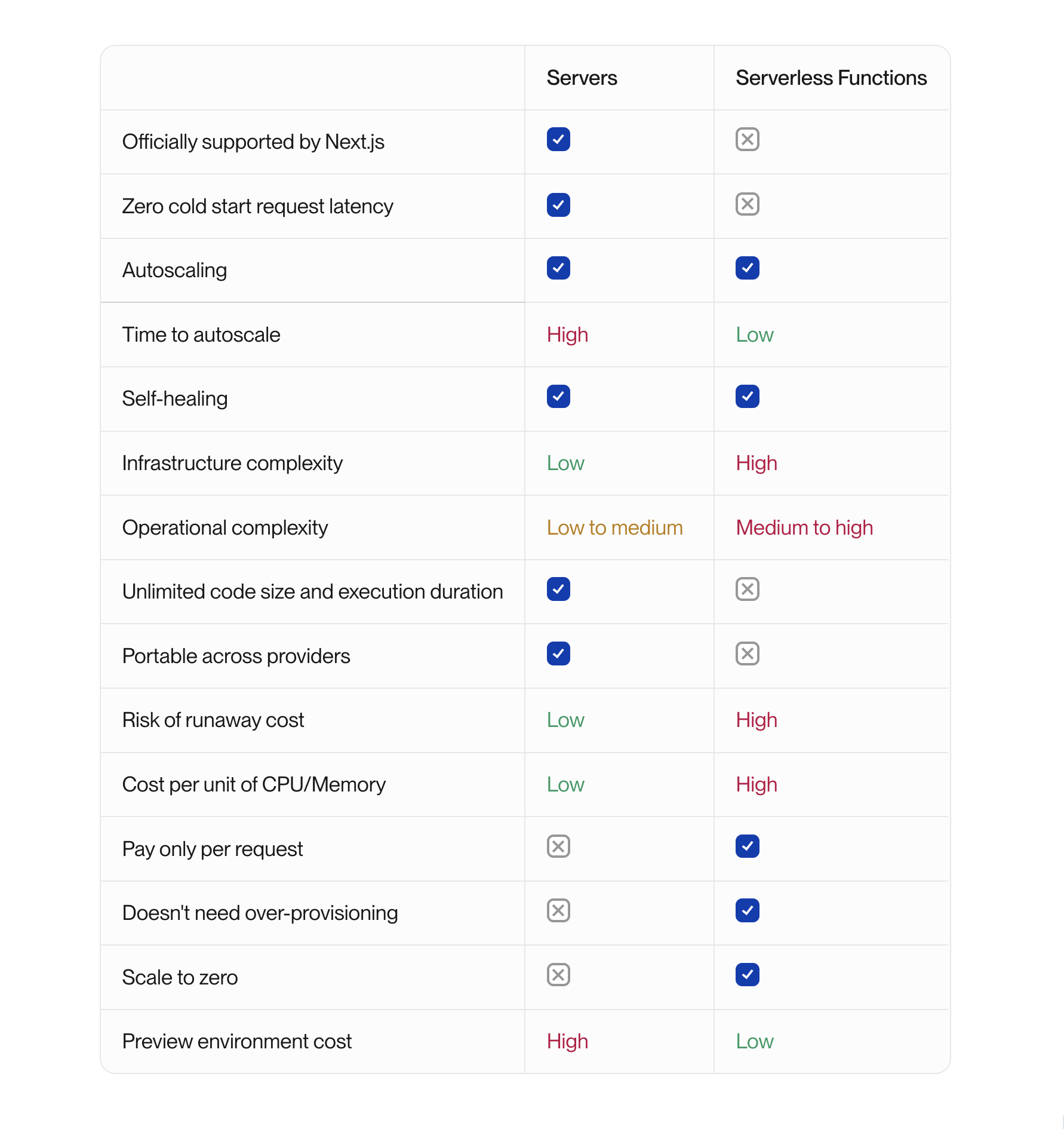
There are some exceptions, but these are the general rules.
Servers sound intimidating to people who have grown up on Vercel, because you hear about how much easier serverless is. But this rhetoric is misleading. The old fashioned way of manually managing virtual private servers (VPS), where you have to apply operating system patches, etc, is absolutely harder than serverless, but that is no longer the modern way to use servers. Today, those low level concerns are abstracted away by containerization, and this eliminates most of the infrastructure complexity of servers.
Most people using servers today are using “serverless containers,” where you just connect your code, set your CPU and memory, and git push. So from this perspective, servers are just as easy to deploy as serverless.
The infrastructure complexity for deploying Next.js serverlessly is much higher than that of a server with a CDN because the framework is very complex. See the [OpenNext architecture diagram](https://opennext.js.org/aws/inner_workings/architecture).
The operational complexity of serverless is much higher, because serverless deployments are fine-grained, distributed, asynchronous applications. This article on the [Serverless Illusion](https://architectelevator.com/cloud/serverless-illusion/) explains more of the tradeoffs.
## Deploy to serverless functions
Next.js does not yet officially support deploying to serverless functions. Vercel does a lot of proprietary magic for their serverless deployments. But as of April, 2025 they have posted a [Deployment Adapters RFC](https://x.com/nextjs/status/1907491571152589124) that should be a huge help when shipped.
[OpenNext](https://open-next.js.org/) is a community adapter for converting Next.js builds into assets that can be deployed to serverless functions. It has a good number of production users. Because it’s not officially supported, keeping it working with each new Next.js version is a constant game of whack-a-mole, and breaking changes can occur with Next.js patch or minor releases. The Deployment Adapters RFC mentioned above will fix this too.
See the OpenNext documentation for all the information on serverless deployments with it.
[AWS Amplify](https://aws.amazon.com/amplify/) is another option for serverless deployments that works for some people. But some functionality is different than Vercel, may lag behind Next.js versions, and the deployed infrastructure is a black-box and not customizable.
## Deploy to servers
Deploying Next.js to servers is the only officially supported way to deploy Next.js outside of Vercel. But it’s not production-ready out of the box.
### Image optimization
Image optimization fully works, but **prior to Next.js v15** you need to install an extra dependency. The Next.js server will process images on-demand.
- Install the `sharp` dependency to your app’s production dependencies (if not using v15+)
Without this, image optimization will work but will be slow and memory hungry because it uses code designed only for local development.
Alternatively, you can use a third-party service for image optimization by [configuring a custom loader in Next.js](https://nextjs.org/docs/app/api-reference/next-config-js/images#example-loader-configuration).
### Caching Next.js data & ISR
By default, Next.js uses local filesystem cache. This is problematic for production when you have more than one instance running because each instance will have its own data and ISR cache. This can cause lots of weird behavior.
- Configure a custom `cacheHandler` in `next.config.js` to use a durable cache like Redis. (see [Next.js docs](https://nextjs.org/docs/app/api-reference/next-config-js/incrementalCacheHandlerPath))
- Here’s the [official Redis cache handler example](https://github.com/vercel/next.js/tree/canary/examples/cache-handler-redis)
### CDN
You almost certainly want a CDN in front of your Next.js app to ensure blazing fast loading of static content and to reduce load on your servers.
CDNs might seem magical, but they are very simple. Any http request can include a `Cache-Control`header with any number of commands on where and when to cache responses. For example `Cache-Control: s-maxage=3600` tells the CDN to cache the response for 60 minutes.
Next.js automatically sets `Cache-control` headers for most things, but a few of them are actually set incorrectly :(
You need a CDN to take advantage of this, like [AWS CloudFront](https://aws.amazon.com/cloudfront/), [Cloudflare](https://www.cloudflare.com/), or [Fastly](https://www.fastly.com/).
**Important caveat if you are using ISR/stale-while-revalidate features**: you need a CDN that supports the `stale-while-revalidate` cache-control header, and as of this writing, only AWS CloudFront and Fastly support this. Cloudflare does not support it.
- Add a CDN if your deployment platform doesn’t give you one automatically, and make sure it supports the `stale-while-revalidate` header if you are using ISR/stale-while-revalidate.
### ISR & Stale-while-revalidate
Prior to v15, Next.js did not conform to the `stale-while-revalidate` specification defined in [RFC 5861](https://httpwg.org/specs/rfc5861.html#n-the-stale-while-revalidate-cache-control-extension). By default Next.js returned headers like `s-maxage=60, stale-while-revalidate` which does not work anywhere except on Vercel. The latter part must have a time defined like `stale-while-revalidate=31536000` to work correctly.
- If not using v15+, configure `experimental.swrDelta: 31536000` in `next.config.js`. This will fix SWR to include `stale-while-revalidate=31536000`.
- If using v15+, you can customize the default expire time. See [Next.js docs](https://nextjs.org/docs/app/api-reference/config/next-config-js/expireTime).
If you do manual revalidation with the Next.js `revalidate()` API, you’ll also need to invalidate that path on your CDN.
- When using `revalidate()`, make sure to also invalidate that path on the CDN.
### Draft or Preview mode
Next.js draft and preview mode is a feature for bypassing the CDN and Next.js cache to force dynamic rendering and see changes before they are published. It’s often used in conjunction with content management systems.
It works by setting the `__prerender_bypass=SECRETVALUE` cookie in the user’s browser.
If you use this feature, you need to:
- Configure your CDN to forward requests to the server when the `__prerender_bypass=SECRETVALUE` cookie is set. The value of the cookie changes with each build. While you can allow any value in that cookie to bypass the CDN, it gives attackers a way to force requests to your server. (see [Next.js docs](https://nextjs.org/docs/app/building-your-application/configuring/draft-mode))
### Middleware
Next.js middleware fully works out of the box with servers. The middleware just runs on the server instead of the CDN when using Vercel.
### Redirects & rewrites
Next.js redirects and rewrites fully work out of the box. These are handled by the Next.js server instead of the CDN when using Vercel.
### Core web vitals
If you want to continue getting the core web vital metrics that Vercel provides, you can configure Next.js to send those metrics anywhere.
- Add `useReportWebVitals()` to your code to report metrics to a third party analytics provider (see [Next.js docs](https://nextjs.org/docs/app/api-reference/functions/use-report-web-vitals))
### Version skew protection
Next.js has built-in skew mitigation. It will automatically trigger a reload of assets on page navigation when detected.
Digression: server components are frustrating because they make users experience version skew with every single deployment you make because it’s constantly making version-specific requests to the server. This does not happen nearly as often with Pages Router because most of the static assets are loaded once and don’t need to be refetched.
### Other production tips
### Minimum 2 instances
For production servers, you want a minimum of 2 instances running behind a load balancer so that if one crashes, there will still be a server serving traffic while the crashed one is automatically rebooted.
It’s better to have 2 smaller instances than 1 large one.
### CPU & Memory consumption
For production, you likely want 1-2 CPU and 2-4 GB of memory. This range is a good starting point, and then you can adjust based on your specific compute usage.
### Reduce deployment size
Next.js has a [standalone output mode](https://nextjs.org/docs/app/api-reference/next-config-js/output) that will trace dependencies and generate a standalone output folder that contains only required files instead of all of `node_modules`.
I don’t have experience with it, and I haven’t seen many others talking about it. So I don’t know how well it works. If you’ve used it, let me know!
## Join the conversation
Was this useful? Have a suggestion? Join the conversation on [Twitter](https://x.com/flybayer/status/1811400967956414648) [LinkedIn](https://www.linkedin.com/feed/update/urn:li:activity:7217167949457969152/), or [Reddit](https://www.reddit.com/r/nextjs/comments/1e0qse4/secret_knowledge_to_selfhost_nextjs/).
## The easiest way to use AWS. For agents and humans.
Get a Vercel-like experience in your own AWS account. You and your agents get one place to manage and monitor Terraform resources, builds, and deploys.
[Start free](https://app.ravion.com/signup)
[Book a demo](https://www.ravion.com/demo)
Free to start / No credit card / Revoke access anytime
---
## Add Type Safety to Formik’s Field Component
Source: https://www.ravion.com/blog/add-type-safety-to-formiks-field-component
# Add Type Safety to Formik’s Field Component
By Brandon Bayer · Jun 20, 2024
[Formik](https://formik.org/) is one of the oldest and most used React form libraries. We use it for all our forms.
Unfortunately, it has only limited type safety by default.
This Typescript example is taken from their docs. In this example, **only** **`initialValues`** **and** **`onSubmit`** **is type safe** . The `Field`’s `name` prop, for example, is not. The `name` prop is type `string` so you could add a name that is not in `MyFormValues` and your app will compile but totally fail at runtime.
```typescript
1import * as React from 'react';
2import {
3 Formik,
4 FormikHelpers,
5 FormikProps,
6 Form,
7 Field,
8 FieldProps,
9} from 'formik';
10
11interface MyFormValues {
12 firstName: string;
13}
14
15export const MyApp: React.FC<{}> = () => {
16 const initialValues: MyFormValues = { firstName: '' };
17 return (
18
35 );
36};
```
## Type safety for
We implemented a user-land solution that adds full type safety to the `Field` component.
The new `makeForm()` utility takes a [Zod schema](https://zod.dev/) and returns the `Form` and `Field` components.
`Form` validation is automatically set to use that zod schema and to have `initialValues` and `onSubmit` typed based on that zod schema.
`Field` component is also now fully typed based on the zod schema.
It’s used like this:
```typescript
1import {makeForm} from "@/form/Form"
2import {z} from "zod"
3import {FormField, FormInput, Button} from "@/component-library"
4
5const ResetPasswordFormSchema = z.object({
6 password: z.string(),
7 token: z.string(),
8})
9
10const {Formik, Field} = makeForm({schema: ResetPasswordFormSchema})
11
12export default function Page() {
13 // stuff
14 return (
15 {
21 try {
22 await resetPasswordMutation(values)
23 toast({
24 icon: "success",
25 description: "Saved new password",
26 })
27 } catch (error) {
28 handleFormErrors({error, setFieldError: form.setFieldError, values})
29 }
30 }}
31 children={(form) => (
32
47 )}
48 />
49 )
50}
```
## Preserve types with nested form components
For large forms, it’s often beneficial to abstract some of the fields into another component, but you still want type safety.
Here’s how to do that.
The `` component should take `form` and `Field` as components.
```typescript
1import {makeForm, FormikProps, FieldComponent} from "@/form/Form"
2import {FormField, FormInput, Button} from "@/component-library"
3
4// Same makeForm usage at the top level
5const {Formik, Field} = makeForm({schema: MyFormSchema})
6
7export function Form() {
8 // stuff
9 return (
10 (
14
18 )}
19 />
20 )
21}
22
23export type AbstractedFieldsProps = {
24 form: FormikProps
25 Field: FieldComponent
26}
27
28const AbstractedFields = ({form, Field}: AbstractedFieldsProps) => {
29 // 🔥 form can be used in here with type safety
30 return (
31 (
35
36
37
38 )}
39 />
40 )
41}
```
## All the code you need
Here’s all the code for the `makeForm` utility above. It's not for the faint of heart 😅
[This code is also available in this Typescript Playground](https://www.typescriptlang.org/play/?#code/PTAEGcCcGNgMwPaQLbAGJOQOgC7gB4BQARAK7gCmo0ANgJYUB2OxhdyADkjqAN6GhQaBjQAmAYQSM4dAOYAaAUJGiACpAQdwiwRhR0A1pOlydQzIfWbtSvckMA1AIY1SFG4IDiTCpDrRhCjEACQAVAFkAGQBBHBw-ACNSHHczQLFQJ3BQAHk-WXTRNIsDTOy8uTtDRQBfUDgNZFBiRH0DVnYuSB4AJQonaB4GhCaAckh+wdG2Tm4+AC0EUQBRSA1IeVBF0QBlaAALCmQnTYAvOuGm4lOl1kIKfC6eHABPDioAEQoKDgBpChe4AAPKEAHygAC8oFIjAMjAQAHdGKAHilGKJsqElAB+CDxOiMWRKABcoBAKPA9GYAFpRHRwE4EjQKNTGKjqVSKEpQij8GiMaAJk5RFIaC9MowXgBtAC6ONAXx+-0B6goMnwIM2BgBCDgoDBJP1vP52QQCQAVhRBvLlvhaKRRBQgdqXrr9ZscharThlcCweCAD4K75-AHgVXqzWgF1ug2CUlsgBuvkIhFe72DSrDEboGtCm1COfw4KhhYm6uNTAFMb1PIAZKAABSMUjIBK+UBB8D4wkASnlAAMACS8Mtq3M1LAjxWhwEgqVj9Uy8EN7t+Qk1AeGpMptNvKiey2DX0gkt8JRS36gAnRnW1mWk0KXmWV9Gmr2DUC4q8JijJyCEDUUo1vqcr3I8czpp8IbOK4Tr5vqVgcGePKolW2R9NASCiECa4ErInagC2ba+JsTiSqC8plpor4CsOvAEnAHahAAQpA5EHJOI6McxM5IZuSiCLiM6wW486sexjAHDKBZ8RoyGCaAj4LkhoCrj2shyvGRF-ruDxPKAUHKEEoixPiSQpMCtiYKJ7i0dkVQGLZHigAAck4yBUGhb6ZrOwJ2M5Z4zieAUuG44CgooZ45PYOBAt4bJ+AEKhhFEZmJMkqTNAcdBiBMjDECuSgxXQcWFMYMgKM0jAeRQxCEcQWGzGyzD1UGxBZG1zT5Y6kBdY1+y5aI+WFWp56CIIOV5UwpKNhw8ngKShRIcCIlhU6oVwdobm1ZF5goIFvaQuCfQDDgWAAFI7AAGlgyzMp5zCKTVnmku5nlKDUqZGY5diSM1TBlTZ63ZN5AqYdhuEaZsMJwoijCgmep2DFgaDiEC1ltBVchApt4UruNE0EqVdAuM52JLcDW2fYQlHgQZWGMN2oCJi4dCiE4KTbHshzHJCSiNuABxHE4pLc8LfNBjCjoyGyohHRC4JZC8UlNqzW2khDkA4XhhIw7C8JIqCCvgvwE3XnqjYAIRC7zThHWb5uChQOCkJAyK8F95texN8Tio75tOAiTilRAEtOFgHBOJAlDROAKvQI26vhf2TvO677t8D7gh1NAnMHE2vjrKS5EvA7imCBMGfIq0xw4NsqzrI2RdIKnE0+199NzHAMKDHQUj1JgnMN2sSDN6PkBi0sjet4TdCW1bLeQJ2QZQW6S9YLXnOgFbEJQi0vc4P3BXl+bOD7BoCI6VfM+QI2xChIcmSQLIraA4ZCCDygw-TxPoDIOQHg7ZMigBuKIFEf8ESlX2BA9Ym8h44EbL2YgbdO6TSkMzJe2QoQby3ogtuVc3bIgmNAN24A6DJjsD-FYE9wDj3WOAfsnd9Ld0PsfZ2pCY4UIoFQ+uv8GH0KQItCUZdCbMiGAglINCGGaytJDXWVVS5nk9qmQQrQmyM2Zi6a8yIsGnyJpbbRe994AH0sEoMJubRmR8Wxcm9qogxhdaHAQBDKbEWAzG0PcVKAADDKfR5t55NitvSdyrlGzaKyCIo6dYGxW2iGsJwLwsD0gSexF4jY8FSNvowgJTsskUGkUIyEoBZQV1ANnCa5IAACeBqT6W9PUv+596SgBoAgBABhsj0G1CA+w3YnC9MuKAAcBSikxxKbKAcmQEgIGTOUsZOSXEvBfDg5xLoZQeKwb4rS7cUQ0EoJYxx1tQlOHCZE7IpcYlxLSUklJ4BbkZMWbQ3seTzbPIYZM3Z9i041LqQ0wYTT1iGUGt0jpXS2mGCoE4f+9IcCDKoMM0ZkjCk5K+dMxkcy7H5JReM8AyzVkcLIdw3hI8BHbI2W3HONMlCEMzh8oRgFUw9ykkfAetdDBoDOkgF4QIdj2VAVgbYoR9zRAooLcOpIdi9kpm0P6IwuAtTiqcFJjAODJD5YjQmdKa5sIHuIQBIxHKNgDtQQa01GBmEEFgG181rCfVlfYIwUhKpAhVQSdVcUdhaobAxRgJMyYgwpkRVs7ZIA1DyTqps5SgQVAKCUcpgh1bs05hQCEvBk0cy5ksHmIsJV217JU82vAbWRwWkWiaU1hpMHTZkzAJszVDXympBsa89RVubcY5oLK+5SHqrExtFq60oELeU4AlFzaoKZT2tlNcVBcsGDyjGugqbhQFY5ZyZh3peT5OhXyIVV3uCCiGA9B0QaRVpkg7VLsiH1D1ciA13YjUqCBK5AV27QRzQWktFQ6U6AWXcLjQ921XLGyOVG2N+RCh8FLXarQdRx002YRBbohl9zGTEP9RVgMgNnq2gKrWOtobQgNvDLVUJl1uQFcFMMuHkCBSio2JQcHhGFD-QB-ywHNigcUA2q6t17pHEBqmFhqGCQpEgHAAYVBHLGBSHyOjzkCNyO1lDdcVVYaGwRqbTGTrHWcswFhqQOG8ZHtsCoH9JkjNKsU+eplXdUMzvYccbUdg+UCpVcK0V4reC2xFjUUkvnJWgB2BG-TzrmCojdaqz1mqdPoKZjwCY4BSA0B4FCU1jlSQcoMAunAPL80i17FajDohsvzu5ZAXl7q1Uau9Z+4rNNK43szsl1LOAmVAA).
```typescript
1// src/form/Form.tsx
2"use client"
3import {
4 FieldConfig,
5 FieldProps,
6 FormikConfig,
7 FormikProps,
8 FormikValues,
9 GenericFieldHTMLAttributes,
10 Field as OrigField,
11 Formik as OrigFormik,
12} from "formik"
13import React from 'react'
14import {ZodError, ZodSchema, z} from "zod"
15
16export type DeepKeys = unknown extends T
17 ? string
18 : // eslint-disable-next-line
19 T extends readonly any[]
20 ? DeepKeysPrefix
21 : T extends object
22 ? Exclude> | DeepKeysPrefix
23 : never
24
25type DeepKeysPrefix = TPrefix extends keyof T & (number | string)
26 ? `${TPrefix}.${DeepKeys & string}`
27 : never
28
29type ObjectKeys = {
30 [K in keyof T]: T[K] extends object ? K : never
31}[keyof T]
32
33export type DeepValue = T extends Record
34 ? TProp extends `${infer TBranch}.${infer TDeepProp}`
35 ? DeepValue
36 : T[TProp & string]
37 : never
38
39export type FieldAttributes<
40 FormValues extends FormikValues,
41 Name extends DeepKeys = DeepKeys,
42> = Omit &
43 Omit & {
44 children: (props: FieldProps, FormValues>) => React.JSX.Element
45 name: Name
46 }
47
48type FormikFormComponent> = React.FC<
49 FormikConfig & {
50 initialValues?: FormValues
51 }
52>
53
54export const validateZodSchema =
55 (schema: ZodSchema | undefined) => async (values: Record) => {
56 if (!schema) {
57 return {}
58 }
59 try {
60 await schema.parseAsync(values)
61 return {}
62 } catch (error: any) {
63 return formatZodError(error)
64 }
65 }
66
67export function formatZodError(error: ZodError) {
68 if (!error || typeof error.format !== "function") {
69 throw new Error("The argument to formatZodError must be a zod error with error.format()")
70 }
71
72 const errors = error.format()
73 return recursiveFormatZodErrors(errors)
74}
75
76export function recursiveFormatZodErrors(errors: any) {
77 let formattedErrors: Record = {}
78
79 for (const key in errors) {
80 if (key === "_errors") {
81 continue
82 }
83
84 if (errors[key]?._errors?.[0]) {
85 if (!isNaN(key as any) && !Array.isArray(formattedErrors)) {
86 formattedErrors = []
87 }
88 // @ts-expect-error this looks like a mistake from `formattedErrors = []` above
89 formattedErrors[key] = errors[key]._errors[0]
90 } else {
91 if (!isNaN(key as any) && !Array.isArray(formattedErrors)) {
92 formattedErrors = []
93 }
94 // @ts-expect-error this looks like a mistake from `formattedErrors = []` above
95 formattedErrors[key] = recursiveFormatZodErrors(errors[key])
96 }
97 }
98
99 return formattedErrors
100}
101
102function formikFactory(schema: S): FormikFormComponent> {
103 return function CustomFormik({
104 children,
105 ...props
106 }: FormikConfig> & {initialValues?: number}) {
107 return (
108 children && typeof children === "function" && children(form)}
112 />
113 )
114 }
115}
116function fieldFactory<
117 FormValues extends FormikValues,
118 Name extends DeepKeys = DeepKeys,
119>() {
120 return function CustomField(props: FieldAttributes) {
121 return
122 }
123}
124
125export type FieldComponent> = <
126 N extends DeepKeys,
127>(
128 props: FieldAttributes,
129) => JSX.Element
130
131export interface FormikContext> {
132 Formik: FormikFormComponent
133 Field: FieldComponent
134}
135
136export function makeForm({schema}: {schema: S}): FormikContext> {
137 const result = {
138 Formik: formikFactory(schema),
139 Field: fieldFactory>(),
140 }
141 return result
142}
```
## The easiest way to use AWS. For agents and humans.
Get a Vercel-like experience in your own AWS account. You and your agents get one place to manage and monitor Terraform resources, builds, and deploys.
[Start free](https://app.ravion.com/signup)
[Book a demo](https://www.ravion.com/demo)
Free to start / No credit card / Revoke access anytime
---
## Ultimate guide to multi-tenant SaaS data modeling
Source: https://www.ravion.com/blog/ultimate-guide-to-multi-tenant-saas-data-modeling
# Ultimate guide to multi-tenant SaaS data modeling
By Brandon Bayer · May 29, 2024
TLDR: if you’re considering multi-tenant data, which all SaaS builders must, you should build “teams” functionality from day one. This guide explains how (and why).
You should build in “teams” functionality on day one if you don’t want to regret the past. You will need teams functionality eventually. Unless, maybe, you are building a super basic mobile or desktop app. But what about something that seems simple, like a bookmark manager? You probably still need it! Your users will probably want a family account, a business team account, or simply to share access with an assistant.
As a user of the internet, I have too often been frustrated with a piece of software because they didn’t add teams functionality on day one. It’s very complex and painful to add later, so I have to wait many months or years for them to finally add it.
Humans are relational beings. When creating software, you model the world. If you don’t model the concept of human relationships, you create an impedance mismatch.
It’s quick and easy to add on day one. You can add it later if you have to, using database expand-and-contract patterns, but it’s always easier to do it now.
This post aims to be the most comprehensive guide to multi-tenant data modeling. This is based on my 14+ years in tech, building multiple SaaS apps, and comparing notes with other SaaS builders.
## Multi-tenant SaaS fundamentals
**SaaS** is software-as-a-service and is probably what you work on.
**Multi-tenant** means you have multiple users of your app that you want to keep separate. For example, a multi-tenant apartment building contains multiple tenants. All tenants have access to shared common spaces or resources. Each tenant’s private residence has its own access control. Each tenant likely has multiple people who are permitted in their private space, so they need extra keys they can give to others who need access.
**Single database vs database per user:** there are two main ways to achieve data isolation for each tenant. You can have a single, shared database where every table has an `organization_id` and every read and write will include `organization_id`. Or you can create a separate database for each user with fully separate database instances or different schemas inside a single database.
_**You should default to a single, shared database unless you have an exceptional case that demands otherwise.**_ Most people use this model. Database per user could be required in some cases for data isolation. I have no experience with the database per user approach, so I can’t speak in depth about that.
## Multi-tenant data modeling
At the most basic level, we need two models, `User` and `[top level tenant]`.
**What to name the top level thing?** You can choose whatever makes you happy. The most common and obvious options are:
- **Account** — not ideal, because many people associate “account” with “user account”. And you may want to use “account” for another domain model, like a bank account.
- **Team** — not ideal, because you may want to have multiple teams inside the tenant, like multiple product teams in a business.
- **Company** — not ideal, because the definition is “a commercial business,” and all your tenants may not be commercial businesses.
- **Tenant** — clear and short, but it isn’t common parlance with B2B customers. If you use this internally, you probably want a different user facing word.
- **Workspace** — becoming more common. It’s a more natural term for single user tenants than Team or Organization. However, you might want to have multiple workspaces within an organization.
- **Organization** — what I use and recommend because it’s a general term for a body of people that is most closely aligned with the concept of a tenant. And then later, you can add Teams and Workspaces within the Organization.
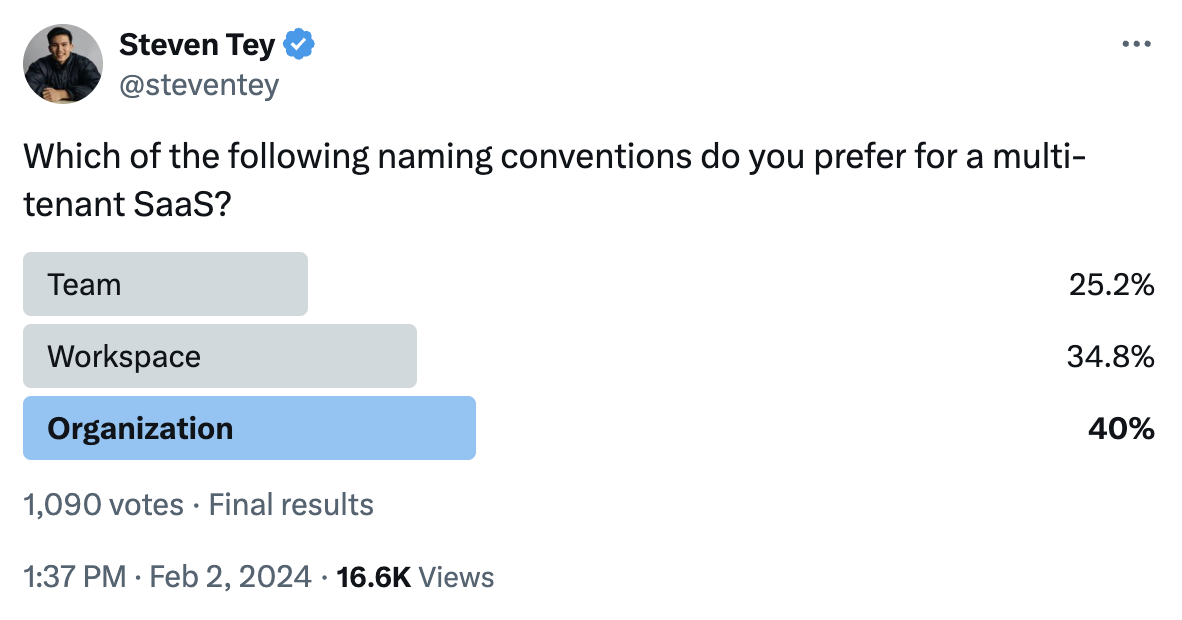
In this guide, I will use `Organization` for the top level model.
## GitHub, Google, or Linear access models?
There are three main access models.
- **GitHub**: a person has a single user account that is added or removed from any number of other organizations.
- **Google**: each organization requires a separate user account. There is no concept of sharing a user account across organizations.
- **Linear**: a hybrid of the other two. A single user account can have access to multiple organizations, and a person can have multiple Linear user accounts, each with different organizations it can access.
The clever ones in the room will point out that you can create a new GitHub account for each organization, but that’s not the normal or common path.
### The GitHub model
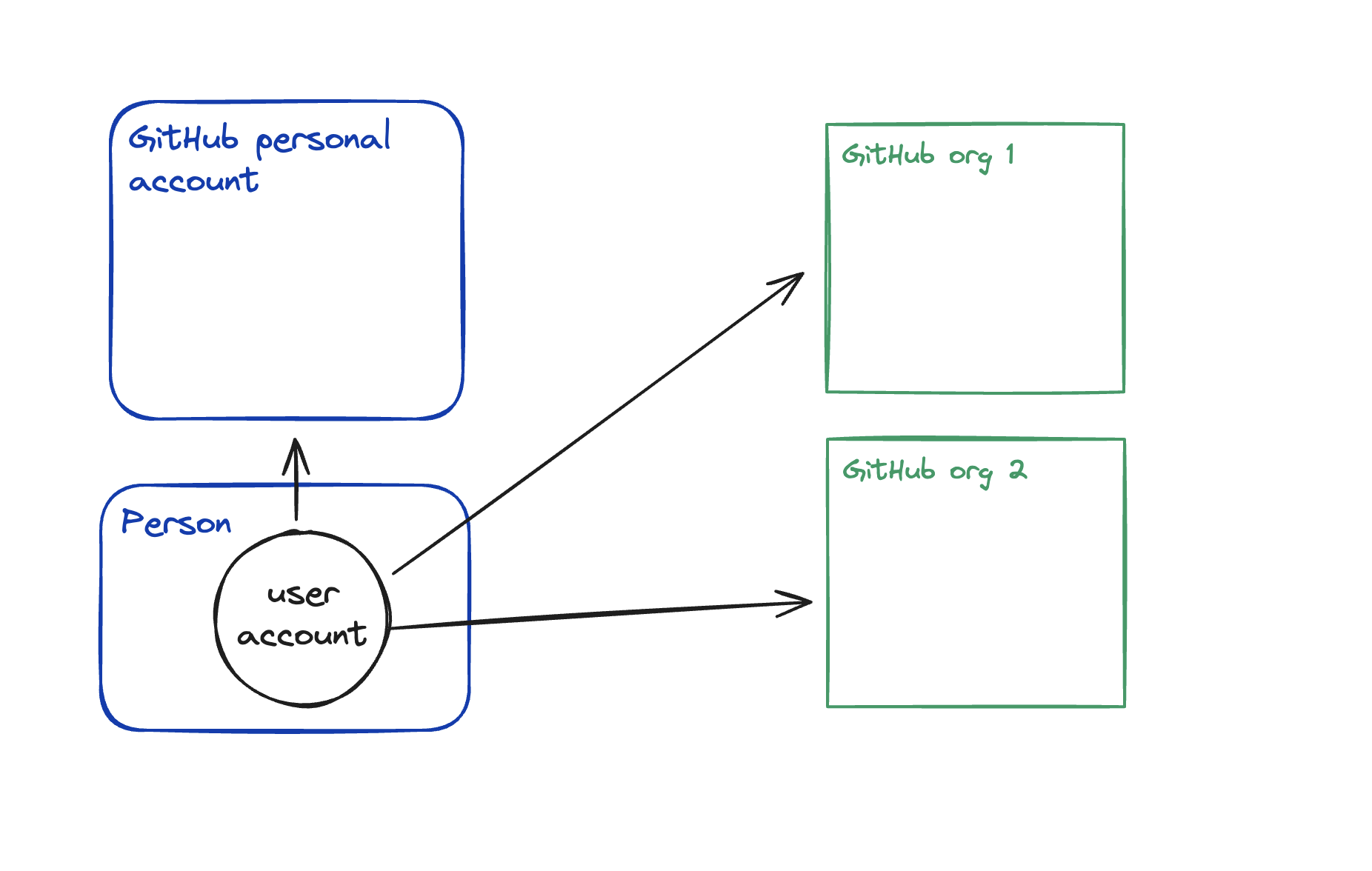
In the GitHub model, a user can have access to multiple organizations from a single user account. Inviting a user to an organization will always invite an existing user. **It will never create a new user account.**
The GitHub model is ideal for social oriented apps where a user has a strong identity, accumulated personal information attached to their account, and public user profiles.
This model has significant challenges when it comes to enterprise customers who want full control over user accounts, for example with SAML SSO. Because they can’t control creation or deletion of that personal user account. However, GitHub Enterprise now has [an option to provision new accounts](https://docs.github.com/en/enterprise-cloud@latest/admin/identity-and-access-management/understanding-iam-for-enterprises/choosing-an-enterprise-type-for-github-enterprise-cloud#about-types-of-enterprises) for access to the organization. If you take this into account, GitHub is the same as the Linear model.
Most people will be better off with the Linear model.
### The Google model
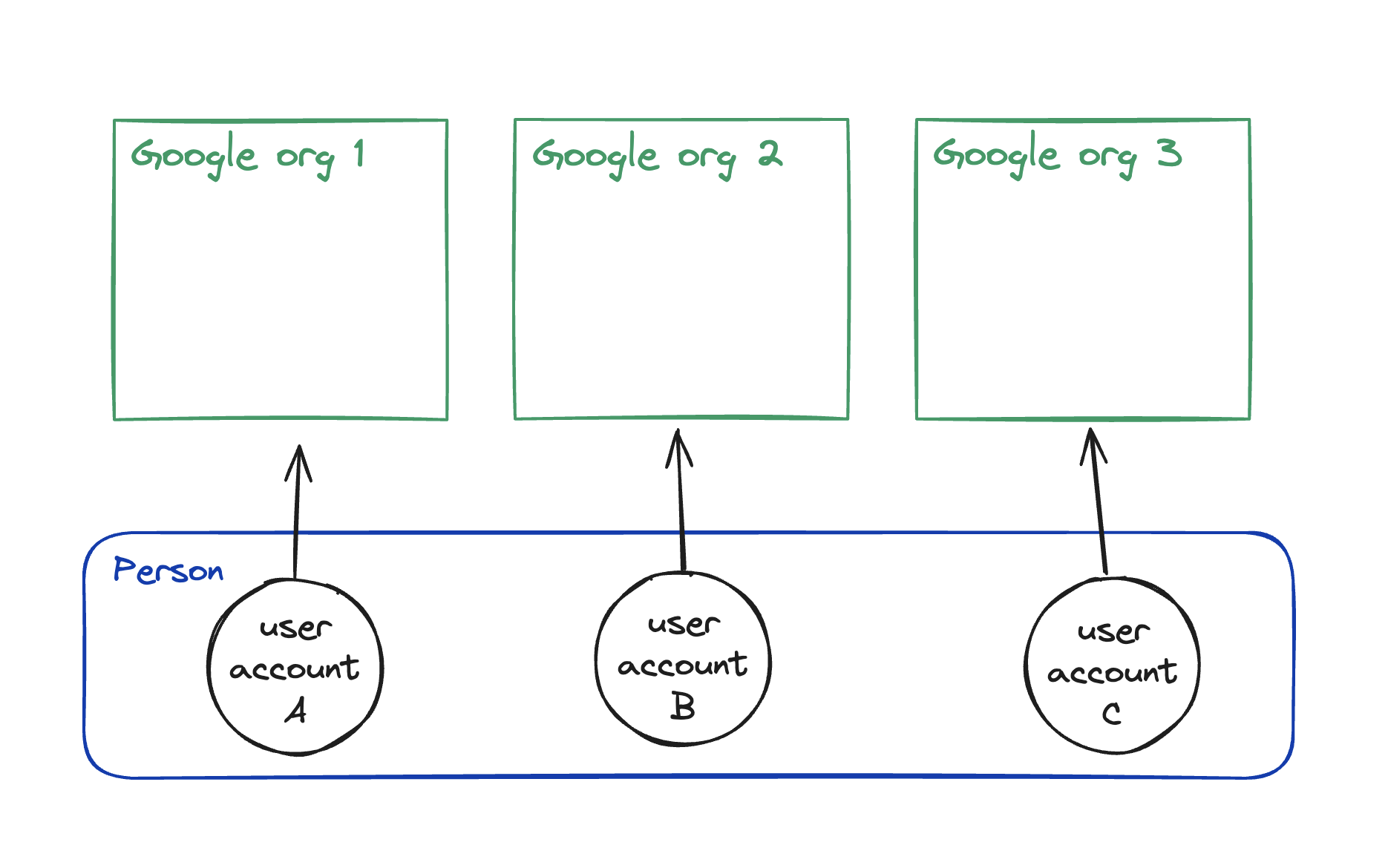
In the Google model, a user cannot have access to multiple organizations. Inviting a user to an organization will always **create** a new user.
The Google model is ideal for email providers and enterprise business-to-business (B2B) apps with strict access models where anyone, like consultants, interacting with that business will be given their own business email. In this case, there is no value in sharing user identity across organizations, and it doesn’t make sense for a single email to have access to multiple organizations.
However, this breaks down at scale, even for enterprises, because eventually some users will need access to multiple organizations, like managed service providers, during or after mergers, and acquisitions.
It’s also frustrating for small accounts, and you end up with hacks like `name+development@work.com`.
Concurrent user sessions is important for a good user experience and is discussed below.
Most people will be better off with the Linear model.
### The Linear model
In the Linear model, a user can both have separate user accounts for different organizations and have access to multiple organizations from a single account.
The Linear model combines the best of GitHub and Google and is ideal for most B2B startups because it supports both enterprise and small companies using consultants. Enterprises can both strictly control user provisioning and access and allow their users to belong to multiple organizations. It is the most flexible, and it provides the best user experience because it reduces the number of logins required to access all their organizations.
I recommend the Linear model for most startups. You need to really know what you are doing and why you are doing it before choosing the GitHub or Google models.
## Personal vs business organization accounts
For apps that will likely be used for both personal and business use, you may think of having separate personal vs business organization types. For social oriented apps like the GitHub model this could make sense. And for other models with many single-player users, a personal account enables you to offer a simpler UX by hiding things they don’t care about. But there’s also an argument for not hiding those and keeping them in the UI as upgrade prompts.
For Google and Linear models, you only need a single organization type. **Personal accounts are just organizations with a single user.** This makes it easier for you to implement, and it eliminates any friction should a personal account want to upgrade to a paid business account.
## Two-sided systems like marketplaces
If you have a two-sided system, like a marketplace, you will want to support the user to participate in both sides of the system without having to log out and log back in.
Another example is an enterprise app with different employer vs employee experiences. Employers are usually also employees of the legal entity.
Modeling this can be very domain specific and outside the scope of this article.
## Resource ownership
The resources in your domain will usually belong to one of three things:
1. the entire system
2. an organization
3. a user
Things that belong to the entire system span across multiple tenants, like global data or config.
Almost everything else should belong to an organization.
Assigning an item to a user is a special case discussed further below.
## Associate users with organizations
### Requirements
- organizations can have multiple users
- user can belong to multiple organizations
- user should have an access role that can be different for every organization
- you can invite users to an organization
- you can assign items, like todos, to a user
- you can assign items to a user before they accept an invitation
### Memberships
I recommend the following membership model because it will work great for all three access models, even if a user only belongs to a single organization, like with Google.
```sql
1CREATE TABLE Organization (
2 id VARCHAR(255) PRIMARY KEY,
3 name VARCHAR(255) NOT NULL,
4 created_at TIMESTAMP DEFAULT CURRENT_TIMESTAMP
5);
6
7CREATE TABLE Membership (
8 id VARCHAR(255) PRIMARY KEY,
9 role VARCHAR(255),
10
11 user_id VARCHAR(255),
12 organization_id VARCHAR(255) NOT NULL,
13 invited_by_id VARCHAR(255),
14
15 FOREIGN KEY (user_id) REFERENCES User(id),
16 FOREIGN KEY (invited_by_id) REFERENCES User(id),
17 FOREIGN KEY (organization_id) REFERENCES Organization(id)
18);
19
20CREATE TABLE User (
21 id VARCHAR(255) PRIMARY KEY,
22 name VARCHAR(255) NOT NULL,
23 email VARCHAR(255) UNIQUE NOT NULL,
24 created_at TIMESTAMP DEFAULT CURRENT_TIMESTAMP
25);
```
## Associate domain models with organizations
The most important thing in a multi-tenant system is data isolation between tenants.
The best way to achieve this is to:
1. **Add** `**organization_id**` **on every table in your database except for users.**
2. Scope all database reads and writes to a specific organization.
```typescript
1const project = await prisma.project.findFirst({
2 where: {
3 id: projectId,
4 organization_id: organizationId,
5 }
6})
```
Yes, even items that might be “assigned” to a user, like a todo, should also have `organization_id`.
Is adding `organization_id` on every model dangerously redundant? For example, if you have a Product model with a child ProductVariant model, theoretically you could create a ProductVariant with an `organization_id` that is different from the id on the Product. Unfortunately, there are no perfect solutions to prevent developers from introducing bugs. This is where tests and code reviews come into play. In practice, this particular issue is unlikely to occur if you are rigorous about passing `organization_id` everywhere as I recommend below.
### Loose enforcement
The loose approach is to keep `id` as the unique primary key and add `organization_id` as a separate indexed foreign key.
```sql
1CREATE TABLE Project (
2 id VARCHAR(255) PRIMARY KEY,
3 organization_id VARCHAR(255) NOT NULL,
4
5 name VARCHAR(255) NOT NULL,
6 created_at TIMESTAMP DEFAULT CURRENT_TIMESTAMP,
7
8 FOREIGN KEY (organization_id) REFERENCES Organization(id)
9);
10-- Add an index to the organization_id column
11CREATE INDEX idx_organization_id ON Project(organization_id);
```
The benefit of this approach is that you can efficiently look up a domain model with just the `id`, even when you don’t know what organization it belongs to.
The downside is that you could accidentally forget to scope a query with `organization_id`. To compensate, you should implement an access layer in your code that requires you to provide `organization_id` for each query.
### Strict enforcement
The strict approach is to use a compound primary key of `(organization_id, id)`.
```sql
1CREATE TABLE Project (
2 id VARCHAR(255) NOT NULL,
3 organization_id VARCHAR(255) NOT NULL,
4
5 name VARCHAR(255) NOT NULL,
6 created_at TIMESTAMP DEFAULT CURRENT_TIMESTAMP,
7
8 PRIMARY KEY (organization_id, id),
9 FOREIGN KEY (organization_id) REFERENCES Organization(id)
10);
```
The benefit of this approach is that you must include `organization_id` to identify a resource. So you never forget it. `organization_id` is first in the tuple so the index will be optimized for selecting all the entities in an organization.
Technically, with this, you could have two resources with the same id in different organizations. This unlocks the ability to provide your users with the ability to clone an organization into a sandbox environment for testing APIs or something.
## Associate domain models with users
As discussed above, all models will belong to an organization. Additionally, items in an organization can be assigned to a user. But here’s the kicker: **Assign the item to the user’s membership, not the user.** This allows you to assign items to a user before a user has accepted the invitation. You’ll be familiar with the frustration of a lack of this if you’ve tried to assign GitHub issues to a user you just invited.
Beware, however, of the tendency to assign things to users that simply belong to the organization. Assigning something to a user should be very intentional, like assigning a todo to a user for them to complete. That todo would also belong to the organization with `organization_id`.
## Include the org id everywhere, including in URLs
The `organization_id` value is critical for all operations, so you should literally pass it around everywhere like it’s going out of style.
- Include `organization_id` in all URLs like `/org/[orgId]/projects/[projectId]` (alternatively, use custom subdomains or domains)
- Require `organization_id` in all query inputs
- Require `organization_id` in all mutation inputs
- Require `organization_id` in most database calls (we built a small abstraction around Prisma to enforce this, but using compound keys would also solve this)
But that makes the urls “ugly!” Let me explain: when you have access to multiple organizations, and you visit a url like `/projects/123`, you will need the `organization_id` and user’s `role` to properly show and hide the UI for that role. With the id in the url, you can look up the role in the session. Without this in the url, you will have to make a database call to look up the organization for this project before you can show the correct UI. Granted, you will have to fetch the project and can return the org id with that. But almost certainly you’ll have some UI on the page that does not depend on the project data, but does depend on the user role. So yes, you can get by without an organization id in the url, but you have to do a lot more plumbing.
I used to be a url purist, but I’m now much happier with org id in all the urls.
## Now the tricky part: user login sessions
This is the part of the test where most companies wash out. There are many complexities with multi-tenancy, and your first attempt or two will likely be incorrect or at least have a frustrating experience for users.
This is probably the simplest with the GitHub model since you have a single user. But as you grow, you’ll need enterprise level features, and GitHub Enterprise authentication couldn’t be further from “simple.”
### Super basic implementation
Store `organization_id` in the user session.
This effectively scopes all interactions to a single org. You can have an org switcher for switching to other orgs that you have a membership to. Switching will update the `organization_id` in the session.
But you have a big problem: Let’s say I have access to org1 and org2. I’m logged into org1, try to access `/org/org2/project/1`, and then get a 404 because I’m not logged into that org. This is a terrible experience.
And if you have multiple user accounts with access to separate organizations, you have to log out and log back in to switch organizations.
Yes, this was our Flightcontrol v1 implementation.
### Less basic implementation
Store `accessibleOrgs: Array<{orgId: string, role: string}>` in the session. This must be synced across all user sessions. And if a user’s access to a certain org is revoked, remove that org id from `accessibleOrgs` for all that user’s sessions.
Now I can directly access all the urls of all the orgs I have access to, without having to “switch organizations”.
But now you have another problem: you’ve started with only email/password login, and now you’ve added sign in with Google. One of the orgs you have access to is enforcing sign in with Google. But you have a conflict, because this one user now technically has two ways to log in, email/password and Google, and for security, they are treated as separate logins. So now you have the same problem as the ’super basic’ implementation where you can only be logged in via email/password or Google, but not both at the same time.
And, still, if you have multiple user accounts with access to separate organizations, you have to log out and back in to switch organizations.
Yes, this is our Flightcontrol v2 implementation.
### Ultimate implementation: concurrent user sessions
The ultimate user experience is to never have to log out to access another organization. You can be simultaneously logged into multiple organizations with multiple identities and seamlessly switch between them.
This is how Google and Slack work. I think the world might burst into flames if they required logging out to switch accounts.
To implement, store two things in the user session:
- `accessibleOrgs: Array<{orgId: string, role: string}>`
- should be synced across all the user’s sessions
- `loggedInOrgsOnThisDevice: Array<{orgId: string}>`
- cannot be synced across the user’s sessions
The first time a user logs in on a device:
- set `accessibleOrganizations` to the list of all their org memberships
- set `loggedInOrgsOnThisDevice` to the same as `accessibleOrganizations` but filtered by orgs that permit access with the login method (like email/password vs Google)
The user can log into additional organizations by clicking “sign into organization” from the org switcher:
- add the new org id to `accessibleOrganizations`, if it’s not already there, and to `loggedInOrgsOnThisDevice`
Why have separate `accessibleOrgs` and `loggedInOrgsOnThisDevice` fields? Because `accessibleOrgs` should be synced across sessions, you can change the role of or revoke access to a certain org. But `loggedInOrgsOnThisDevice` cannot be synced across devices. We want to enforce that each device must log in to the organizations it wants to access.
Yes, this will be our Flightcontrol v3 implementation.
## New user sign-up
For brand new user sign-up, in addition to creating a `User` model, you will also create an `Organization` and a `Membership` and link them all together.
Optionally you can build a feature that all users with a configured domain will automatically be added to an organization. In this case, you would create `Membership` and `User` during signup, but attach them to the existing `Organization`.
## Inviting users to an org
To invite a user to an existing organization, we’ll use the `Membership` model as the invitation, along with its `invitationId`, `invitationExpiresAt`, and `invitedEmail` fields. The `Membership` table SQL is listed previously in this guide.
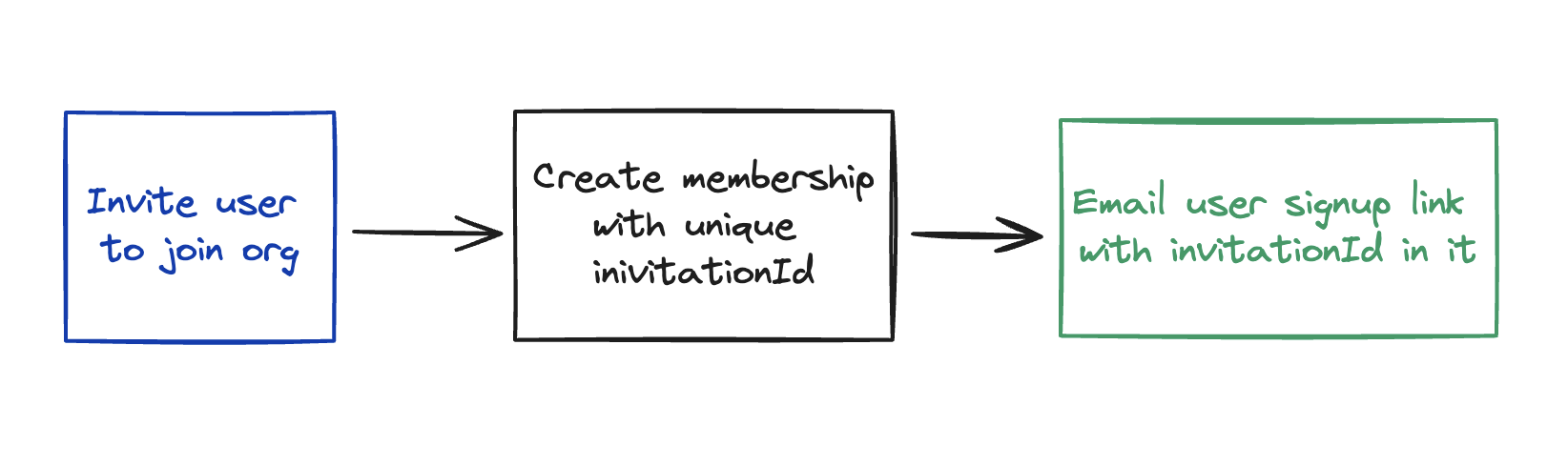
- create a new `Membership` and link it to the `Organization`
- `membership.userId` will be `null`
- `invitationId` can be CUID or other random string
- send the user an email with a link to the signup page that has `?invitationId=123` in the query parameter
- when the user submits the sign up form, include `invitationId` in the backend API call.
- in the sign-up API, if `invitationId` is included and matches a valid `Membership`, then create the `User` model and attach it to that existing `Membership`
## Revoking access to an org
To revoke a user’s access to an organization, set `membership.user_id` to null or delete that membership entirely.
Keep the membership and set `user_id` to null if you want to continue to show a list in your UI of users who used to have access.
Otherwise you can delete the entire membership model, and you’ll need to update any other models that were assigned to this membership to be assigned to another membership.
## Role-based access control (RBAC)
The `Membership` has a `role` or `roles` field depending on how sophisticated you want to be.
Store the `role` in the user session, so you don’t have to make database or API calls to get it.
Define a list of permissions that each `role` has. This can be in code for static roles or in the database for dynamic roles. And define one or more permissions that are required to execute each query and mutation.
Use a library or build your own abstraction that allows you to check, on both client and server, whether the current `role` has a certain permission.
RBAC will probably be a full blog post itself at some point, but that’s the basics.
## Billing and subscriptions belong to the organization
The `Organization` is the place to manage your billing. Typically, you’ll have a `billingEmail` and `stripeCustomerId` on the `Organization`. And it can have many `Subscription`’s that have `stripeSubscriptionId` and other information.
```graphql
1model Organization {
2 id
3 billingEmail
4 stripeCustomerId
5
6 hasMany Subscription
7}
```
When you charge per user, you simply count the memberships that belong to an organization.
## Settings
There are three main setting types:
- organization can have settings
- user can have settings per organization (like notifications)
- user can have global settings (like dark mode)
Organization settings can be stored on the `Organization`.
User settings per organization can be stored on the `Membership`.
The user’s global settings can be stored on `User`.
## Analytics
Oh fun, now the product person wants analytics, but seemingly every analytics provider is built around the concept of `userId` with no clear way to link multiple `userId`s to a single organization. And believe me, accurate organization level analytics are critical for multi-user systems.
Good news: it’s easy to implement. It’s just not usually well documented.
Most providers have the concept of a `group` that will map to `Organization`.
Here’s how to make it work for Segment. (Segment is great, by the way, because it allows you to pipe analytic events to multiple analytic products). We use Segment to pipe these events to [Userlist](https://userlist.com/?via=brandon) and to [Posthog](https://posthog.com/).
```typescript
1import Analytics from "analytics-node"
2
3const orgId = '123'
4
5// link a user to an org, and set org level traits
6analytics.group({
7 userId,
8 groupId: orgId,
9 traits: {type: "org", orgName: 'Acme', orgStatus: 'active'},
10})
11
12// submit the actual event
13analytics.track({
14 userId,
15 event: 'project-created',
16 properties: {userId, projectId: '123'},
17 // must include groupId in context or it won't work
18 context: {groupId: orgId},
19})
```
Note that `membershipId` is not used at all here.
## Advanced extra credit
### Organization types
You could have different types of organizations, like households vs businesses and schools vs families. This could be useful for two-sided marketplaces, where each user always belongs to at least two organizations, one of each type.
### Parent and child organizations
Organizations could contain other organizations. Access could continue to be strictly isolated, but all billing could go through the parent organization. We see this approach with AWS accounts, for example.
### Organization memberships
An entire organization could be invited to collaborate as part of another organization. For example, pull in an agency to collaborate on a project.
## Further reading and inspiration
- [https://blog.bullettrain.co/teams-should-be-an-mvp-feature/](https://blog.bullettrain.co/teams-should-be-an-mvp-feature/)
- [https://blitzjs.com/docs/multitenancy](https://blitzjs.com/docs/multitenancy)
- [https://www.checklyhq.com/blog/building-a-multi-tenant-saas-data-model/](https://www.checklyhq.com/blog/building-a-multi-tenant-saas-data-model/)
## Thank you’s
Thank you to [Andrew Culver](https://x.com/andrewculver) for that OG [Bullet Train blog](https://blog.bullettrain.co/teams-should-be-an-mvp-feature/) that heavily influenced me over the years. And thank you to [Agree Ahmed](https://x.com/agreeahmed) (NUMI), [Igor Gassmann](https://x.com/i_gassmann) (fmr Inngest), and [Mahmoud Abdelwahab](https://x.com/thisismahmoud_) (Neon) for notes and feedback!
## Join the conversation
Was this useful? Have a suggestion? Join the conversation on [Twitter](https://x.com/flybayer/status/1795811813939884202) or [LinkedIn](https://www.linkedin.com/posts/brandonbayer1_ultimate-guide-to-multi-tenant-saas-data-activity-7201577634684674048-OJK0?utm_source=share&utm_medium=member_desktop).
## The easiest way to use AWS. For agents and humans.
Get a Vercel-like experience in your own AWS account. You and your agents get one place to manage and monitor Terraform resources, builds, and deploys.
[Start free](https://app.ravion.com/signup)
[Book a demo](https://www.ravion.com/demo)
Free to start / No credit card / Revoke access anytime
---
## Temporal Error Handling In Practice
Source: https://www.ravion.com/blog/temporal-error-handling-in-practice
# Temporal Error Handling In Practice
By Brandon Bayer · Mar 11, 2024
[Temporal](https://temporal.io/) is an extremely powerful workflow orchestrator. It’s an open-source version of the system created at Uber. At Flightcontrol, we use it to manage all our backend workflows, like provisioning infrastructure and managing deployment pipelines.
Temporal’s error handling is also powerful, but it’s complex and takes some time to wrap your mind around. I recently wrote about [our custom error handling system](https://www.flightcontrol.dev/blog/a-robust-system-to-handle-and-display-complex-errors) for managing and displaying complex errors. In the post, I show how we integrate our custom errors into Temporal.
If you’re unfamiliar with Temporal, the two core concepts are Workflows and Activities. A Workflow is a durable execution function that can execute Activities or other Workflows. Workflows are a special environment to orchestrate non-async logic. All async logic lives in Activities.
## Basics of Temporal’s errors
Errors thrown in workflows and activities are:
- Serialized because Temporal is a distributed event-driven system and every execution in the workflow is actually a gRPC call. Any custom errors you add must account for this.
- Retried by default according to your retry policy unless you throw a `nonRetryableApplicationFailure`.
- Wrapped at every level. For example, if you have a workflow that calls a child workflow that calls an activity and that activity fails, you read the original error in the top level workflow with `error.cause.cause`. The chain is essentially `ChildWorkflowFailure.ActivityFailure.[orignalError as ApplicationFailure]`
Errors thrown in activities are:
- Converted to an `ApplicationFailure` and then wrapped in an `ActivityFailure`. To read the original error from a workflow, you need to read `error.cause`.
For more information, see [the Temporal documentation](https://docs.temporal.io/references/failures).
## 4 main Temporal error cases
You need to account for each of the four primary error cases:
1. Error is thrown inside a workflow
2. Error is thrown inside an activity
3. Error is thrown inside a child workflow
4. Error is thrown inside an activity in a child workflow
## Requirements for handling our custom errors
1. We want our custom error data to be serialized and transmitted over the network.
- So we must convert `CustomError` to `ApplicationFailure` and set our custom data in the `.details` field.
- There is the option of using a custom converter (`FailureConverter`), but there is not enough documentation or examples for us to figure it out.
2. We don’t want expected terminal errors to be retried. Because for example, broken code is not going to resolve itself by trying to compile it again.
- So we must convert our `CustomError` to `ApplicationFailure.nonRetryable` (in the future, we can expand `CustomError` to support retries for specific ones).
3. We don’t want error wrapping (the `error.cause.cause.cause` mentioned above).
- So we must unwrap at each level
## Use Temporal Interceptors to customize error handling
Temporal [Interceptors](https://docs.temporal.io/dev-guide/typescript/features#interceptors) are middleware you can add to run custom code before or after workflows and activities. They work perfectly for customizing the error handling.
### Activity Interceptor
This activity interceptor meets requirements 1 and 2 from above for when a custom error is thrown from an activity. It converts `CustomError` to `ApplicationFailure.nonRetryable` and passes along the `CustomError` type string and the custom data.
```typescript
1import {ApplicationFailure, Context} from "@temporalio/activity"
2import {ActivityExecuteInput, ActivityInboundCallsInterceptor, Next} from "@temporalio/worker"
3import {CustomError} from "../../../shared/domain/errorLibrary/codes/customErrorClass"
4
5/** Get the current Activity context with an attached logger */
6export function getContext(): Context {
7 return Context.current()
8}
9
10export class ActivityInboundInterceptor implements ActivityInboundCallsInterceptor {
11 constructor(_ctx: Context) {}
12
13 async execute(
14 input: ActivityExecuteInput,
15 next: Next,
16 ): Promise {
17 try {
18 const res = await next(input)
19 return res
20 } catch (error) {
21 if (error instanceof CustomError) {
22 throw ApplicationFailure.nonRetryable(error.message, error.getData().type, error.getData())
23 }
24
25 throw error
26 }
27 }
28}
```
### Workflow Interceptor
This workflow interceptor meets requirements 1 and 2 for when a custom error is thrown from a workflow or a child workflow. Now requirements 1 and 2 are solved for all four cases.
Lastly, this meets requirement #3 to unwrap errors and pass along the original `ApplicationFailure`instead of a nested one.
```typescript
1import {
2 ApplicationFailure,
3 CancelledFailure,
4 ContinueAsNew,
5 Next,
6 TemporalFailure,
7 TerminatedFailure,
8 TimeoutFailure,
9 WorkflowExecuteInput,
10 WorkflowInboundCallsInterceptor,
11} from "@temporalio/workflow"
12import {ErrorData} from "../../../shared/domain/errorLibrary/codes/ErrorData"
13import {CustomError} from "../../../shared/domain/errorLibrary/codes/customErrorClass"
14import {isCustomErrorData} from "../../../shared/domain/errorLibrary/helpers/isCustomErrorData"
15import {getRootCauseMessage} from "../errors/userReadableError"
16
17export class WorkflowErrorInterceptor implements WorkflowInboundCallsInterceptor {
18 async execute(
19 input: WorkflowExecuteInput,
20 next: Next,
21 ): Promise {
22 try {
23 return await next(input)
24 } catch (error) {
25
26 // Pass along native errors
27 if (
28 isTemporalNativeError(error) ||
29 error instanceof TemporalFailure && isTemporalNativeError(error.cause)
30 ) {
31 throw error
32 }
33
34 // When CustomError is thrown in this workflow
35 if (error instanceof CustomError) {
36 throw ApplicationFailure.nonRetryable(
37 error.message,
38 error.getData().type,
39 error.getData(),
40 )
41 }
42
43 // When CustomError is thrown in an activity at this level
44 // Throw the ApplicationFailure so it doesn't get converted to an ActivityFailure
45 if (error instanceof ApplicationFailure) {
46 const customErrorData = extractCustomErrorDataFromApplicationFailure(error)
47 if (customErrorData) {
48 throw error
49 }
50 }
51
52 // When CustomError is thrown in a child workflow
53 // Unwrap the custom error and convert to ApplicationFailure
54 if (error instanceof TemporalFailure && error.cause instanceof CustomError) {
55 throw ApplicationFailure.nonRetryable(
56 error.cause.message,
57 error.cause.getData().type,
58 error.cause.getData(),
59 )
60 }
61
62 // When CustomError is thrown in an activity inside a child workflow
63/ // Unwrap the ApplicationFailure
64 if (
65 error instanceof TemporalFailure &&
66 error.cause instanceof ApplicationFailure
67 ) {
68 const customErrorData = extractCustomErrorDataFromApplicationFailure(error.cause)
69 if (customErrorData) {
70 throw error.cause
71 }
72 }
73
74 const errorMessage = getRootCauseMessage(error) || "Unknown error"
75
76 throw ApplicationFailure.nonRetryable(errorMessage, "Unknown Workflow Error")
77 }
78 }
79}
80
81export const isTemporalNativeError = (error: unknown): boolean => {
82 if (error instanceof ContinueAsNew) {
83 return true
84 }
85
86 if (error instanceof CancelledFailure) {
87 return true
88 }
89
90 if (error instanceof TerminatedFailure) {
91 return true
92 }
93
94 if (error instanceof TimeoutFailure) {
95 return true
96 }
97
98 return false
99}
100
101export function extractCustomErrorDataFromApplicationFailure(
102 error: ApplicationFailure,
103): ErrorData | undefined {
104 if (!("details" in error)) {
105 return
106 }
107
108 const details = error.details
109 if (!details || details.length !== 1) {
110 return
111 }
112
113 const errorDetails = details[0]
114 if (!isCustomErrorData(errorDetails)) {
115 return
116 }
117
118 return errorDetails
119}
```
## Saving the custom error data
Those two interceptors allow us to throw a custom error anywhere and then capture and save it in one place, the top level workflow.
Here’s an example in our `environmentDeploymentWorkflow.ts`
```typescript
1 } catch (error) {
2 await signalEvent(DeploymentEventType.DeploymentFailure)
3
4 const customErrorData = extractCustomErrorData(error)
5 if (customErrorData) {
6 // an activity that saves the error in the database
7 await saveDeploymentError({
8 deploymentId,
9 error: [],
10 errorData: customErrorData,
11 })
12 }
13 throw err
14 }
```
Here’s the code for the `extractCustomErrorData()` utility:
```typescript
1import {CustomError} from "@fc/shared/domain/errorLibrary/codes/customErrorClass"
2import {ApplicationFailure, TemporalFailure} from "@temporalio/common"
3import {ErrorData} from "../../../shared/domain/errorLibrary/codes/ErrorData"
4import {isCustomErrorData} from "../../../shared/domain/errorLibrary/helpers/isCustomErrorData"
5
6export function extractCustomErrorData(error: unknown): ErrorData | undefined {
7 if (error instanceof CustomError) {
8 return error.getData()
9 }
10
11 if (error instanceof TemporalFailure) {
12 if (isApplicationFailure(error)) {
13 return extractCustomErrorDataFromApplicationFailure(error)
14 }
15
16 if (hasApplicationFailureCause(error)) {
17 return extractCustomErrorDataFromApplicationFailure(error.cause)
18 }
19 }
20}
21
22function isApplicationFailure(error: unknown): error is ApplicationFailure {
23 return error instanceof ApplicationFailure
24}
25
26function hasApplicationFailureCause(
27 error: TemporalFailure,
28): error is TemporalFailure & {cause: ApplicationFailure} {
29 if (!error.cause) {
30 return false
31 }
32
33 return isApplicationFailure(error.cause)
34}
35
36export function extractCustomErrorApplicationFailureFromTemporalFailure(
37 error: unknown,
38): ApplicationFailure | undefined {
39 if (error instanceof TemporalFailure && error.cause instanceof ApplicationFailure) {
40 const customErrorData = extractCustomErrorDataFromApplicationFailure(error.cause)
41 if (!customErrorData) {
42 return
43 }
44
45 return error.cause
46 }
47}
48
49export function extractCustomErrorDataFromApplicationFailure(
50 error: ApplicationFailure,
51): ErrorData | undefined {
52 if (!("details" in error)) {
53 return
54 }
55
56 const details = error.details
57 if (!details || details.length !== 1) {
58 return
59 }
60
61 const errorDetails = details[0]
62 if (!isCustomErrorData(errorDetails)) {
63 return
64 }
65
66 return errorDetails
67}
```
## Closing
Hopefully, this was helpful! Let me know on [Twitter](https://twitter.com/flybayer) or [LinkedIn](https://www.linkedin.com/in/brandonbayer1/) if you have any questions or feedback.
## The easiest way to use AWS. For agents and humans.
Get a Vercel-like experience in your own AWS account. You and your agents get one place to manage and monitor Terraform resources, builds, and deploys.
[Start free](https://app.ravion.com/signup)
[Book a demo](https://www.ravion.com/demo)
Free to start / No credit card / Revoke access anytime
---
## Reduced GitHub Actions bill by 63%
Source: https://www.ravion.com/blog/reduced-github-actions-bill-by-63
# Reduced GitHub Actions bill by 63%
By Brandon Bayer · Feb 16, 2024
We reduced our monthly GitHub Actions usage **from 46,144 minutes to 19,155 minutes**.
This reduced our bill by 63%, and most importantly, **sped up pull requests with less time waiting on CI checks.**
We have a modestly sized monorepo with eight main packages. Two of these packages are shared by multiple other packages. Each package has a number of CI checks, including linting, type checking, compiling, and tests.
Each of these checks would run for each PR, regardless of whether the code in that package changed or not. Over time, this became more frustrating. Often, you were stuck waiting on an irrelevant check. And we were pointlessly paying for this server time.
We were using 46,144 minutes, which is **32 full days** of CI time per month! That’s like paying for a permanently running server.
## GitHub Actions doesn’t natively support file path filters
Finally, we got around to trying to optimize this. You’d think GitHub Actions would have a config for this, because they have a config for almost everything.
But nope, the [built-in path filters](https://docs.github.com/en/actions/using-workflows/workflow-syntax-for-github-actions#onpushpull_requestpull_request_targetpathspaths-ignore) only work on at the top workflow level. To use this, each job would have to be in a separate workflow file.
## Open-source to the rescue
Thankfully, we found [paths-filter](https://github.com/dorny/paths-filter), an open-source Action that makes it easy to skip jobs or steps based on changed files.
You can use the action multiple ways, but we defined a new job just for change detection like this:
```yaml
1jobs:
2 changes:
3 name: Detect files changes
4 runs-on: ubuntu-latest
5 timeout-minutes: 3
6 outputs:
7 tower: ${{ steps.filter.outputs.tower }}
8 only-tower: ${{ steps.filter.outputs.only-tower }}
9 shared: ${{ steps.filter.outputs.shared }}
10 website: ${{ steps.filter.outputs.website }}
11 ui: ${{ steps.filter.outputs.ui }}
12 docs: ${{ steps.filter.outputs.docs }}
13 flightdeck: ${{ steps.filter.outputs.flightdeck }}
14 api: ${{ steps.filter.outputs.api }}
15 steps:
16 - uses: actions/checkout@v2
17 - uses: dorny/paths-filter@v2.2.1
18 id: filter
19 with:
20 filters: |
21 tower:
22 - 'package.json'
23 - 'pnpm-lock.yaml'
24 - 'packages/tower/**'
25 - 'packages/shared/**'
26 only-tower:
27 - 'packages/tower/**'
28 api:
29 - 'package.json'
30 - 'packages/api/**'
31 shared:
32 - 'package.json'
33 - 'pnpm-lock.yaml'
34 - 'packages/shared/**'
35 ui:
36 - 'package.json'
37 - 'pnpm-lock.yaml'
38 - 'packages/ui/**'
39 website:
40 - 'packages/website-next/**'
41 flightdeck:
42 - 'package.json'
43 - 'pnpm-lock.yaml'
44 - 'packages/flightdeck-next/**'
45 - 'packages/ui/**'
46 - 'packages/shared/**'
47 docs:
48 - 'package.json'
49 - 'pnpm-lock.yaml'
50 - 'packages/docs/**'
```
Then every other job imports those results with the `needs: changes` config and conditionally runs with a config like `if: ${{needs.changes.outputs.shared == 'true'}}`.
```yaml
1 shared:
2 name: Shared
3 runs-on: ubuntu-22.04
4 needs: changes
5 if: ${{needs.changes.outputs.shared == 'true'}}
6 steps:
7 - uses: actions/checkout@v2
8 - name: Set up pnpm
9 uses: pnpm/action-setup@v2
10 with:
11 version: 8.6.7
12 - name: Set up Node
13 uses: actions/setup-node@v4
14 with:
15 node-version: 20.x
16 cache: "pnpm"
17 cache-dependency-path: pnpm-lock.yaml
18 - run: pnpm -v
19 - name: Install
20 run: pnpm install --no-optional
21 - name: Lint
22 env:
23 NODE_OPTIONS: "--max_old_space_size=8192"
24 run: pnpm eslint packages/shared
25 - name: Set up pnpm
26 uses: shogo82148/actions-setup-mysql@v1
27 with:
28 mysql-version: "8.0"
29 - name: Test
30 run: cd packages/shared && pnpm test:setup && pnpm test
```
## Results and what’s next
This reduced our usage to 19,155 minutes and our bill by 63%. And most importantly, it reduced CI waiting time by eliminating irrelevant checks.
Thanks to Camila Rondinini for making this improvement for our team!
The next improvement is to **use a custom runner**. Because the default runners are ridiculously expensive.
You have two default Ubuntu size options:
- 2 CPU, 7 GB RAM is $346/month
- 4 CPU, 14 GB RAM is $691/month
That’s over four times as expensive as AWS EC2. Depending on the instance type, 4 CPU with 16 GB RAM is around $150/month.
**For the same price as GitHub’s 4 CPU + 16 GB RAM, you can get 32 CPU + 128 GB RAM!**
Granted, it’s not that trivial to set up your own EC2 runner. An easier option is a drop-in service called [Warpbuild](https://www.warpbuild.com/). And at Flightcontrol we’re soon going to make a replacement for AWS CodeBuild for blazing fast builds. A secondary goal with this project is to easily use the build system as GitHub Action runners.
Let me know on [Twitter](https://twitter.com/flybayer) or [LinkedIn](https://www.linkedin.com/in/brandonbayer1/) if you’ve found this helpful!
## The easiest way to use AWS. For agents and humans.
Get a Vercel-like experience in your own AWS account. You and your agents get one place to manage and monitor Terraform resources, builds, and deploys.
[Start free](https://app.ravion.com/signup)
[Book a demo](https://www.ravion.com/demo)
Free to start / No credit card / Revoke access anytime
---
## A robust system to handle and display complex errors
Source: https://www.ravion.com/blog/a-robust-system-to-handle-and-display-complex-errors
# A robust system to handle and display complex errors
By Brandon Bayer · Feb 15, 2024
Here at Flightcontrol, it feels like errors are our daily nutrition. We are a layer on top of a user’s AWS account that provides delightful automation so users can focus on building product instead of infrastructure.
Our system is bombarded with expected and unexpected errors from all directions: users’ code failing to build or deploy, improper configuration, lots and lots of AWS edge cases, outages from third-party services, unexpected user actions, and even our own code.
Our users are technical, so it’s often beneficial to surface more information about the error than for a typical consumer app. These errors can originate from vastly different parts of the system. It’s critical to have a robust pattern to handle and display these throughout the app.
In this post, I detail the error system instituted by our senior engineer, Camila Rondinini.
## Goals for the error system
- Gracefully handle all errors in a consistent way
- Every error has a unique code for grep-ability
- Users should immediately understand what happened and how to resolve it by displaying help info or links for resolving the issue
- Track which part of the system the error originated from
- Display all expected error information to users
- Display only minimal details about unexpected errors and silently notify our engineering team
- Easy for our developers to handle errors
- Full type safety in our code
- Centralized error dictionary
- Store all errors in the database in a normalized format
- Ability to retroactively change the displayed user content for errors that occurred in the past
## Typescript error system
To satisfy the above requirements, we need to track and store six pieces of information:
1. **Fault**: the high level system from which the error originated. Examples: Flightcontrol, AWS.
2. **Grouping**: the sub-category within that system. For Flightcontrol, that is normally our domain models like Deployment and Project. For AWS, it is specific AWS services like ECS.
3. **Code**: a unique and structured short string about the error.
4. **Original error**: the original error.
5. **Data**: additional data for displaying to the user.
6. **Metadata**: extra information primarily for internal debugging.
We then store that information in the database in an `error` field. Most of our primary models/tables have an `error` field.
### Defining errors
Code samples are available to [view and copy here](https://codesandbox.io/p/devbox/5fw323?file=/exampleUsage.test.ts:17,32).
I’ll explain the main parts here.
At the top level, we have a `Fault` enum for the major system parts.
```typescript
1// codes/faults.ts
2export enum Fault {
3 AWS = "Aws",
4 FC = "FC",
5 Github = "Github",
6 ThirdParty = "ThirdParty",
7}
```
The `ErrorType` type describes the serialized data as stored in the database.
```typescript
1// lib/schema.ts
2export type ErrorType = {
3 fault: F
4 grouping: string
5 code: string
6 type: string
7 data?: Record>
8 metadata?: Record>
9}
```
The `codes/` folder has a file for each fault that describes the groupings and possible errors. This user facing error description info is not stored in the database, so updating it will apply to past errors as well.
```typescript
1// codes/aws.ts
2
3// Groupings
4enum Service {
5 ECS = "ECS",
6 FARGATE = "Fargate",
7 IAM = "Iam",
8 CLOUDFRONT = "CLOUDFRONT",
9 CODEBUILD = "CODEBUILD",
10 VPC = "VPC",
11}
12
13// Possible errors
14const Messages = {
15 [Service.IAM]: {
16 ACCESS_DENIED: ({ awsAccountId }: { awsAccountId?: string }) => ({
17 message: "AWS access denied",
18 description: `We are receiving Access Denied error from AWS. Please check if you have removed our authentication CloudFormation named "flightcontrol-access-${awsAccountId}" in "us-east-1". If this is unexpected, contact us for help.`,
19 action: {
20 label: "Contact support",
21 url: "https://www.flightcontrol.dev/docs/troubleshooting/contacting-support",
22 },
23 }),
24 },
25 //...
26}
```
### Creating errors
Custom errors are created like this:
```typescript
1import {Errors} from '@/error-library'
2
3try {
4 // ...
5} catch(error) {
6 throw new Errors.Aws.Iam.ACCESS_DENIED({
7 data: {
8 awsAccountId: awsAccount.id
9 },
10 metadata: {
11 timestamp: new Date().toISOString()
12 },
13 originalError: error,
14 })
15}
```
And then saved in the database like so:
```typescript
1await prisma.project.update({
2 where: {
3 id: projectId,
4 },
5 data: {
6 status: 'ERROR',
7 error: customError.getData(),
8 },
9})
```
`error.getData()` returns a plain JavaScript object:
```json
1{
2 "fault": "Aws",
3 "grouping": "IAM",
4 "code": "ACCESS_DENIED",
5 "type": "AwsIamError",
6 "data": {"awsAccountId": "189071383913"},
7 "metadata": {timestamp: "2024-02-02T17:47:47.604Z"}
8 "originalError": {/.../},
9}
```
### Displaying errors
For displaying errors to the user:
```typescript
1import {formatModelErrorForDisplay} from '@/error-library'
2
3const userFacingErrorData = formatModelErrorForDisplay(project.error)
```
The user facing error data has this structure:
```typescript
1export type UserFacingErrorData = {
2 message: string
3 code?: string
4 description?: string
5 action?: {url: string; label: string}
6}
7
8// Example
9const userFacingErrorData = {
10 "code": "AWS:IAM:Error:ACCESS_DENIED",
11 "message": "AWS access denied",
12 "description": "We are receiving Access Denied error from AWS. Please check if you have removed our authentication CloudFormation named "flightcontrol-access-123456789" in "us-east-1". If this is unexpected, contact us for help.",
13 "action": {
14 "label": "Contact support",
15 "url": "https://www.flightcontrol.dev/docs/troubleshooting/contacting-support",
16 },
17}
```
Here’s how we display the error in Flightcontrol:

## Summary
Some [code is available here](https://codesandbox.io/p/devbox/5fw323?file=/exampleUsage.test.ts:17,32) for you to view or copy and paste.
Our implementation in Flightcontrol is not perfect by any means. There are still many errors that need improvement. But this system makes it trivial for us to continue improving errors over time.
Let me know on [Twitter](https://twitter.com/flybayer) or [LinkedIn](https://www.linkedin.com/in/brandonbayer1/) if you’ve found this helpful!
## The easiest way to use AWS. For agents and humans.
Get a Vercel-like experience in your own AWS account. You and your agents get one place to manage and monitor Terraform resources, builds, and deploys.
[Start free](https://app.ravion.com/signup)
[Book a demo](https://www.ravion.com/demo)
Free to start / No credit card / Revoke access anytime
---
## Next.js App Router migration: the good, bad, and ugly
Source: https://www.ravion.com/blog/nextjs-app-router-migration-the-good-bad-and-ugly
# Next.js App Router migration: the good, bad, and ugly
By Brandon Bayer · Jan 29, 2024
Last year, we rebuilt the Flightcontrol dashboard from scratch with [Next.js](https://nextjs.org/) App Router. The old dashboard was built with Next.js Pages Router. The old dashboard did the job, but the UI was designed by me, an engineer, and felt too much like a prototype. It was time to grow up and bring in some real design talent.
We partnered with Overnice to redesign the entire UI. They designed [an incredible work of art](https://www.overnice.com/case/product-for-flightcontrol). While we loved it, it required some major changes because it wasn’t possible to build with Next.js Pages Router. We needed nested routing and shared layouts.
A full rewrite was required, so we considered all the React options at the time (April 2023): Next.js App Router, Remix, and TanStack Router for true Single Page App (SPA) architecture. App Router and React Server Components (RSC) seemed like the future because it’s part of React, and Next.js is the most popular framework. Although it was still bleeding edge, it seemed like the safest long term option.
The traditional SPA approach was attractive because RSC are complex and blends server and client. Having a pure client and clear separation from the backend has obvious benefits. We care tremendously about type safety, so [TanStack Router](https://tanstack.com/router/v1) was the only option. It seemed very promising, but it was still alpha at the time and unclear if or when it would reach production.
Unfortunately, we barely gave [Remix](https://remix.run/) any consideration. Partly because we already used [Blitz.js](https://blitzjs.com/) auth and RPC. So moving to Remix would also require changing these two parts of the stack that could otherwise remain with Next.js.
With Next.js App Router chosen, we got to work.
## The migration to Next.js App Router
The following points are directly about our experience using this for a web app dashboard. Undoubtedly, there are more good and bad things for other use cases.
### Good: layouts
We needed nested layouts for our right side panel UI and navigation. `/environments/[envId]` shows the environment details, and `/environments/[envId]/deployment/[deployId]` opens a side panel next to the environment details.
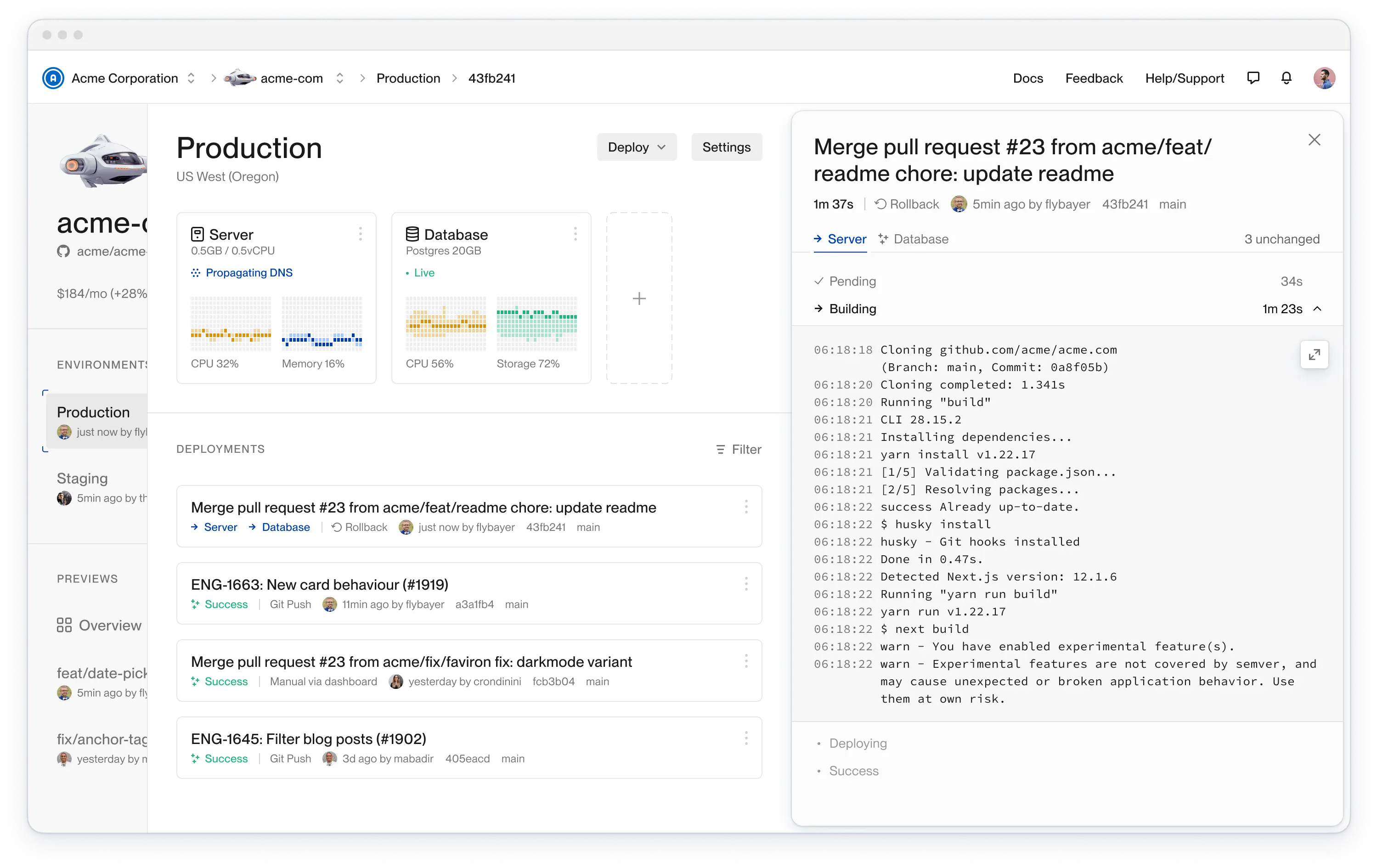
dashboard ui
This was impossible to build with Pages Router, but doable with App Router. Each layout persists, so navigation between sibling pages does not unmount and remount the parent layout.
Although you can’t nest pages, so it was awkward to build this UI. The environment UI has to be inside the environment `layout.tsx`, with the environment `page.tsx` only containing `return null`.
### Good: flexibility of loading states
When navigating to a new page with React Suspense, you can show a loading spinner on the old UI or the new UI depending on the desired user experience. This is a React feature and is now usable in Next.js because App Router supports it.
The traditional spinner on the new route is easily achieved with a `` boundary around it.
Spinner showing after navigation
The new possibility is using `React.useTransition()` on links to show a spinner in the old UI. Once the new UI is loaded, the UI switches instantly. The benefit is that the user can continue looking at useful information while the new page loads in the background.
Spinner showing before navigation
The resulting UX is nice, but the developer experience is clumsy.
```typescript
1import {useTransition} from "react"
2import Link from "next/link"
3import {useRouter} from "next/navigation"
4
5function NavLink() {
6 const [isPending, startTransition] = useTransition()
7 const router = useRouter()
8
9 return startTransition(() => router.push("/about"))}
12 >
13 About
14 {isPending && }
15
16}
```
Keep in mind that you still need `` around the page for showing the spinner on that page if the user navigates directly to it, for example from a browser bookmark.
### Good: DX of initial data loading on the server
React Server Components have proved useful mainly for the DX of initial data loading. We’re using the following pattern, where basically every page is a Server Component that loads data and passes that to a client component.
```typescript
1// page.tsx
2import {ProjectPage} from './ProjectPage'
3import {getProjectData} from '@/domain/project'
4
5export default async function Page() {
6 const projectData = await getProjectData(/*args*/)
7 return
8}
```
And then in the client component, we use TanStack Query for live data updates with polling. The initial data is passed to the `useQuery()` hook via the `initialData` option.
I expected to get better initial load performance since that was so highly marketed. But in reality, I can’t tell a difference between this and client side data loading.
At the end of the day, this DX may be slightly worse than just having `useQuery()` do the initial data fetch on the client. Because then you wouldn’t have to explicitly handle `initialData`
### Bad: have to add client side fetching for live UI updates
It seems like Server Components should be able to support the same stale-while-revalidate semantics as TanStack Query and also polling. But it doesn’t with Next.js.
You have to add client side data fetching for this. And we want this for almost everything in our UI. This results in a lot of duplication, as mentioned in the previous section about server-side data loading.
### Bad: server side errors easily swallowed or hidden
If something errors on the server and you haven’t added an `` in the proper spot, it will render the Suspense fallback instead and try to re-render that page on the client.
This results in errors being thrown and logged, but the UI appears to work fine. Overall, it’s very confusing and hard to trace.
### Bad: can’t implement route exit animations
We are using [Framer Motion](https://www.framer.com/motion/) for animations. It works great for route entry animations, but Next.js [is completely broken](https://github.com/vercel/next.js/issues/49279) when it comes to exit animations.
Framer Motion is doing its job, but Next.js does not persist the old layout id and kills the children too early.
### Bad: lack of routing type safety
Next.js has experimental built-in type safety but it has many limitations.
Fortunately, it’s not too hard to implement this in user land. In another post, I share [our full copy paste-able implementation for full routing type-safety](https://www.flightcontrol.dev/blog/fix-nextjs-routing-to-have-full-type-safety).
### Ugly: abysmal dev server performance
It’s a lot better now than it was nine months ago, but it’s still unacceptably slow.
As one of our engineers put it, “the dev server performance is so bad, I would give up all the good features in a heartbeat to avoid it. I would even switch to an alternative framework just to avoid the Next.js dev server. I’d even switch to a different language. That’s how much I hate using Next.js’ App Router.”
### Ugly: dev server memory leak
Every 20 minutes or so, you have to restart the dev server because it crashes. And before it crashes, it progressively gets slower and slower as you make more changes.
### Ugly: hard to trace errors
Many errors you encounter are super vague, with no traceable call stack. Leaving you to trial and error like binary search by deleting half your app at a time.
### Ugly: it was marketed as production-ready way too early
It took almost a year after it was called production-ready for it to really be usable in production. There were so, so many bugs and issues early on. It was absolutely miserable. Thankfully, many of those are now fixed, but the bitter taste remains.
### Ugly: overcomplicated and opaque
All of the above leads us to the conclusion that Next.js is overly complex and complicated. When something goes wrong, there’s no way to work out why or how to fix it.
We have certainly wasted a lot of company money wrestling with it.
### Update: we upgraded to Next.js 14.1.1 with minimal improvement
We finally managed to upgrade to Next.js 14. The dev server still crashes, but less often. And the dev server is still painfully slow.
## We’d go back and choose Remix if we could
Aside from much better dev performance I think Remix has a better architecture and abstraction. For example, with Remix the user owns the client and server entry points. But Next.js owns everything, preventing you from doing anything they don’t explicitly allow, unless you use npm patches, which we’ve had to consistently do.
Of course Remix has its own warts, but I consistently see Remix users incredulous at things we Next.js users have to deal with. Hopefully the Next.js ship can get turned around.
Long live React!
## The easiest way to use AWS. For agents and humans.
Get a Vercel-like experience in your own AWS account. You and your agents get one place to manage and monitor Terraform resources, builds, and deploys.
[Start free](https://app.ravion.com/signup)
[Book a demo](https://www.ravion.com/demo)
Free to start / No credit card / Revoke access anytime
---
## Fix Next.js routing to have full type-safety
Source: https://www.ravion.com/blog/fix-nextjs-routing-to-have-full-type-safety
# Fix Next.js routing to have full type-safety
By Brandon Bayer · Jan 16, 2024
Broken links, incorrectly formatted query strings, and missing route parameters are all easily solvable with a type system like Typescript.
Sadly, most modern routing solutions, including Next.js, don’t include this, leaving us sad and alone on a cold, dark night.
## Next.js has limited built-in type safety
Next.js has an opt-in experimental feature for [statically typed links](https://nextjs.org/docs/app/building-your-application/configuring/typescript#statically-typed-links). To enable this, turn on `experimental.typedRoutes` in your `next.config.js` like so:
```typescript
1/** @type {import('next').NextConfig} */
2const nextConfig = {
3 experimental: {
4 typedRoutes: true,
5 },
6}
7
8module.exports = nextConfig
```
Now Next.js will generate link definitions in `.next/types` that will override the default type of the `href`prop on the `` component.
```typescript
1import Link from 'next/link'
2
3// No TypeScript errors if href is a valid route
4
5
6// TypeScript error
7
```
This is a good start, but it has many limitations:
- no type validation of route or query string parameters
- no runtime validation of route or query string parameters
- no autocomplete for dynamic routes — very cumbersome in a large application with many dynamic routes
- no type validation at all when passing href as an object like `` (but I don’t think this even works anymore in app router)
- no type or runtime validation for `useParams()` and `useSearchParams`
- it couples the page reference to the route string — if you restructure your routes, you must also change all the links
## Ideal type-safe routing for Next.js
A fully featured type-safe routing system should support the following:
- static type validation of routes
- static type validation of route parameters
- static type validation of query string parameters
- runtime validation of route parameters
- runtime validation of query string parameters
- decouple route names from the route urls (this makes it easy to restructure urls without having to update links everywhere)
- type safe `useParams()` and `useSearchParams()`
- easily re-use route parameter types for Page props
To achieve both type and runtime validation, we’ll use the excellent [Zod](https://github.com/colinhacks/zod) library.
### Dynamic routes
We want a route definition interface that looks like this:
```typescript
1//routes.ts
2import {z} from 'zod'
3
4export const OrgParams = z.object({orgId: z.string()})
5
6export const Routes = {
7 home: makeRoute(({orgId}) => `/org/${orgId}`, OrgParams)
8}
```
And that can be used like this:
```typescript
1import Link from 'next/link'
2import {Routes} from '../../routes.ts'
3
4
```
### Static routes
That same interface will work for static routes:
```typescript
1//routes.ts
2import {z} from 'zod'
3
4export const Routes = {
5 about: makeRoute(() => `/about`, z.object({}) /* no params */)
6}
```
That can be used like this:
```typescript
1import Link from 'next/link'
2import {Routes} from '../../routes.ts'
3
4
```
### Query parameters
And that can be extended for query parameters like so:
```typescript
1//routes.ts
2import {z} from 'zod'
3
4export const SignupSearchParams = z.object({
5 invitationId: z.string().optional().nullable(),
6})
7
8export const Routes = {
9 signup: makeRoute(() => "/signup", z.object({}), SignupSearchParams),
10}
```
And that can be used like this:
```typescript
1import Link from 'next/link'
2import {Routes} from '../../routes.ts'
3
4
```
### useParams()
You can read the route parameters from the `Routes` object too. Fully type-safe and runtime-validated.
```typescript
1import {Routes} from '../../routes.ts'
2
3// type = {orgId: string}
4const params = Routes.home.useParams()
```
### useSearchParams()
You can even read the query parameters from `Routes`. Fully type-safe and runtime-validated.
```typescript
1import {Routes} from '../../routes.ts'
2
3// type = {invitationId: string}
4const searchParams = Routes.signup.useSearchParams()
```
### Page prop types
`Routes` also provides the page prop types:
```typescript
1import {Routes} from '../../routes.ts'
2
3type HomePageProps = {
4 params: typeof Routes.home.params
5}
6
7export default async function HomePage({
8 params: {organizationId},
9}: HomePageProps) {
10 // render stuff
11}
```
### Page prop runtime validation
And `Routes` let's you validate the page props
```typescript
1import {Routes} from '../../routes.ts'
2
3type HomePageProps = {
4 params: typeof Routes.home.params
5}
6
7export default async function HomePage({params}: HomePageProps) {
8 const safeParams = Routes.home.parse(params)
9
10 // render stuff
11}
```
## The `makeRoute()` utility
Here’s the only utility code you need to accomplish the above.
```bash
1npm install zod query-string
```
```typescript
1import {z} from 'zod'
2import {useParams as useNextParams, useSearchParams as useNextSearchParams} from "next/navigation"
3import queryString from "query-string"
4
5export const OrgParams = z.object({orgId: z.string()})
6
7export const Routes = {
8 home: makeRoute(({orgId}) => `/org/${orgId}`, OrgParams)
9}
10
11type RouteBuilder = {
12 (p?: z.input, options?: {search?: z.input}): string
13 parse: (input: z.input) => z.output
14 useParams: () => z.output
15 useSearchParams: () => z.output
16 params: z.output
17}
18
19const empty: z.ZodSchema = z.object({})
20
21function makeRoute(
22 fn: (p: z.input) => string,
23 paramsSchema: Params = empty as Params,
24 search: Search = empty as Search,
25): RouteBuilder {
26 const routeBuilder: RouteBuilder = (params, options) => {
27 const baseUrl = fn(params)
28 const searchString = options?.search && queryString.stringify(options.search)
29 return [baseUrl, searchString ? `?${searchString}` : ""].join("")
30 }
31
32 routeBuilder.parse = function parse(args: z.input): z.output {
33 const res = paramsSchema.safeParse(args)
34 if (!res.success) {
35 const routeName =
36 Object.entries(Routes).find(([, route]) => (route as unknown) === routeBuilder)?.[0] ||
37 "(unknown route)"
38 throw new Error(`Invalid route params for route ${routeName}: ${res.error.message}`)
39 }
40 return res.data
41 }
42
43 routeBuilder.useParams = function useParams(): z.output {
44 const res = paramsSchema.safeParse(useNextParams())
45 if (!res.success) {
46 const routeName =
47 Object.entries(Routes).find(([, route]) => (route as unknown) === routeBuilder)?.[0] ||
48 "(unknown route)"
49 throw new Error(`Invalid route params for route ${routeName}: ${res.error.message}`)
50 }
51 return res.data
52 }
53
54 routeBuilder.useSearchParams = function useSearchParams(): z.output {
55 const res = search.safeParse(convertURLSearchParamsToObject(useNextSearchParams()))
56 if (!res.success) {
57 const routeName =
58 Object.entries(Routes).find(([, route]) => (route as unknown) === routeBuilder)?.[0] ||
59 "(unknown route)"
60 throw new Error(`Invalid search params for route ${routeName}: ${res.error.message}`)
61 }
62 return res.data
63 }
64
65
66 // set the type
67 routeBuilder.params = undefined as z.output
68 // set the runtime getter
69 Object.defineProperty(routeBuilder, "params", {
70 get() {
71 throw new Error(
72 "Routes.[route].params is only for type usage, not runtime. Use it like `typeof Routes.[routes].params`",
73 )
74 },
75 })
76
77 return routeBuilder
78}
79
80export function convertURLSearchParamsToObject(
81 params: ReadonlyURLSearchParams | null,
82): Record {
83 if (!params) {
84 return {}
85 }
86
87 const obj: Record = {}
88 for (const [key, value] of params.entries()) {
89 if (params.getAll(key).length > 1) {
90 obj[key] = params.getAll(key)
91 } else {
92 obj[key] = value
93 }
94 }
95 return obj
96}
```
### Bonus for number and boolean query strings
Search query parameters are always typed as strings in the browser, so for numbers and booleans you’ll need to use zod's `coerce` feature like this:
```typescript
1export const LogsSearchParams = z.object({
2 logsId: z.coerce.number()
3 fullscreen: z.coerce.boolean().default(false),
4})
```
## The easiest way to use AWS. For agents and humans.
Get a Vercel-like experience in your own AWS account. You and your agents get one place to manage and monitor Terraform resources, builds, and deploys.
[Start free](https://app.ravion.com/signup)
[Book a demo](https://www.ravion.com/demo)
Free to start / No credit card / Revoke access anytime
---
## Why We Decided to Raise Venture Capital
Source: https://www.ravion.com/blog/why-we-decided-to-raise-venture-capital
# Why We Decided to Raise Venture Capital
By Brandon Bayer · Jan 16, 2024
Why did I, a natural born indiehacker bootstrapper, become an apostate by deciding to do the very thing bootstrappers rally against?
Good question.
I grew up in the business world around indiehackers and bootstrappers, reading books like [Getting Real](https://basecamp.com/books/getting-real), listening to podcasts like [Startups for the Rest of Us](https://www.startupsfortherestofus.com/) and going to conferences like [Microconf](https://microconf.com/). I learned all the benefits of bootstrapping and all the problems of raising venture capital.
But I also learned the limitations of bootstrapping.
As every software engineer eventually learns, everything has tradeoffs. The majority of options are not objectively better or worse in every situation. The best option in a situation is often highly situation dependent.
Anyone sufficiently seasoned cannot, with a straight face, declare that either bootstrapping or raising capital is always better than the other.
When starting a new business, I think your default should be to bootstrap it. It is easy to get caught up in the glory that seems to befall VC funded startups. But raising a funding round in and of itself is not an indicator of success.
Raising a funding round is simply one of the many tools in the entrepreneur's tool belt.
Our default when starting Flightcontrol in 2021 was to bootstrap it. I never expected to raise investment. I didn't lay in bed at night dreaming about being on the front page of TechCrunch. Instead, I worried about how we would actually bootstrap it and how long it would take before it provided even a modest income.
Prior to starting Flightcontrol, I had already bootstrapped Blitz.js from zero to tens of thousands of users all around the world. I had invested over $200,000 of my own time into Blitz. On average, I worked 20 hours per week for consulting clients and 30 hours on Blitz. I didn't grow up rich and my highest salary job before I quit to do consulting was only paying $85k per year. And my wife at the time had chronic health issues that were expensive and prevented her from working. So I had zero cash stores to lean on.
And then, on top of that, we were setting out to build a developer-first infrastructure platform. At that point, we basically had not one but two ambitious products, Blitz.js and Flightcontrol (a year later, in 2022, we put Blitz into maintenance mode).
Hopefully now it's becoming more clear why we started considering venture capital.
On top of the financial aspect, we want to build a legacy. A decade-defining company with incredible impact. We explicitly want to build a massive business rather than a tiny one. We want to build a really awesome company that provides a ton of fulfillment for many employees and customers. We want to make radical inventions that significantly improve the lives of developers and make cloud infrastructure more accessible to more people. After carefully considering our financial and hiring needs and our business goals, raising venture capital became a clear choice.
So what is it like to raise venture capital? Did investors force us to sell our soul?
Going through the fundraising process was overwhelmingly positive for us, even if we hadn't successfully closed that first round in 2021. It has forced us to sharpen our vision and hone our business plan. Talking to investors forces you to face really important things that are easy to ignore as an independent bootstrapper, like exactly how to prevent competitive arbitrage over the long term. Our path to success is now much more clear.
There's a stigma that VC funded companies are "crazy", "not calm", etc. While there are certainly many cases that validate the stigma, in reality, it's not the VC funding that makes for a bad work environment. A bad work environment is caused by the founders and leadership, regardless of whether they have investors or not. The experience of our employees is our number one priority. We care deeply about having a stress-free, fulfilling work environment. People do their best work when they enjoy their work and are in a thriving environment.
Raising capital reduced our stress as founders. All our expenses are fully covered, so we don't have to stress about paying bills or draining our savings. It allows us to hire amazing people and pay them a great salary. Sustainability is one of our core values, and paying everyone a good wage is one aspect of that.
Additionally, raising capital enables you to attempt to short circuit the infamous "long, slow SaaS ramp of death" that plagues new SaaS companies. Investment capital may allow you to compress time and achieve escape velocity in a fraction of the normal time. But the initial growth ramp to product-market fit is still incredibly difficult. Many venture funded companies can take as long to reach product-market fit as bootstrapped companies. But at least you are getting paid during that time!
We were also fortunate to have many industry leaders join as angel investors. This has given us surprising access to world-class people who are available as advisors and promoters. People who have already "been there and done that" in high-stakes situations can help us not repeat their mistakes. I highly encourage every bootstrapped founder to consider raising an angel round for this benefit!
At the end of the day, building any software business large enough to financially support one or more people is incredibly difficult. And investment capital is one of the tools you have available on the journey. For us, it’s absolutely been the right choice.
## The easiest way to use AWS. For agents and humans.
Get a Vercel-like experience in your own AWS account. You and your agents get one place to manage and monitor Terraform resources, builds, and deploys.
[Start free](https://app.ravion.com/signup)
[Book a demo](https://www.ravion.com/demo)
Free to start / No credit card / Revoke access anytime
---
## 9 ways to improve how you ship software
Source: https://www.ravion.com/blog/9-ways-to-improve-how-you-ship-software
# 9 ways to improve how you ship software
By Brandon Bayer · Jan 5, 2024
10x developers are real, and there’s more than one way to be a 10x developer.
Perhaps the most approachable is to make 10 other people 10% more productive.
In this article, I cover things to improve your individual and team productivity. This is valuable to your company, so it will likely help level up your career.
First, we’ll cover 7 principles and then 9 tactics.
## 7 principles for shipping software
### 1\. Speed
Let’s face it. As developers, we are speed junkies. If we find a tool that’s 10 ms faster, we’re inclined to immediately rewrite our entire application.
But when it comes to how often we deploy our code, we tend to be much more cautious. We’d rather deploy tomorrow or next week, so we don’t have to stay late today to fix whatever problems might happen.

Like Charity says, it is a deep seated biological impulse to slow down when we feel cautious. For humans, slow is safety.
But software physics is different. It's more like riding a bicycle. The slower you go, the more dangerously you wobble.
### Speed is safety. Small is speed.
When it comes to deploys **speed is safety, and small is speed**.
The speed of shipping has massive compounding effects. If your deploy takes hours, you’re going to want to make damn sure there are no bugs, because if you find a critical bug right after a deploy goes live, then you have to wait another couple hours for your fix to go live.
We must aim for speed in every part of the software lifecycle.
- Fast feedback loops
- Fast builds
- Fast tests
- Fast deploys
- Fast fixes
- Fast rollbacks
### 2\. Reliability
The second principle is reliability. Our systems must be dependable.
Flaky CI/CD issues have to be one of the worst possible things in the universe.
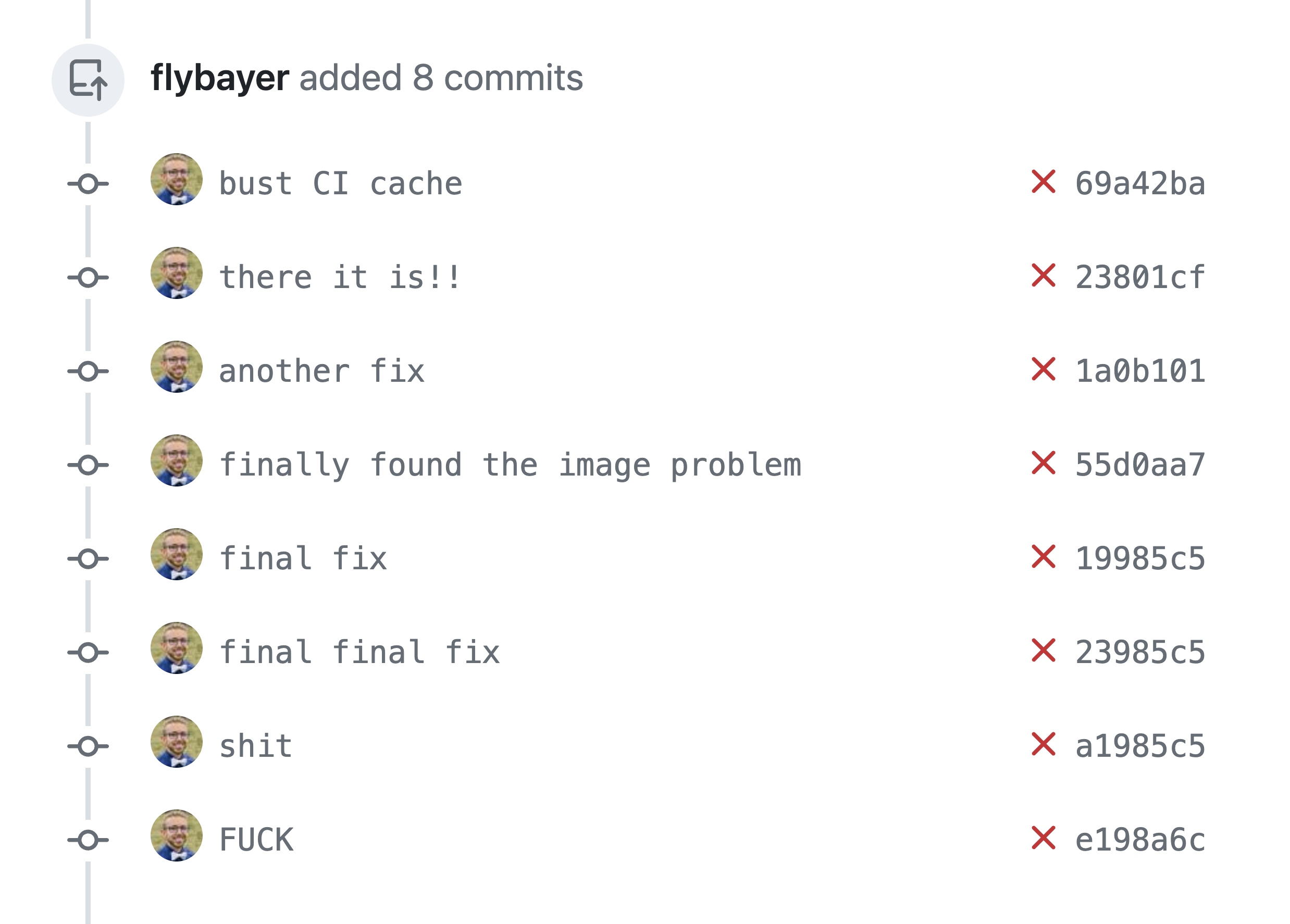
We must avoid flakiness at all costs.
### 3\. Reproducibility
In order to build and maintain complex systems, we need to know that if we do X, we get Y every time. If one time you do X, you get Y, but another time you get Z, you will lose confidence in your systems.
Basically, we want to use scripts and code to control everything we do instead of manual clicking, manual commands, etc.
### 4\. Calm on-call rotations
Somewhat self-explanatory, no one wants to dread on-call rotations. If they are hectic, it will degrade morale and cause all sorts of issues. So it’s something we should explicitly prioritize. It can serve as a backstop of sorts to make sure what we’re doing is truly working well.
### 5\. Easy to debug
Everyone causes bugs. Even seniors. Even when you have tests. Even when you have 100% test coverage. You will ship bugs to production.
So you must be prepared to fix production bugs. This is an area where speed is important. And as part of that, it must be easy to debug.
If it’s hard to debug and slow to deploy fixes, it’s going to slow you down because you are going to add lengthy QA processes, and before you know it, you’ll be deploying code only once every few weeks.
But even with lots of QA, you’ll still have production bugs. Production is the only tried-and-true way to find all the bugs.
Our systems must be easy to debug.
### 6\. Self-serve infrastructure and deployments
In the old way of doing infrastructure and code deployments you had two separate teams. Devs and Ops. If devs needed a new database, they filed a ticket with ops. If they need a new service, file a ticket with ops. Need to deploy your code? File a ticket with ops.
Naturally, this has several problems:
- Devs are often blocked, waiting on ops to get to some ticket.
- Devs aren’t monitoring infrastructure, and likely won’t get feedback on whether their code is fast or slow, efficient or inefficient.
- The whole organization is slowed down.
We, as an industry, figured out it’s much better for devs to deploy and run their own code. This is more efficient, with fewer blockages and less communication overhead, and devs get more feedback from the real world on how their code is performing.
### 7\. Ship on Fridays

Healthy engineering organizations deploy multiple times per day, including on Friday!
If you are afraid to deploy on Friday, it’s likely from one or more of the following:
- You don’t have reliable deploys.
- You have slow deploys.
- You don’t have good monitoring and alerting.
- Your app is hard to debug.
- You don’t have tests.
Those are all things you must fix.
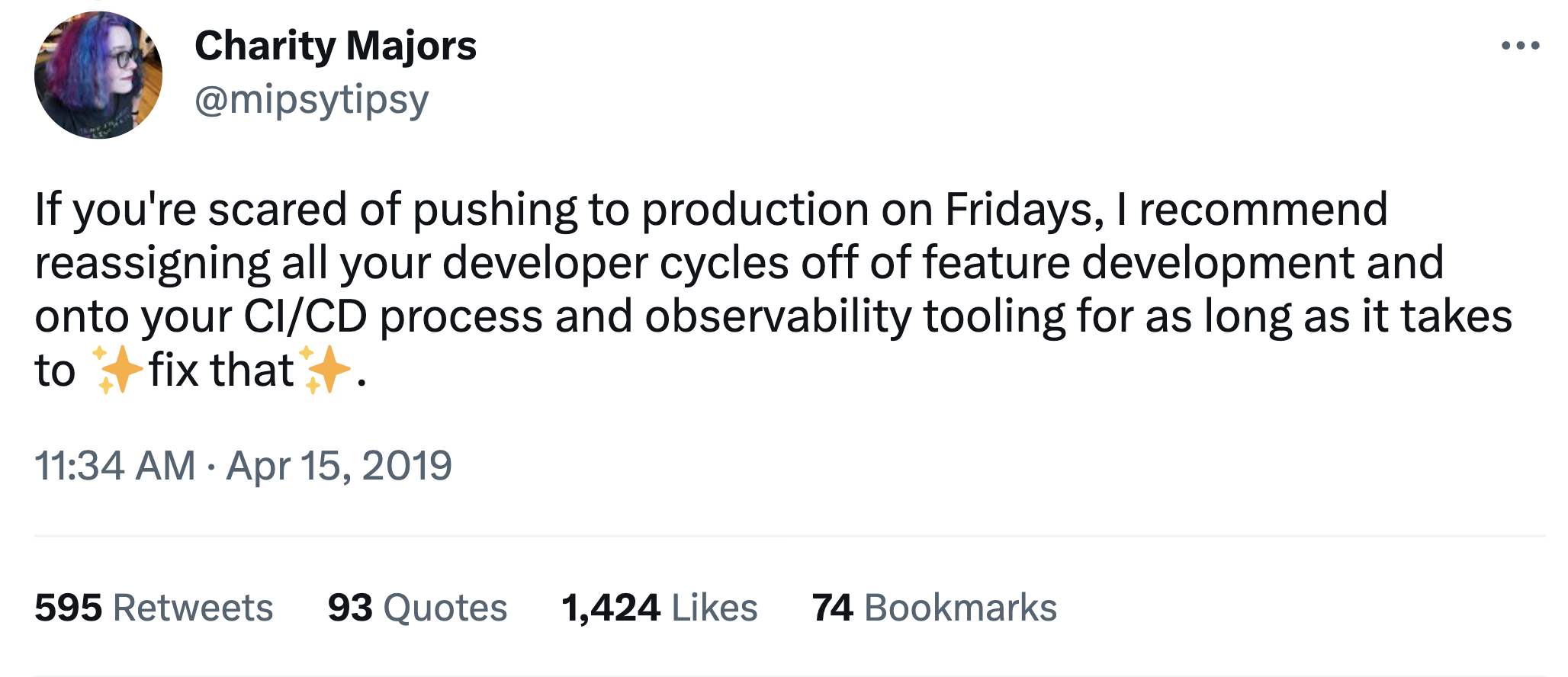
## 9 tactics to improve how you ship software
With the above principles in place, let’s look at 9 specific tactics to implement them in practice.
### 1\. Decouple deploys from releases
Deploying software is a terrible, horrible, no good, very bad way to go about the process of changing user-facing code.
Fundamentally, there are two possible actions for changing code in production: deploys and releases.
_Releasing_ refers to the process of changing the user experience in a meaningful way.
_Deploying_ refers to the process of building, testing, and rolling out changes to your production software.
The traditional process is that you change the code on a branch, and when it’s ready, you merge and deploy it. Once it’s deployed, users will see the new code.
But today’s modern engineering organizations use feature flags.
What is a feature flag?
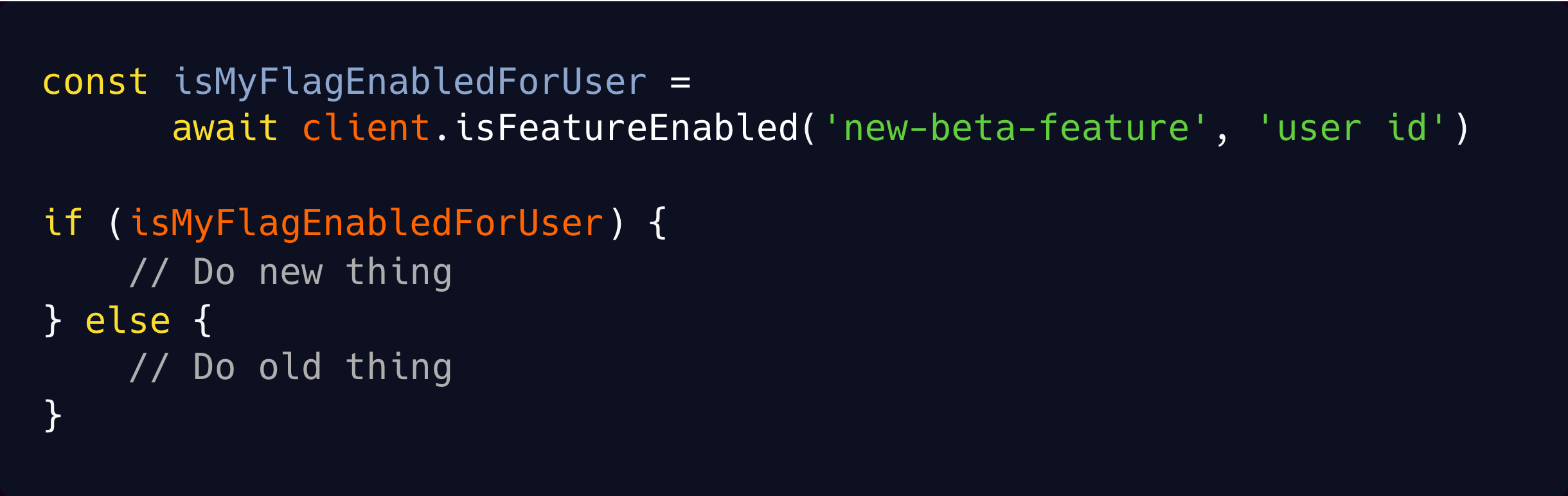
It allows you to write new code alongside the old code, and then, based on a runtime feature flag, your app decides whether to run the old or new code.
This is huge! Remember how speed is one of the key principles? Separating deploys from releases speeds up both. It speeds up deploys because engineers can deploy their code as soon as it’s ready without waiting for product management to be ready to release it. And it speeds up releases because now you can release a feature instantly. And rollback a feature instantly. Without needing a deploy. Product managers can do releases on their own schedule.
Furthermore, it unlocks advanced methods like progressive rollout, where you enable the feature flag for a percentage of your users. You could start out with 5% of users. If everything is working, then increase to 10%, 20%, etc. This is the best way to roll out changes at scale because if there are problems, only a subset of your users will experience them instead of all.
And feature flags are superior to long-lived feature branches for development flow. You have fewer merge conflicts, less stale code, more team momentum, better team morale, and more flexibility for testing things with real users.
I encourage you to introduce this idea at work. And next time someone has a long-lived feature branch instead of a feature flag, use this:

### 2\. Continuous deployment (CD)
Deployments are the heartbeat of your engineering organization. And like a human heart, you want a steady rhythm of simple heartbeats. And with this steady rhythm of deployments, you get momentum. And momentum is life for organizations.
Along with momentum, you get efficiency, being able to deliver code to production as quickly as possible after it’s written.
You want to deploy as often as possible, like multiple times per day. Every commit should be deployed. Small, understandable changes mean you have debuggable and understandable deploys. The engineer who writes the code should merge their own PR and then monitor production for any unexpected issues.
Feature flags are basically a prerequisite for this because they allow your team to ship small changes continuously instead of having long-lived feature branches.
### 3\. Set up alerts
Make sure you set up alert notifications for the following anomalies:
- Failed builds
- Failed deploys
- Service downtime
- Unhealthy servers
- Unexpected errors
- Unusual amount of traffic
- Statuses of third-party services (many have a status page that you can subscribe to in Slack)
The benefit is relatively obvious, but it does take at least a bit of effort to set them up, so this is something many teams can do as a quick win.
And if you already have alerts, you should audit them:
- Are they useful?
- Are you getting too many false alerts so that you ignore them?
- Are there things you should add new alerts for?
### 4\. Optimize deploy speed — 15 minutes or bust
Your target for a happy team is 15 minute deploys or less. Of course, we want them to be as fast as possible, but the neighborhood of 15 minutes is the baseline target. Significantly longer than this is significantly painful. But significantly faster than this could take more work than it’s worth, depending on your circumstances.
There are a number of ways to improve your speed of deploys.
### a. Track and measure your current deploy times
You want to understand your starting point and which parts of the process are taking a long time. That’s where you want to focus initially.
### b. Speed up dependency installation
Dependency installation is often time consuming, so it can be a good first step.
**Switch to a faster package manager.**
If using javascript, switch to pnpm. It’s a drop-in replacement for npm and yarn that has significant performance and caching improvements.
**Cache the entire install step.**
Use your build system to cache this entire step, so this step doesn’t even run if your dependencies haven’t changed.
Example with Docker:
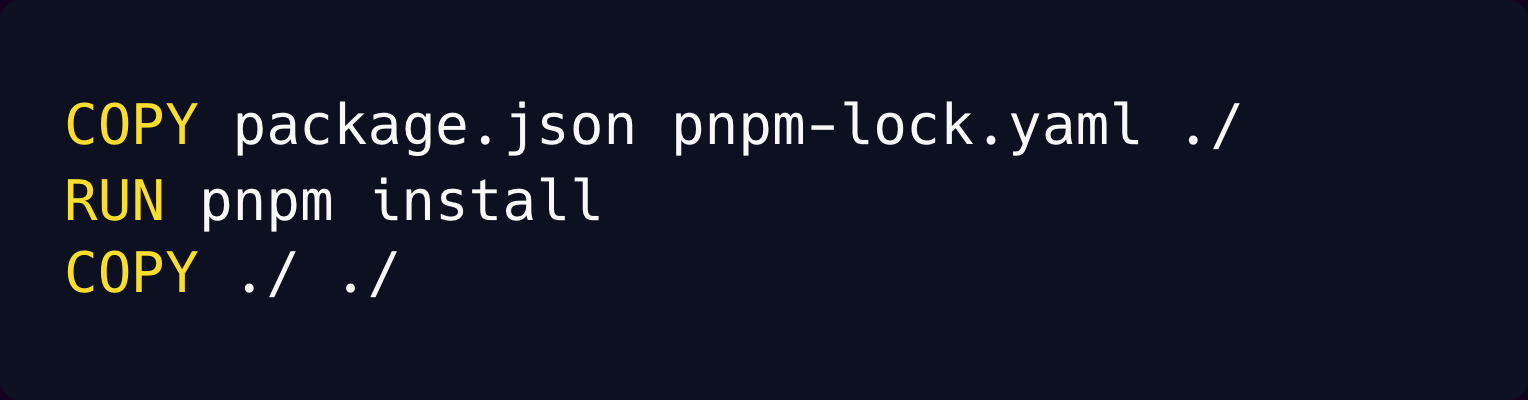
Example with [Nixpacks](https://nixpacks.com/):
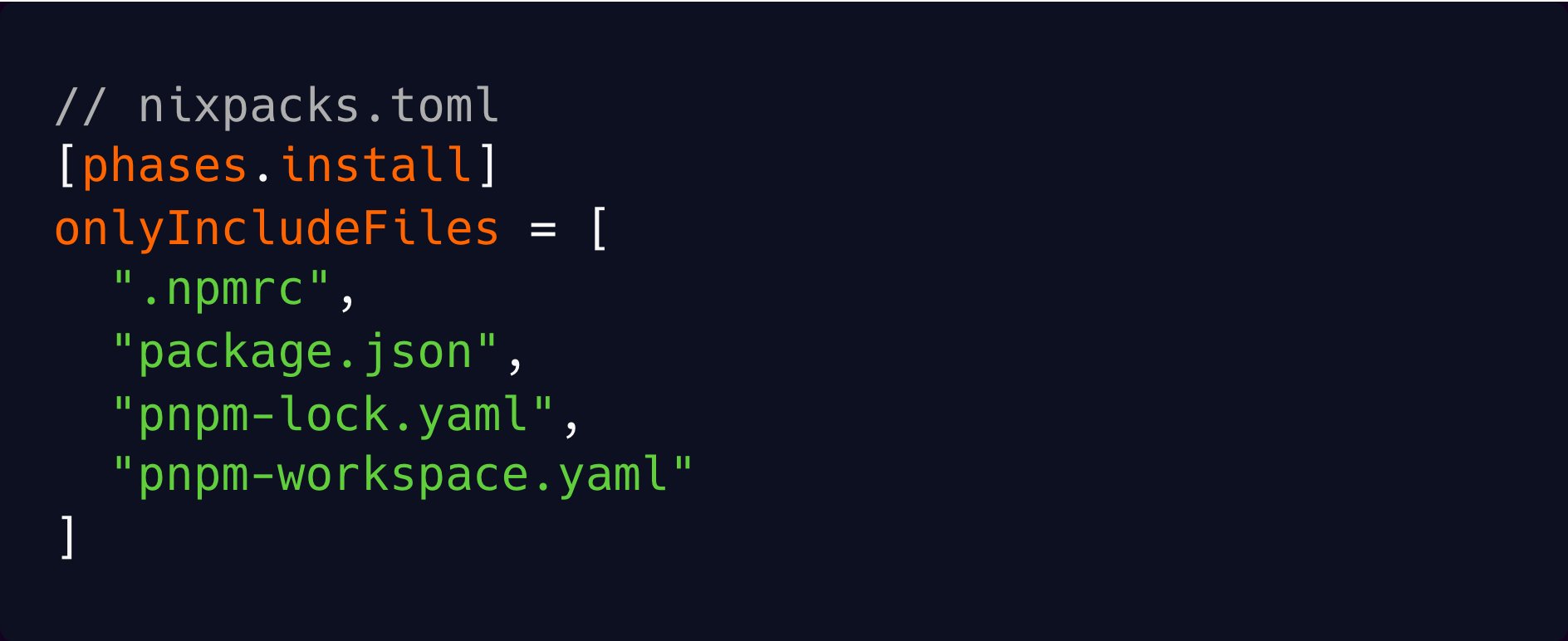
### c. Improve your build speed
The main way to improve your build speed is to switch to a faster bundler.
For example if you are using create-react-app which uses webpack, you can **switch to Vite** which is way faster.
**If using Next.js**, upgrade to the latest and make sure you don’t have a `.babelrc` file; this will use SWC instead of babel which is a lot faster.
If you like living on the edge, you can try Turbopack by passing the `--turbo` flag to the `next` commands, but it’s still experimental and doesn’t work for all setups.
### d. Set up build caching
If you are using Docker, there are several ways to improve caching:
- Optimize your build layers.
- Use multi-stage builds.
- Set up remote caching.
When building locally, Docker caches by default and is fast, but in CI you usually don't have a permanent machine. You have to manually set up remote caching. Refer to [the Docker documentation](https://docs.docker.com/build/cache/) for more information.
### e. Globally cache everything
If you want to really live with your hair on fire, in a good or maybe bad way, there is another style of caching that can give you big wins, as long as you have a javascript project.
This caching style works by having a single shared cache between your entire team **and** also CI.
This means if you build a commit locally and then push that commit to CI, the CI build will download the previous cached build from your local machine and be done in mere seconds. Or if someone else on your team already built a commit, and then you run the build locally, it will again download the cache and be done in mere seconds instead of building from scratch again.
You might be thinking, “ok Brandon that’s cool and all, but usually we’re changing code so it won’t be cached”. But the trick is that this caching works on a **package** level, so assuming you have a monorepo, you are likely only working in one package at a time. So this enables you to iterate faster and not have to build things you aren’t working on.
There are two tools that do this: [NX](https://nx.dev/) and [Turborepo](https://turbo.build/repo).
There is a gotcha. You must be careful with how you handle environment variables. I’ve seen numerous people have production issues because a dev ran the production build locally but with dev or staging environment variables. And then CI uses the cached build with incorrect environment variables. Make sure you set up different commands for dev, staging, and production.
### 5\. Replace staging with preview environments
Preview environments are temporary environments, tied to the lifecycle of a pull request. When you open a pull request, infrastructure can be automatically provisioned for that PR.
This enables stakeholders to see the changes in a production-like environment before it’s merged. And then, when the pull request is merged or closed, its environment will be automatically cleaned up.
Preview environments are a better replacement for long-lived staging environments. Because staging is running all the time, whether it needs to or not. And you have to merge a PR before anyone can verify the change.
Preview environments are a companion to feature flags. Larger changes should use feature flags and will have many PRs for that feature. But small changes are easier to review in a preview environment instead of going through the hassle of managing a feature flag for them.
### 6\. Infrastructure-as-code
Hopefully, you have automated deployments, but you might not have automated infrastructure. Without infrastructure-as-code (IaC), you typically define your infrastructure config by clicking through a dashboard.
Bringing automation to your infrastructure config in the form of infrastructure-as-code has a huge number of benefits, including:
- Repeatability or reproducibility
- Consistency and standardization
- Predictability
- Version controlled
- Collaboration and review
IaC can take many forms. If using AWS, it can be low level like CloudFormation or Terraform. Or it can be at a higher level of abstraction, designed for product developers. Examples are Flightcontrol’s `flightcontrol.json` or Render’s `render.yaml`.
### 7\. Platform Engineering
Platform engineering might be a new term for you, so let me give you the back story that got us to this point.
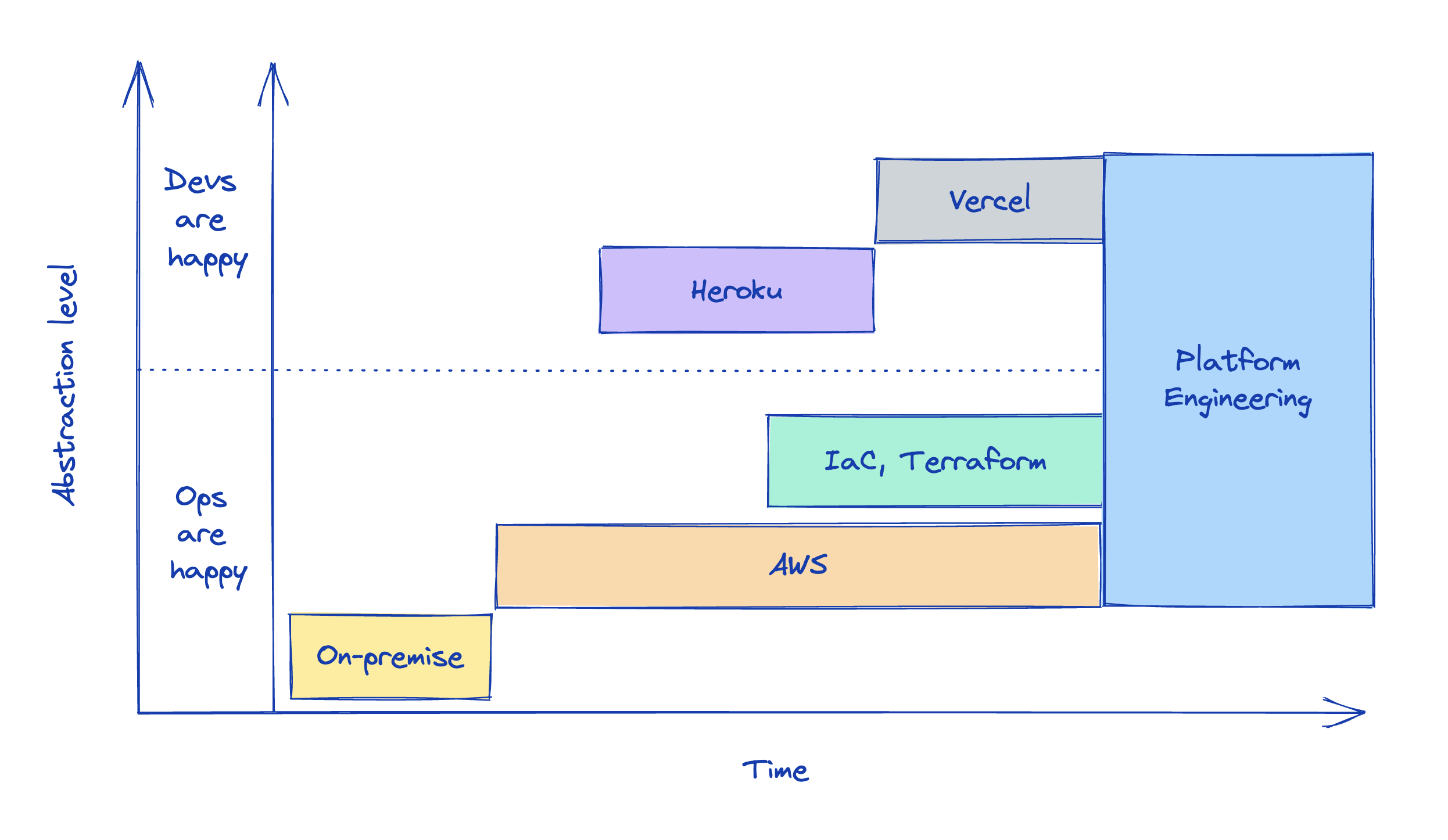
Back in the old days, you had to rack your own servers in a data center. The abstraction level of infrastructure was extremely low. Then came AWS which introduced the cloud and raised the abstraction level. But it was still too low for the average developer.
This led to the creation of Heroku, to the glee of developers all around the world. But that excitement was not to last because ops were not happy. It turns out abstractions like Heroku do not scale for large companies. So ops take over and create a new abstraction over AWS, infrastructure as code and Terraform. This works well, but it’s still too tedious for developers.
Additionally, company leadership wants to increase operational efficiency, and one way to do that is to provide devs with self-serve infrastructure, so we, as an industry, started creating internal platforms that provide a better developer experience. Through this, we found a way for both ops and devs to be mostly happy. This has come to be known as platform engineering.
Now many larger companies are building an internal platform, sometimes known as an internal developer platform. This platform can look more like an internal Heroku or more like plain Terraform.
Either way, the three key concepts are:
1. Deploys to your own AWS/GCP account
2. Self-serve infrastructure with good developer experience
3. Ops can dictate and customize the underlying primitives.
There are [many tools](https://platformengineering.org/platform-tooling) in the space, one of which is [Flightcontrol](https://www.flightcontrol.dev/).
### 8\. Work as a team
Back in the beginning of Flightcontrol, it was only my cofounder and me. We had a clear separation of duties aligned with our skillsets. He did all the backend/infra stuff, and I did all the web app and frontend things. It worked great!
But then we started hiring more engineers. We initially kept the same work model where each person was off working on their own project or feature.
It started to feel like something wasn’t right.
We weren’t benefiting from collaboration. Since each person was working mostly alone, we weren’t benefiting from others’ expertise on everything from architecture design to code quality.
We would review each other’s code, but since no one else had the full context of the project, they were only able to give superficial reviews. LGTM!
Then, somewhere during this time, I ran across a [few](https://swizec.com/blog/reader-question-so-about-that-perfect-burndown-chart/) [blog](https://swizec.com/blog/reader-question-what-do-collaborative-teams-look-like/) [posts](https://swizec.com/blog/scaling-teams-is-a-technical-challenge/) by Swizec Teller, talking about how most teams don’t actually work as a team, and if you actually work as a team, you can be way more effective.
When we first started working as a team instead of a group of soloists, every story felt like a million gerbils running through my brain.
We moved faster. We got more done. We kept everyone in the loop. Shared more ideas. Found more edge cases. Created fewer bugs. And heard more opinions.
I read this, and my heart was saying, YES YES, but my mind was saying, I don’t understand!
As a team, we decided to fundamentally shift how we worked. We’d no longer have multiple projects in progress at the same time. Instead, we’d have one project, and the entire team would work on it together from start to finish.
Initially, it was scary, awkward, and felt like it wouldn’t work smoothly. And it was rough for a couple months until we got things ironed out. But now it’s many months later, and we can’t imagine working any other way.
We can emphatically say that teams should work as a team. Everything has improved. We ship better features, have fewer bugs, and cover more edge cases. Job satisfaction and team morale increased. Because now they get true collaboration, not a “hi” as you pass them in the slack channel.
How does this work?
- Small team (2-6 people, 4 is ideal)
- Entire team works on 1 project at a time, together.
- Kickoff meeting (deep discussions on how to build)
- Break project into small tasks (usually in kickoff)
- Work on subtasks in parallel.
- Small PRs, at least 1 per day.
- Quick reviews. I.e. don’t be a blocker.
- Unblock yourself; merge your own safe PR if no one is available to review and you are blocked.
### 9\. Trunk based development
The next level of team productivity is to get rid of pull requests and commit straight to the main branch.
I’m serious.
It’s called trunk based development. If this is a new concept to you, I know you’re thinking this is impossible; there is no way this can work. Even if you’ve heard of this concept before, you are probably thinking, “I have no idea how this could work”.
Think of it like a cafeteria. Your tray is the main branch. When the burger is done, it goes on the tray. When the fries are ready, they go on the tray. When the milk shake is poured, it goes on the tray. Once the tray is full, you’re done.
That's how trunk-based development works. Every feature goes straight to main when it's ready. Whether subtasks or an entire project, it doesn’t matter because they're all working, independent, and deployable.
If committing straight to main is too radical for you, then do the next best thing, which is short-lived branches.
And by short-lived branches, I mean, **short** lived branches.
You want to be as close as possible to pure trunk-based development as possible.
PRs shouldn’t last more than about a day. For a project, you should have many short PRs that are quick for others to review and easy to merge.
That’s how you get momentum.
## Conclusion
We’ve covered seven principles and nine tactics for improving how you ship software.
What do you think of these? Have things to add or take away?
## The easiest way to use AWS. For agents and humans.
Get a Vercel-like experience in your own AWS account. You and your agents get one place to manage and monitor Terraform resources, builds, and deploys.
[Start free](https://app.ravion.com/signup)
[Book a demo](https://www.ravion.com/demo)
Free to start / No credit card / Revoke access anytime